I like to buy them for GJN. Some unique camos look really great. But lately, very often, they don’t seem to load into the game map. Despite I selected a market place camo, my vehicle shows up in generic paintjobs.
Is there something I miss? A new option which disables those? Where are my GJN camos?
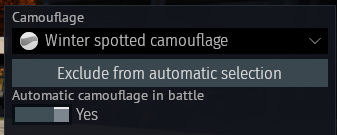
If you have automatic selection on, you need to exclude from selection all the other camoes on that vehicle you don’t want to see.
Also you cannot disable the first (default) camo you get out of the auto-select list, so if you have auto selection on, you will still only get a 50% chance of getting your chosen camo if automatic selection is on if it shares a common environment with the default.
So if you want to see the purchased camo all the time, set “automatic camouflage in battle” to NO. This has the downside that it will show in ALL environments though.
Its not what I was referring to. Maybe I should try to do screenshots.
Its like you select your special market place camo in the Hangar screen or directly before the match starts. But instead your fancy market place paintjob, you and others just see the generic one. Despite the spawn menu shows you clearly that the market place paintjob is active and selected.
Its a bit pointless, you buy these for GJN and then they somehow don’t properly load into live matches.
If you have those settings correctly and are correctly choosing the skin then that sounds like a bug. You can bug report it here: Gaijin.net // Issues (just search a bit first so that you don’t report something that is already reported and known about)
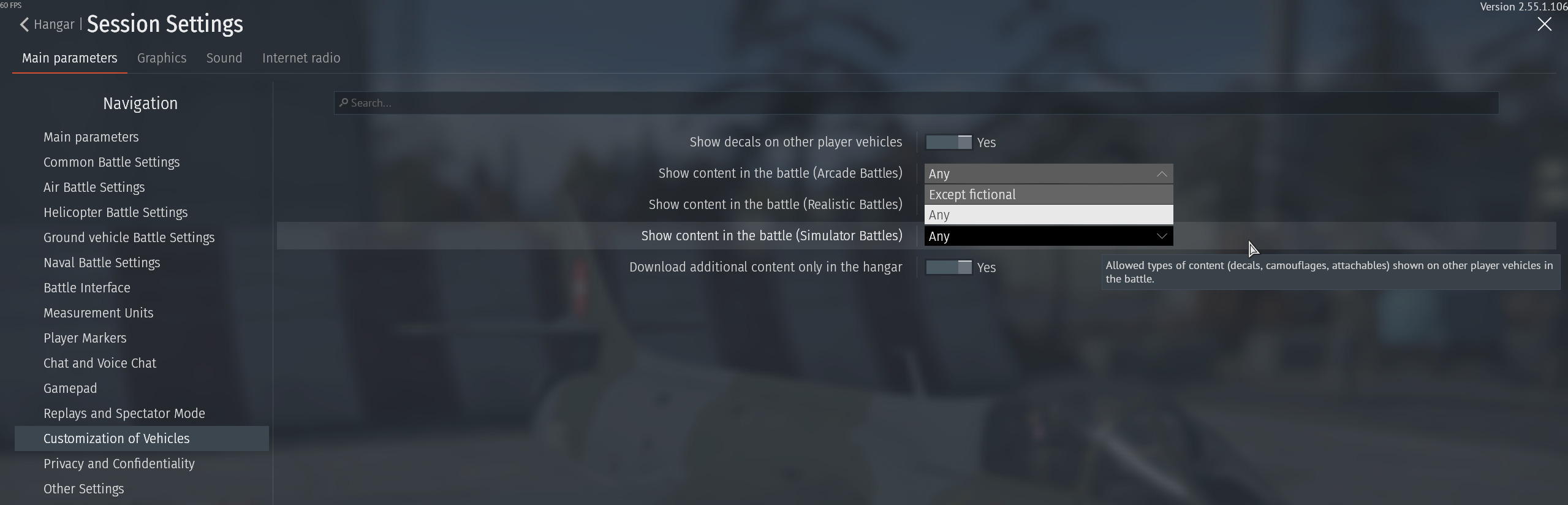
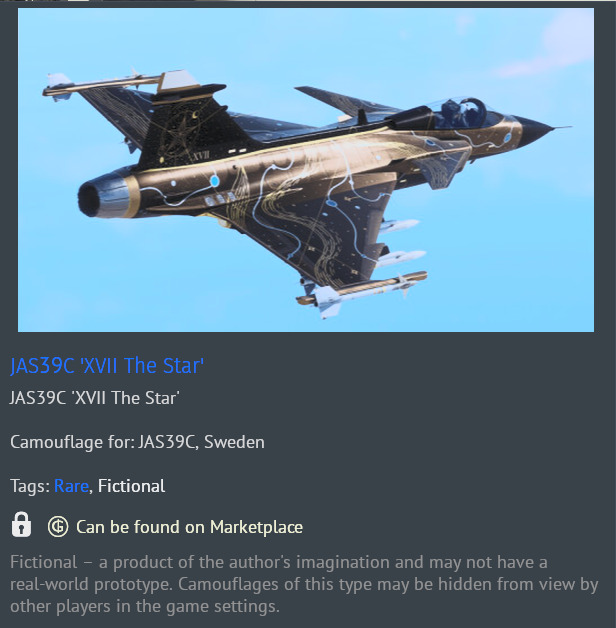
Can you identify a specific camo that this is occurring for you to? I’m assuming you already know that most people’s settings do not show camoes that have the “fictional” attribute and do not download new camoes outside the hangar, so that they likely won’t show up unless they take the time to change both those settings.
I checked this setting. I have “except fictional” selected. And the ceckbox to download camos just in hangar.
Since my own camos seem to be affected (for myself), I’d assume there is an issue with temporary content folder? Cause once I got this downloaded and its in my temp folder, I should always see this camo on my own screen. Since its not always the case (just sometimes), I guess it could be an issue with my temporary gamefiles?
Is there possibly a checkbox to delete them once you end your current session?
@Bruce_R1
I only buy historical camos. Sometimes semi-historical. But never fictional ones. I guess thats not the reason. As I wrote above…I assume something around the issue that paintjobs aren’t permanently saved after download. Cause when I select them in the hangar, I see the dowload bar at the bottom. Then the hangar vehicle shows up with that new camo. But when I play couple of days later I might suddenly notice that my ingame vehicle shows up in generic colors instead of whats selected.
Another issue could be that a lot of camoes and decals are only added by the client after it runs again for the first time after a patch. The patching process seems to clean out whatever is in the cosmetics cache, and if a decal or camo was changed without being completely removed in code, you can see the earlier unfixed version, which lasts until the second time you start the client after an update.
It confused me for a long time about how camoes and decals would look different the first time I fired up the game after an update and then would go back to their “correct” updated look the second time I turned on the game after an update, but it’s an observable issue with the game.
This might be the cause. It takes a while to play a certain vehicle with a certain camo again. There are alot patch cycles in between and when I finally play the veicle again, everything might have been purged and need to be downloaded again (in the hangar…).
First thing I’ll do is to disable the “load in hangar checkbox”. I have several hundret Mbits, so ingame DLs schouldn’t hopefully be that impairing.