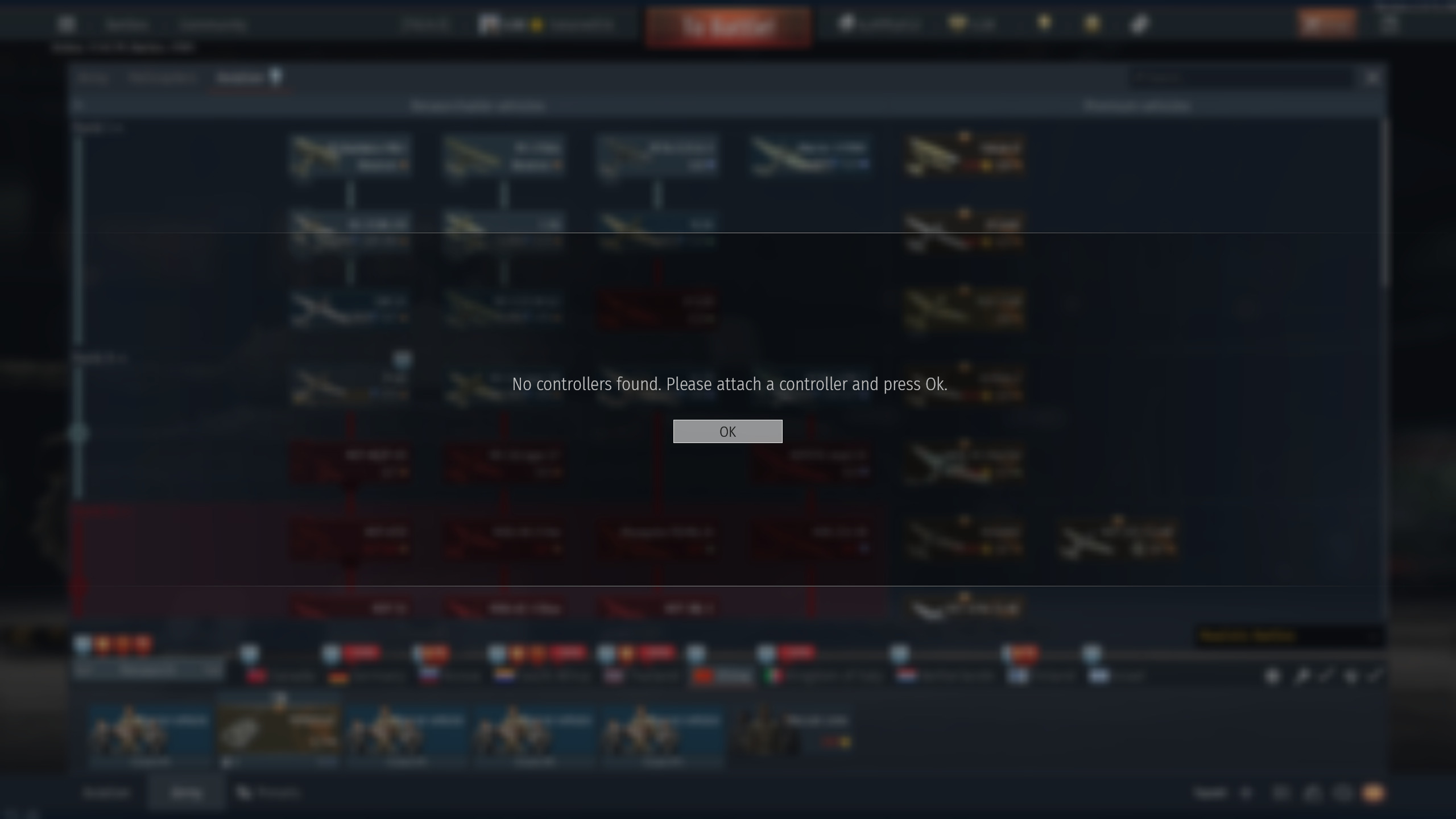
This is what pops up. It disconnects my mouse even if the game isnt on. I NEED a way to stop it. It’s ruining EVERYTHING I do on my computer
Here is what it looks like. Anytime my mouse is not moving (you can see it hovering over those locked techtree vehicles), its disconnected and I can’t to ANYTHING. It’s a pain for gaming, for my fucking work and for anything inbetween. i’ve tried some stuff, nothing worked. I geniuenly need help
If the mouse disconnects even while War Thunder is completely closed, the game is very unlikely to be the root cause. This should be treated as a Windows, USB-controller, power or physical connection problem first.
Please test in this order:
- Connect the mouse directly to a different motherboard USB port, without a hub or front-panel extension.
- Test another mouse or cable on the same port.
- In Device Manager, check the USB controllers and HID devices for warning symbols or repeated reconnects.
- For USB Root Hub/Generic Hub devices, temporarily disable Allow the computer to turn off this device to save power and test again.
- Check Windows Event Viewer around the exact disconnect time for USB, HID or driver errors.
- Close hardware/RGB/controller utilities one at a time to identify software repeatedly resetting the device.
The exact title and publisher of the ‘Controller not found’ dialog would help identify which application is producing it. A short video is useful, but the Event Viewer entry and the affected USB device name will be much more diagnostic. I would not reinstall War Thunder unless the problem occurs exclusively while its process is running.