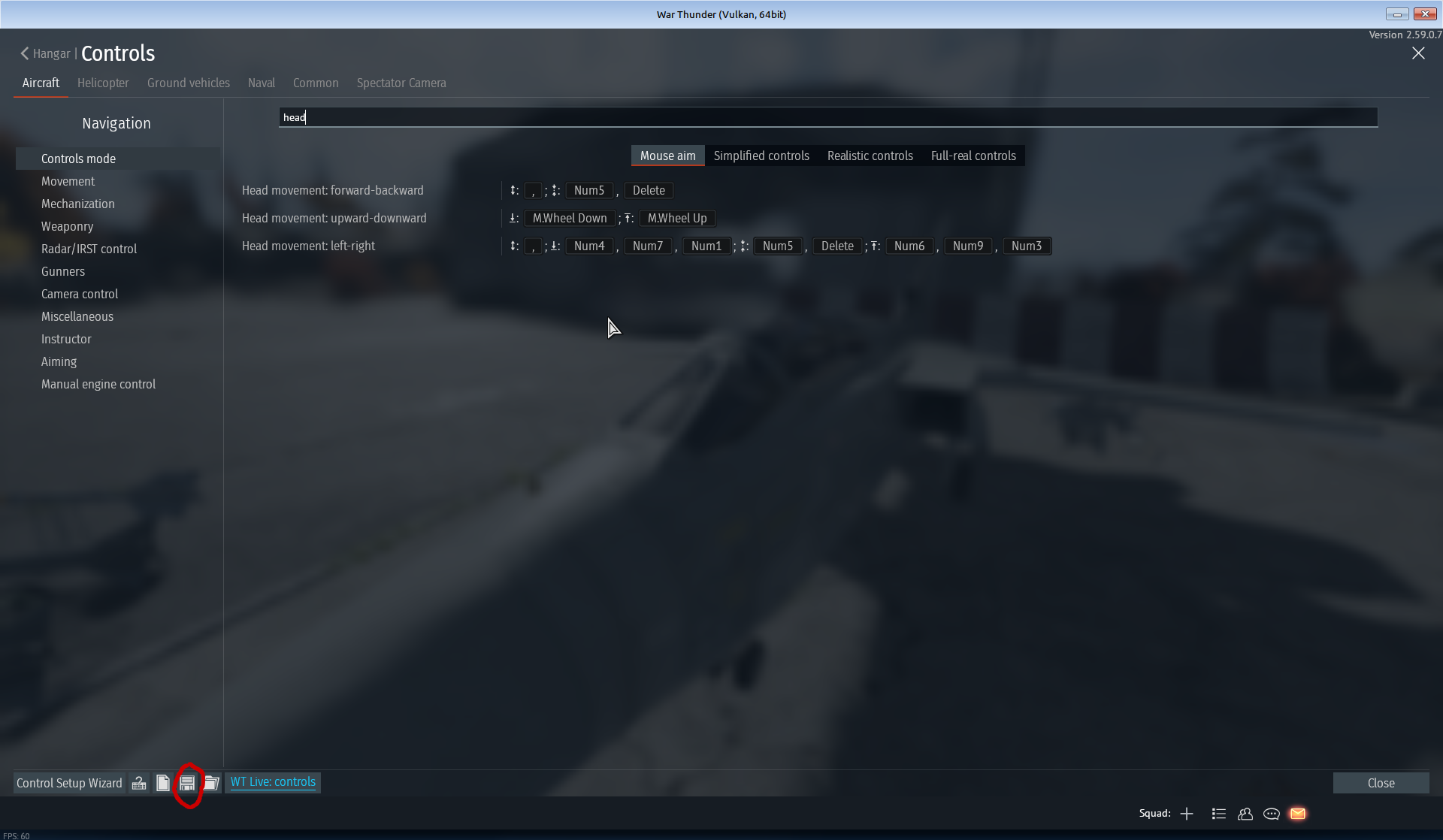
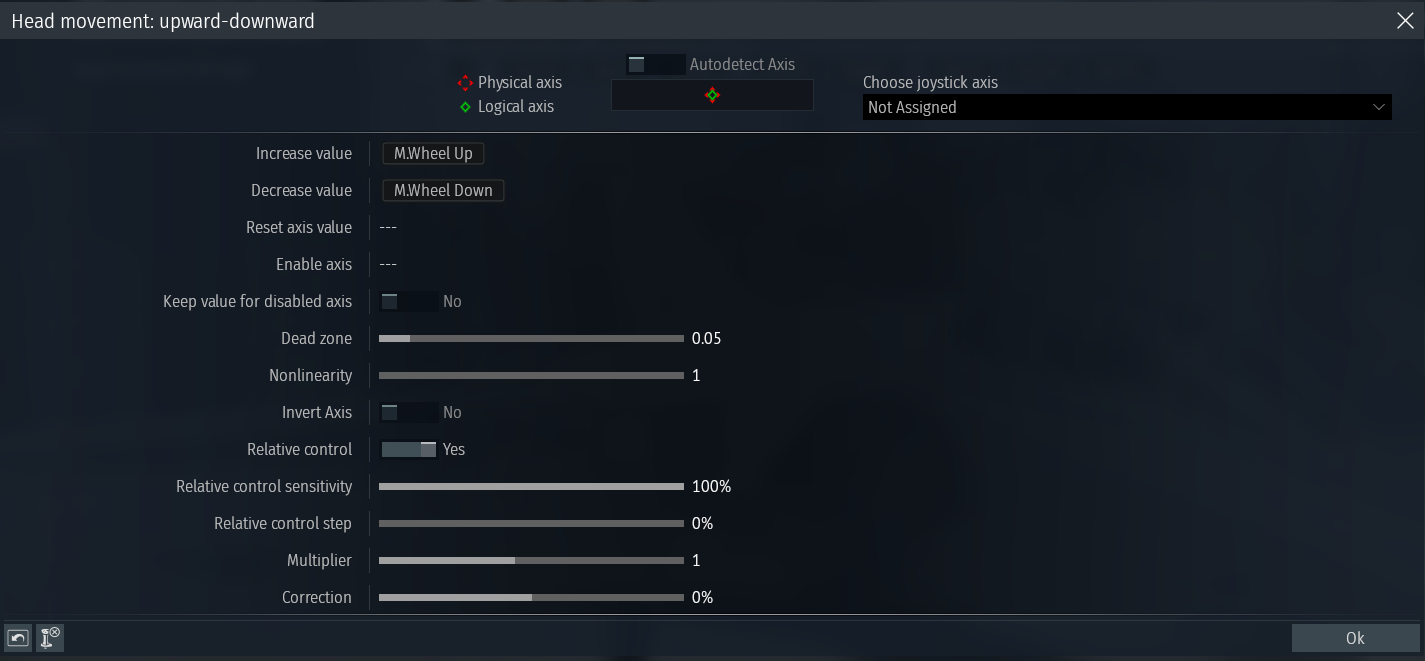
Obviously, some key binds make it easy to do so. But I want to set my “Head Movement: Upward/Downward” to be bound to my scroll wheel’s scrolling function but I only seem to be able to bind it to its clicking function.
Apologies if there was already a thread for this, I couldn’t find it :(
you can find the 'Mouse Wheel (aircraft) ’ option and set it to none, then try to bind it again
It might work but im not sure
What operating system are you using? On linux systems there is a bug that makes this impossible, here is the bug report.
As far as I know you can only set the mouse scroll wheel to one of these items in the drop down box MilksDeMorango mentioned:
There may be some possible macro/key remapping method using some utility software (i.e. something that would map the scroll wheel to repeated presses of a key, which is then set in War Thunder for the head up/down)
What scenario did you want it for though? I set up just being able to go maximum head up with a quick keypress, and keep like that until reset with another quick keypress. Useful for in-cockpit landings (in air RB), and air-sim for landing or shooting (in props, to get a bit more vision above your engine) (not that I really play sim).
There is a way to bind scroll to stuff.

What you need to do is export your controls.
Then open the controls.blk. Find head_pos_y_rangeMin and head_pos_y_rangeMax. Replace keyboardkey with mouseButton. i=5 is scroll up i=6 is scroll down.
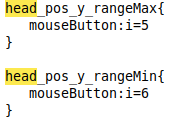
Then just make sure its on relative control.
2 Likes
Tysm! I just saw this! Owe you lots :D