[GUIDE] Fix for "bedaisy.sys" / BattleEye BSOD on 13th/14th Gen Intel CPUs

Hi everyone,

If you’re getting BattleEye errors or Blue Screens (BSOD) with messages related to bedaisy.sys while trying to launch War Thunder, especially on Intel 13th or 14th Gen CPUs, this post might save you hours of frustration.


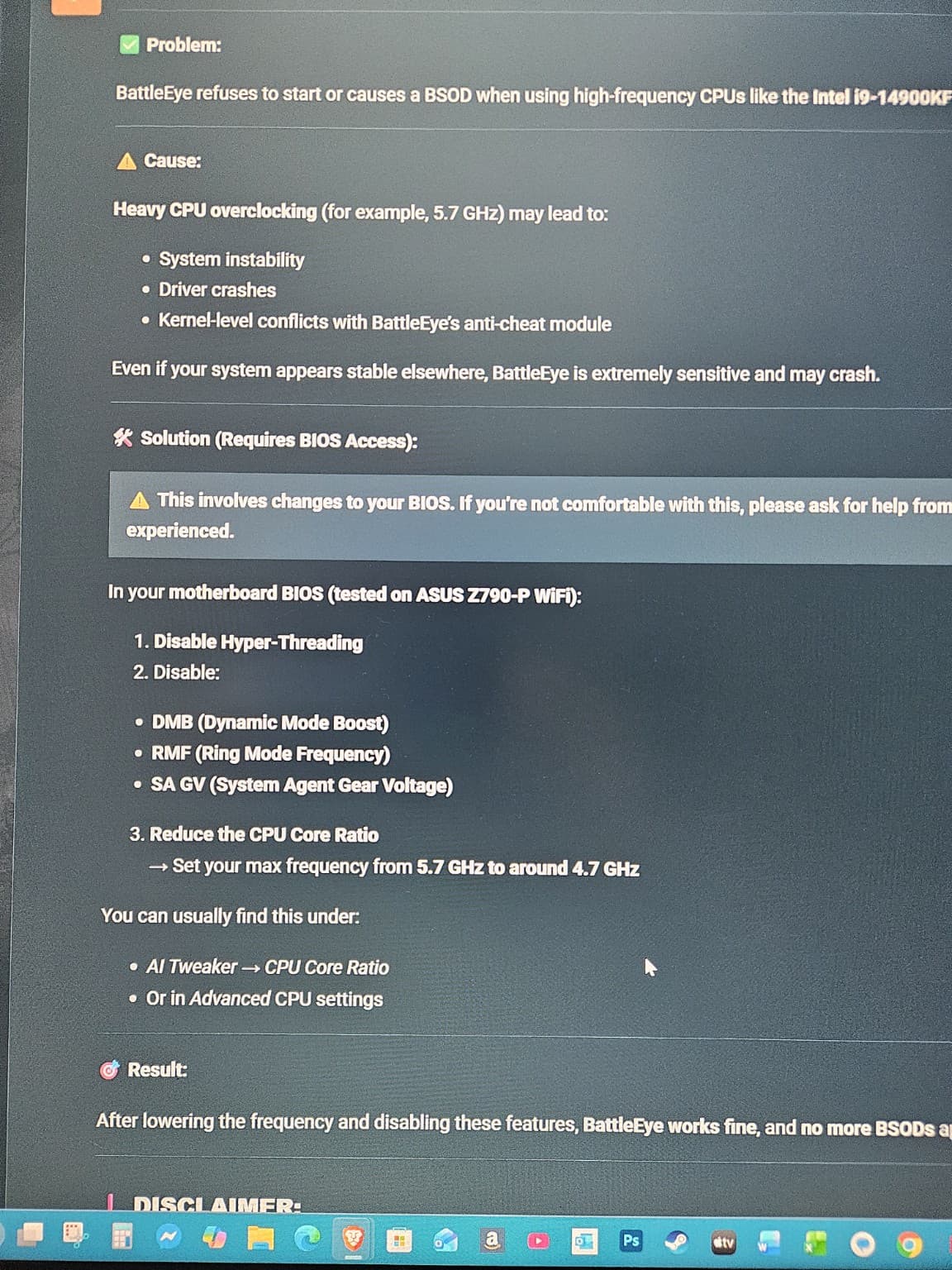
Problem:

BattleEye refuses to start or causes a BSOD when using high-frequency CPUs like the Intel i9-14900KF (or similar).


⚠️ Cause:

Heavy CPU overclocking (for example, 5.7 GHz) may lead to:

  • System instability
  • Driver crashes
  • Kernel-level conflicts with BattleEye’s anti-cheat module

Even if your system appears stable elsewhere, BattleEye is extremely sensitive and may crash.


🛠️ Solution (Requires BIOS Access):

⚠️ This involves changes to your BIOS. If you’re not comfortable with this, please ask for help from someone experienced.

In your motherboard BIOS (tested on ASUS Z790-P WiFi):

  1. Disable Hyper-Threading
  2. Disable:
  • DMB (Dynamic Mode Boost)
  • RMF (Ring Mode Frequency)
  • SA GV (System Agent Gear Voltage)
  1. Reduce the CPU Core Ratio
    → Set your max frequency from 5.7 GHz to around 4.7 GHz

You can usually find this under:

  • AI TweakerCPU Core Ratio
  • Or in Advanced CPU settings

🎯 Result:

After lowering the frequency and disabling these features, BattleEye works fine, and no more BSODs appear.


DISCLAIMER:

This is an advanced fix that requires entering and modifying BIOS values.
Gaijin (War Thunder developers) are NOT responsible for any damage or instability caused by incorrect BIOS settings.

You’re doing this at your own risk — so make sure you understand what you’re changing or ask someone who does.


💬 Want to Help Others?

If you’re having the same problem and this guide helped you, feel free to reply and share your experience!

Bisous de France,
✌️
1 Like

My PC wouldn’t post after making these changes in BIOS so I had to reset my motherboard /shrug

Had this issue today, did not solve it through the above steps though. Kept Hyper-Threading on, did not reduce my CPU Core Ration.

Instead just updated my motherboards BIOS which did the trick.

Motherboard: TUF GAMING B760M-PLUS WIFI II

Original BIOS version: 0603
New BIOS version: 1820

Issues with battleeye and bedaisy.sys BSOD resolved.

1 Like

Was having this issue with i9 14900ks also, and not with any overclock.

Seems silly to have to do this but it also works for me and is a bit simpler and less intrusive:

Set the Windows power plan to “Power Saver”, launch the game and let it load. It will launch slower but not crash (hopefully), and when the game has started you can switch back to either Balanced or High Performance.

1 Like

EDIT
This only worked until battleye tripped the system again. What I actually had to change was the CPU power profile in bios from “extreme” to “performance”. Fyi I have an Asus mobo and it seems to be a trend that this manufacturer in particular is unforgiving to already aggressively clocked 14900 silicone.

PS. I would suggest disabling any Asus AI training or OC in bios. This CPU is already pushing it from the factory and Asus OC stuff seems very instable.

CPU: Intel Core i9-14900KS
GPU: Nvidia RTX 4090
SSD: Samsung 990 Pro M.2 1TB
HDD: WD Purple 4TB
HDD: WD Purple 4TB
RAM: Corsair CMH32GX5M2B6000Z30 4x16GB - XMP II 6000mhz
MBD: Asus ProArt Z790-CREATOR WIFI

let’s see if it works! I got core i9 14900hx and am having this issue for a week now, i didnt even overclock my processor yet but it still happens

Hope so. Make sure to read the EDIT reply if you haven’t. I’ve been playing without issue since I changed the power profile in bios but it’s only been a couple days. I went from not being able to launch the game once without crashing to not having any problems at all though.

Next steps if you still have issues would be:

  • Checking your motherboard or laptop manufacturer for a bios update, which I believe has updated microcode from intel.
  • Setting your max turbo clock on P-Cores to something slightly lower than default in bios. i.e. go down in .2 increments until you eliminate crashes - I would have this as a last resort because it feels wrong to have to underclock when you paid for “the best” consumer intel chip.
  • After that I would look into RMA, or return/refund with the retailer who sold you the laptop

THIS is the one that worked for me. I’m pretty stupid, though, and had to ask AI how to fix the settings per these instructions. But it worked! First time: game crashed (no BSOD). But then second attempt it ran fine! Thank you!!

I see a massive case of Stockholm Syndrome in you, bro. You can’t even stand your ground when your own hardware is being insulted. Instead of pointing the finger at Gaijin for forcing this garbage, poorly coded anti-cheat on us, you’ve decided to blame your own CPU.
How much are we supposed to butcher our PCs just to play a game? I paid over $600 USD for my i9-14900K to get elite performance, and I’m not going to neuter it by 1.0 GHz and kill its core features just because BattlEye is too lazy to update their kernel-level drivers for 2026.
And for those with AMD specs or Windows 10 who are getting the exact same 0xBE / BEDaisy.sys BSOD—what’s your ‘brilliant’ advice for them? To kill their CPUs too?
The fact that you’re posting a ‘guide’ on how to cripple a high-end system instead of demanding that Gaijin fix their broken software is pathetic. I am a Premium player being blocked from a service I paid for because of a Kernel Paniccreated by their incompetence.
The fuck is wrong with you? How dumb do you have to be to defend a company that is literally asking you to break your own toy so they don’t have to fix theirs? Wake up bro!
Cheers from Sweden!