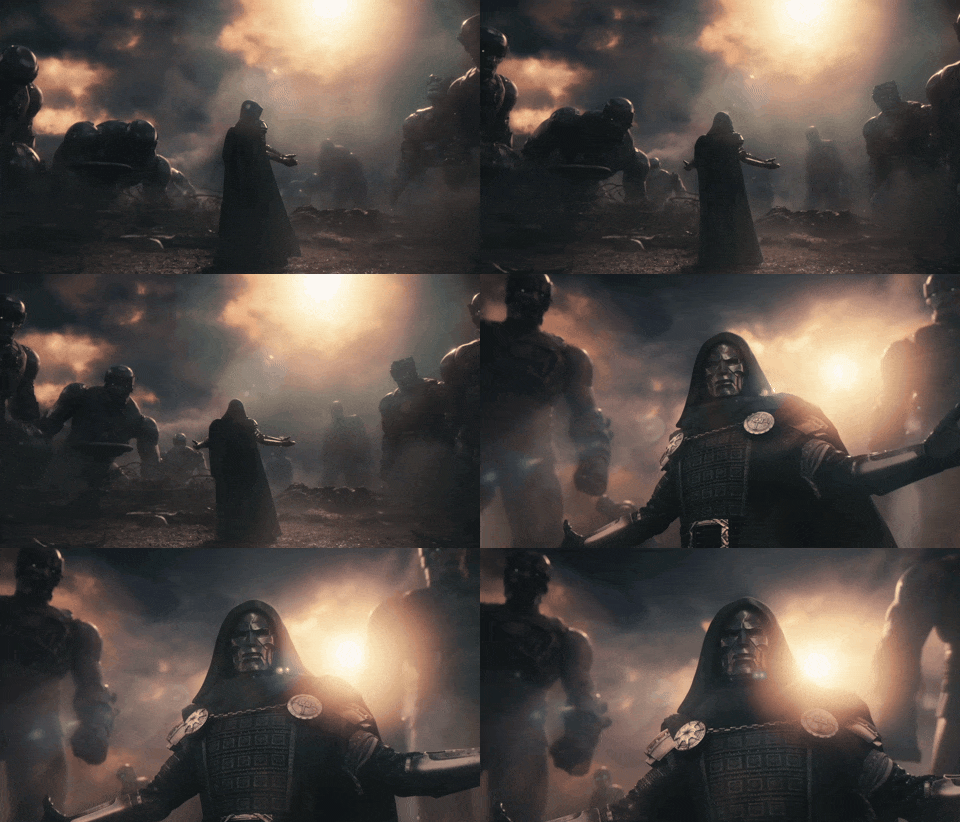
I’ve been playing WT on PS4 for over a year now and I always have the same problem: the ground changes as my view changes. I’ll try to upload a couple of videos to give you a better idea.
I’ve tried a few graphics settings but nothing worked, I even changed the console’s HDD, but the problem persists. This is quite annoying since I easily lose sight of targets that “disappear” into the ground, on top of ruining the gaming experience.
What could be causing this? Does anyone else have the same issue (and maybe found a fix)? I thought it might be my PS4 overheating, but it happens even right after turning it on — worse on some maps, less on others.
The pattern described is more consistent with a visibility/LOD or terrain-rendering problem than with normal file corruption, but the available evidence is not enough to identify the cause. The fact that it is map-dependent and changes with the camera is useful.
Could you add:
PS4 model (original, Slim or Pro), output resolution, and HDR/VRR status;
the exact map, mode, location, approximate distance, and a short in-game recording;
whether it reproduces in Test Drive, a replay, or only in live battles;
whether it affects all vehicles/targets or only distant ground objects.
A controlled check would be to record the same target from two camera distances/angles, then repeat it in a replay. If the object disappears at the same geometry in both tests, that supports a reproducible rendering/visibility issue. If it happens only in the live match, network state or server-side visibility should also be considered.
I would not treat the unrelated ambulance in the recording as evidence of overheating. If the issue survives the A/B test, please open a focused report on the Community Issue platform with the video, client version, console model, map and timestamp:
I love simple yet formal and high-quality, beautifully detailed messages, free from unnecessary things lmao.
The responses I write are not AI-generated, nor do I need AI assistance for them I already have extensive experience in this field I ranked first in MIT reverse-engineering & software codeing leak tests for three consecutive years between 2020 and 2024, and I’ve been working in IT and digital marketing and product and finance for around 13+ years.
As for War Thunder, I’ve been playing since 2012 across multiple accounts and have been around since the closed beta days. :)
I have a system that instantly notifies 24/7 me of technical issues, so I love it to technical helps lol I’m real :P
Sometimes, I directly chat with the in-game-behaviors team, CM, and senior mods to report all (chat, cheating, and rule violations, along with evidence and data)
Good for you on your accomplishments (that’s genuine btw)
But, I am now even more curious as to why you (and not AI) were reassuring the OP that the ambulance sounds wasn’t meaning their PS was overheating?
I also find it strange that you’re replying how good you are at helping, in a thread where you’ve asked the OP for more information, to which they’ve given you, and then you’ve ignored them. At least an acknowledgement and a “hmm… sorry, I’m unable to help further but hopefully someone else can” would be nice?
Hey, don’t argue! All help is welcome! :)
That said, I actually ended up helping myself with AI, and what I believe is that it’s a simple connection issue. On certain servers or in certain circumstances, since I’m also on Wi-Fi rather than LAN, it struggles to load all the data in real time.
I think that’s the most plausible explanation, since the issue doesn’t occur offline, and online it happens sometimes but not always.
If you have any tips, they’re obviously more than welcome!!!
In the meantime, thanks so much for the interest! =)