thank you
Dx12 doeant take more performance?
DX12 in general will in a majority of games mean better performance (more fps for the same CPU/GPU usage), but tends to be somewhat unstable (crashes, bugs, etc) due to it still being relatively “new”.
It will still depend on both the specific game and the specific hardware used, some users get no change in performance or even worse performance and others get a lot better performance (a majority of users will get better performance on DX12). Some will get no issues while others will get a lot of issues. etc, etc (a majority of users will likely get no issues or some smaller issues on DX12). The best thing to do is tro try it out yourself and see how it works for you and your system.
1 Like
I did all the steps you mentioned, even talked to gaijin’s support, but I’m still suffering from the same issue and they haven’t responded me back for 3 days. Should i send another support request for them or sit and cry?
Sending more requests and/or adding information to the one already sent will push it to the back of the queue and will make it take longer to get a response.

Hmm…In the mean time I’ll have to sit and cry. Thanks for repassing the message
2 Likes
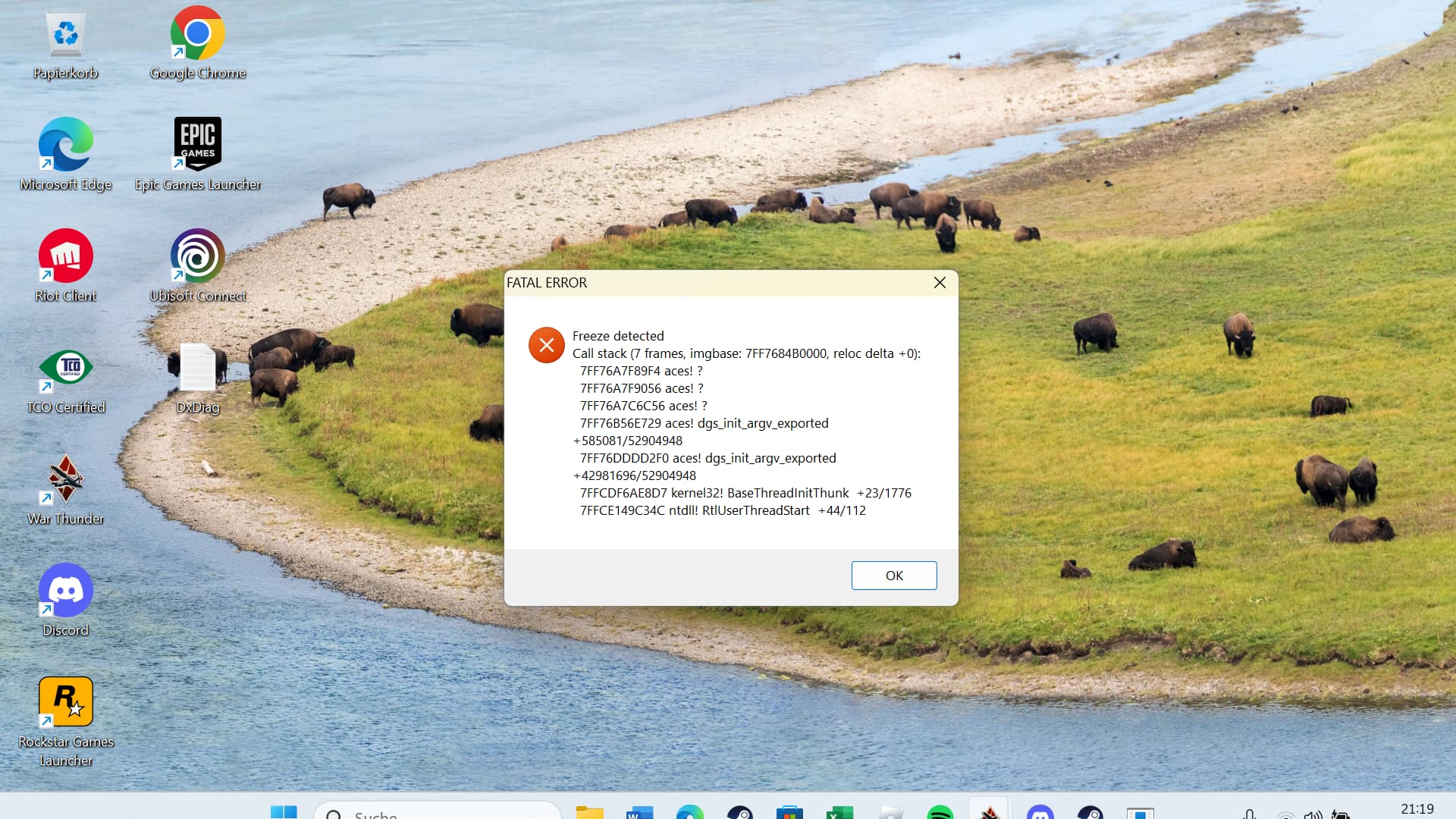
sadly my game is freezing again
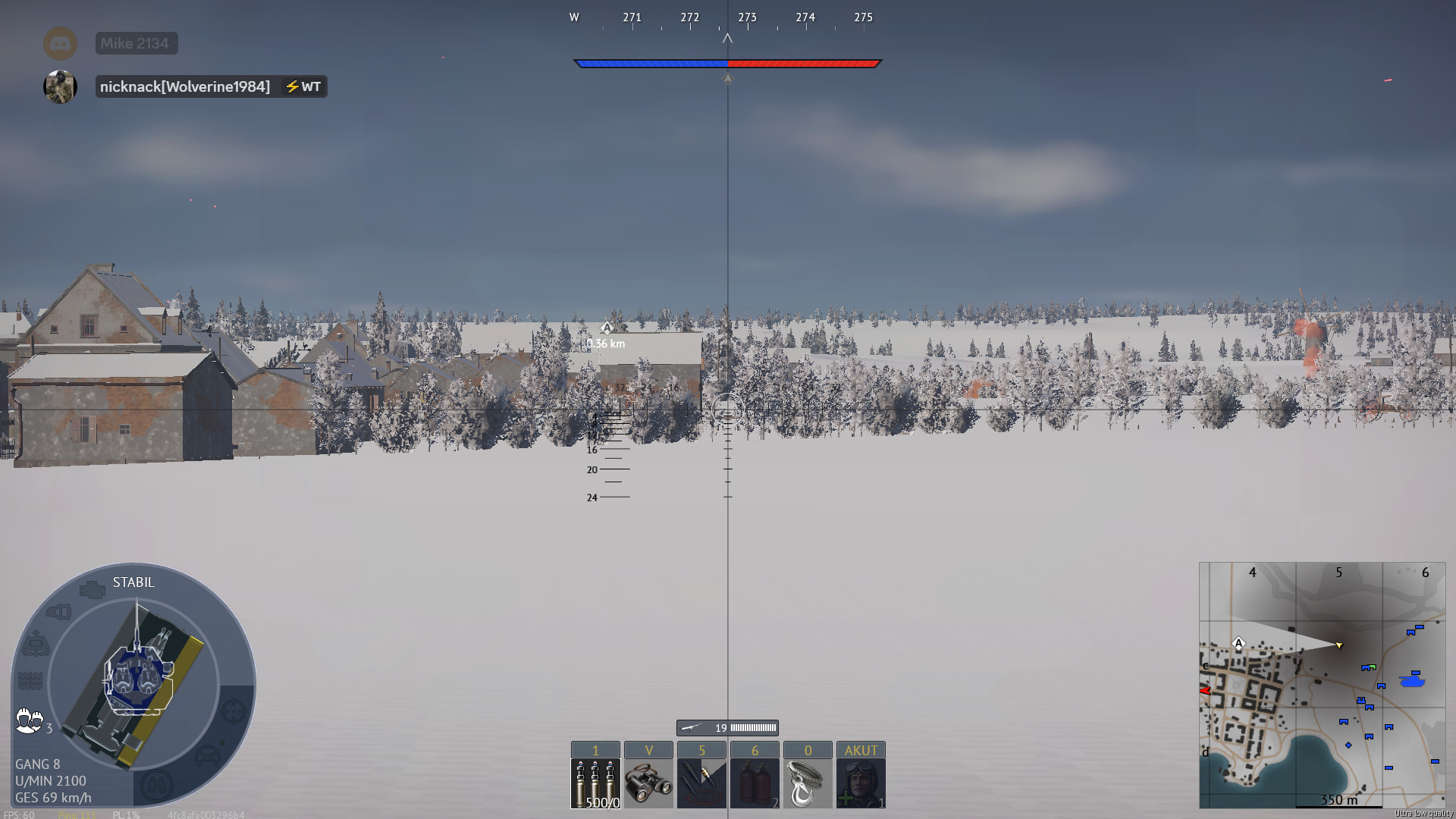
its getting annoying im starting into a round than i switch scope and than freeze
so it happened again i cant play
Yeah I’ve had the same exact problem but i play lower tiers so I don’t use binos as much but its always when I go into sniper mode or use binos my game crashes
I get freeze and later crash stack frames on dx 12.
it happened again
Have you tried any of the tips listed in this post:
1 Like
yes i did
but its still the same going in ground war switching scope game freeze
You can bug report it here (just search a bit first so that you don’t report something that is already reported and known about): (Gaijin.net // Issues)
A guide on how to report bugs can be found here: ([Navigation] Technical Knowledge Base | War Thunder Wiki)
thank you rly
1 Like
fucking war thunder team would be really nice if you could solve this problem
Yeah, it’s happening to me too. Cleared cache, reinstall, repair, switching DX11 and DX12. Even resolutions.