Thanks for the feedback.
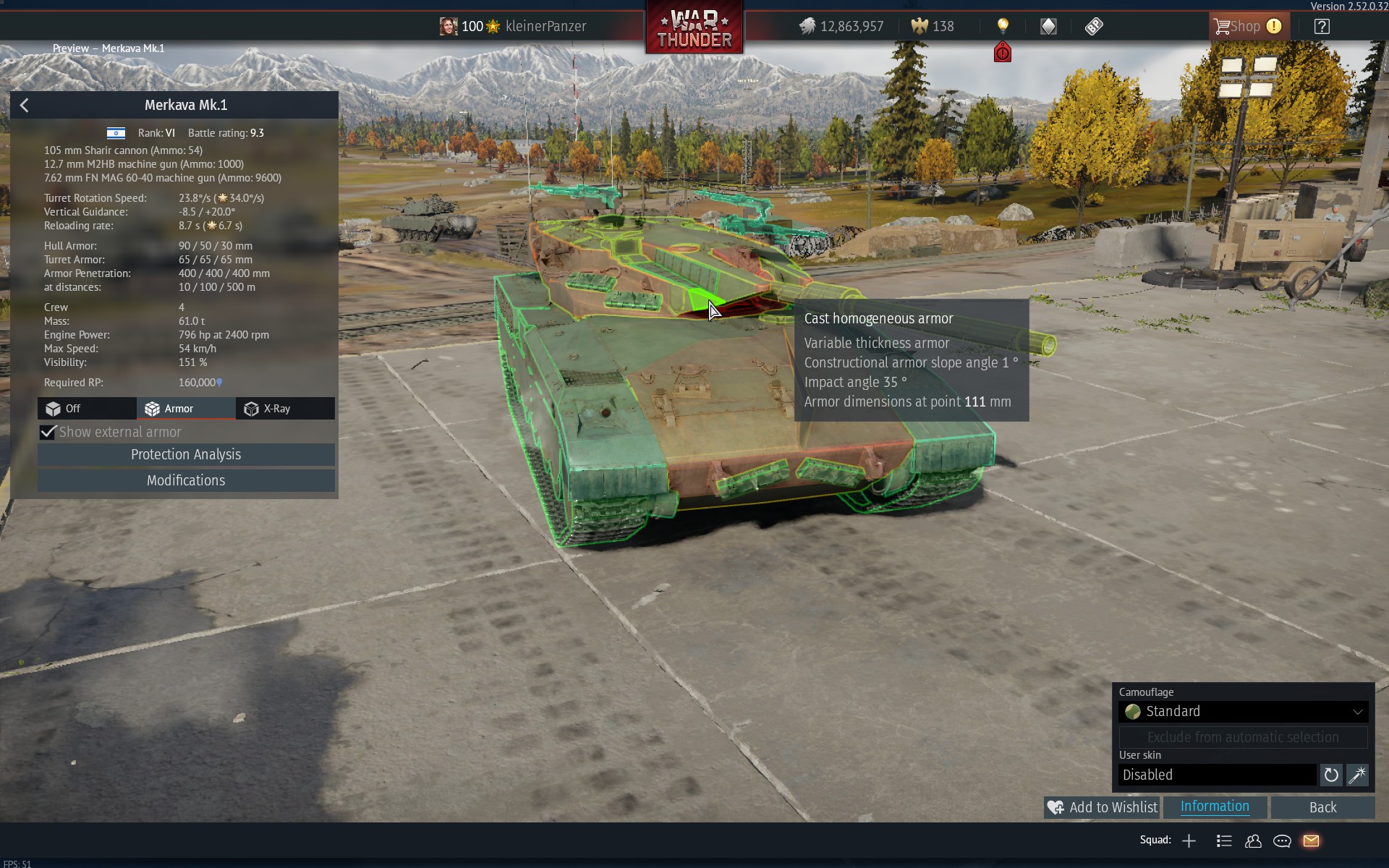
Regarding the cutscenes: Those play only if you click on the vehicle with the left mouse button, so there is no need to have a separate disable button for it.
I think the visual feedback on the existence & activation of the feature is not great, though. Without prior knowledge of the feature and how it works, there is no way to know it exists or what the trigger is.
I think adding a “highlight” to the vehicle when hovering over it to indicate that you can click on it to activate the feature would be suitable, or if it was just a separate button instead of having to click the vehicle itself.
This has been added as the crew, which is added to the vehicle for the presentation purpose, would appear out of thin air. This is a workaround to hide this fact.
There are plans to add visual feedback for the activation possibility.