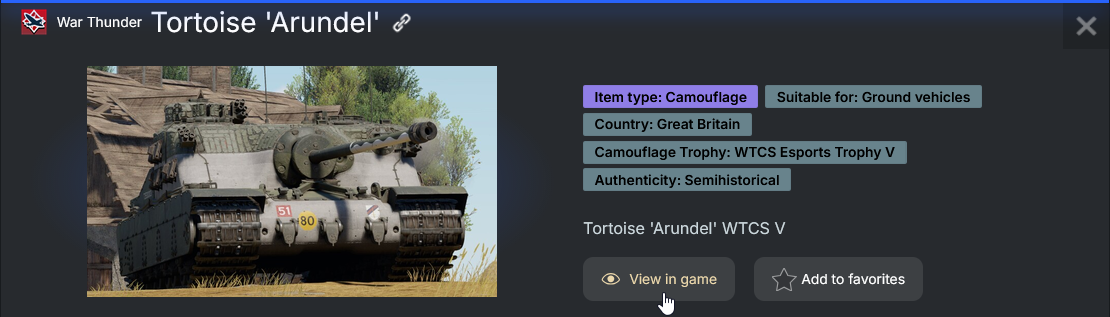
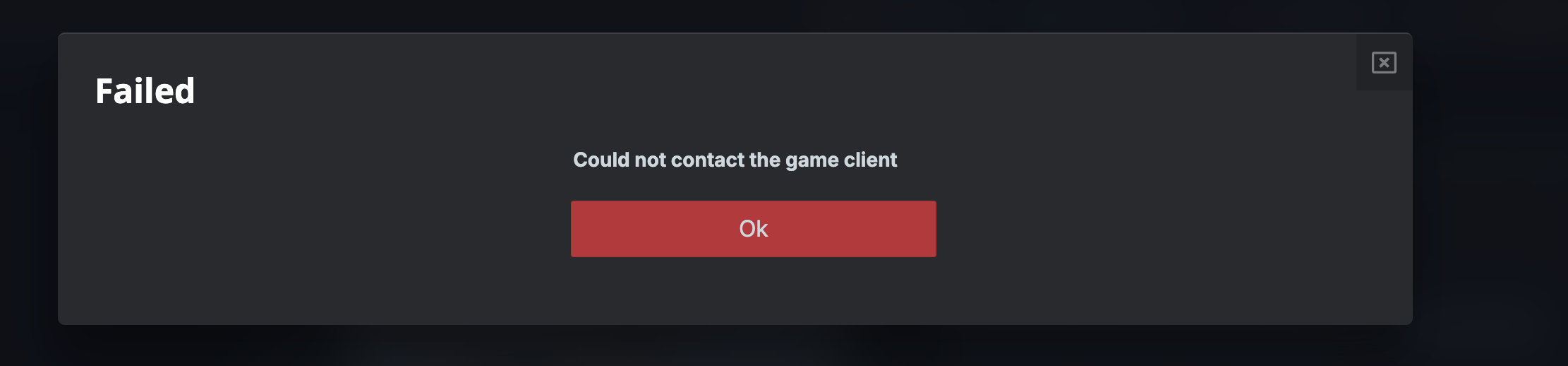
Since a week ago, I cannot preview items from the Gaijin Market website when I click the “View In Game” button. The error mentioned in the title above occurs through the Chrome browser in Steam’s overlay and through an external Firefox browser installed on my computer. I logged out of the Market, Gaijin Store, and my account within the game client to refresh the login tokens yet the error reappears.
1 Like
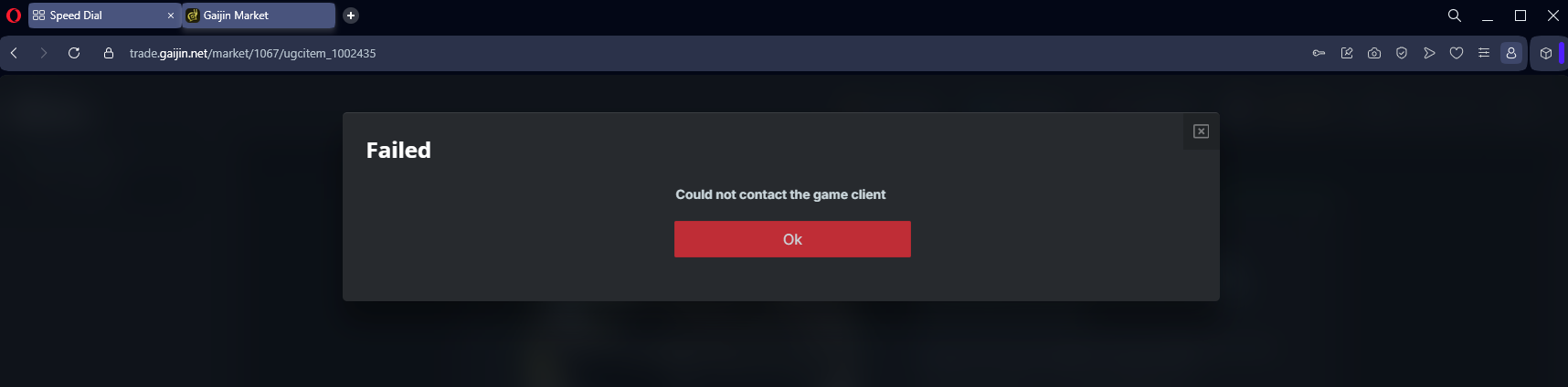
can we get a reply gaijin? I have this issues for a few months now. MY account is linked properly. It worked in he past. I cant send stuff from market to hangar, and i cant open items from hangar in market. Both fail.
tried in both google chrome and opera, neither work.
1 Like
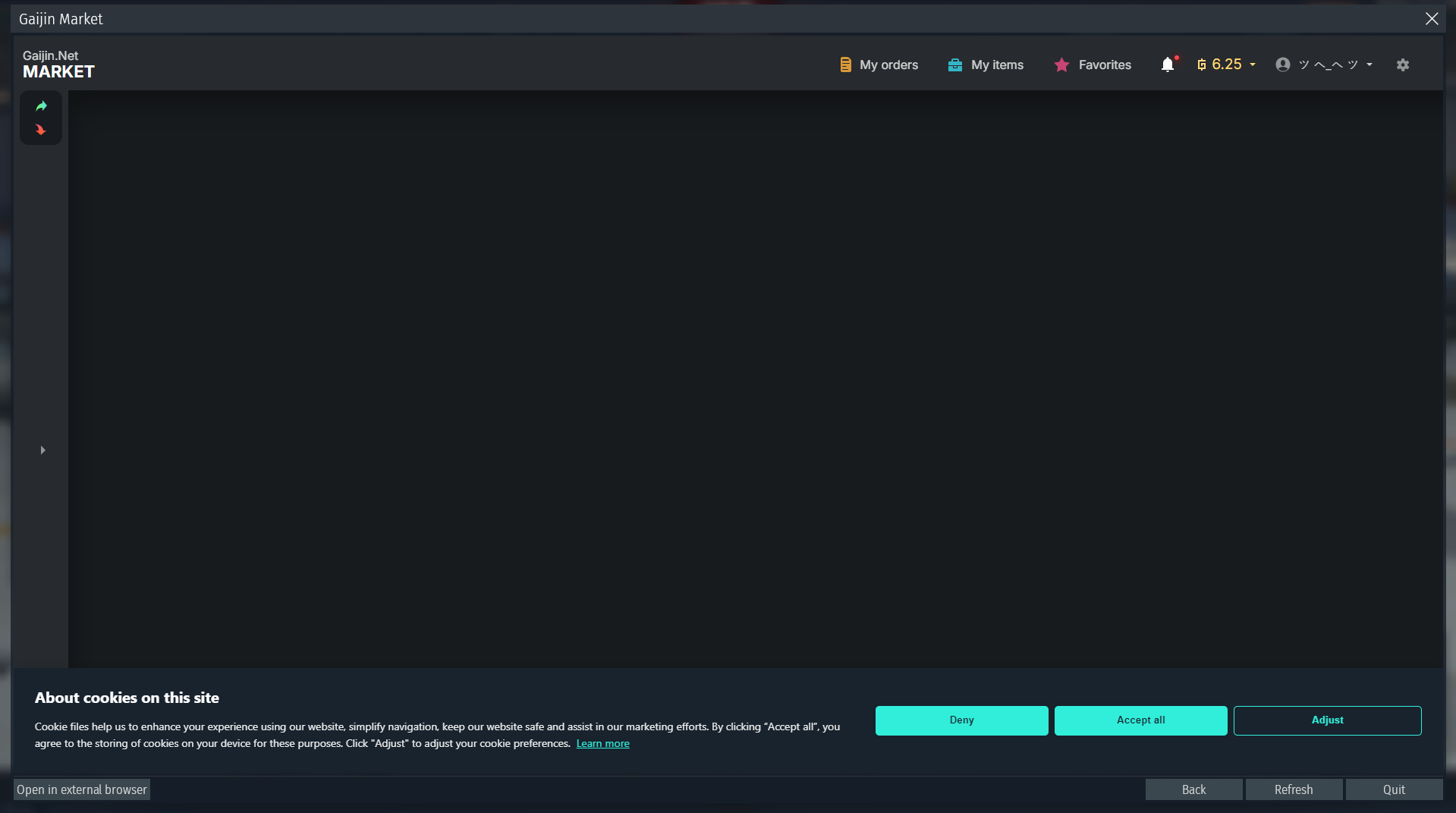
also, heres what market looks like, when you try to open a market skin from hangar, its just empty screen and you constantly get a pop up to accept cookies even tho i accept them every time.
1 Like
I have the exact same issue. No way to redirect from marketplace to see the camo in game, and vice versa.
I have been in contact with Gaijin Support for 4 days now and no progress to resolving the error message yet. The advice I was given:
-
Advice #1
Clear cache and cookies from the internet browser used for Gaijin Market. -
Advice #2
Please temporarily move/remove the “Saves” folder from Documents\My Games\WarThunder directory, and clear the content of the cache folder in your game’s root folder [ex.: C:\Program Files (x86)\Steam\steamapps\common\War Thunder].
Then check if the issue persists. Please make sure that you permanently delete the caсhe from the recycle bin.
**Moving the Saves folder outside of My Games\War Thunder will reset your settings to default, such as UI size and audio levels, but place the original Saves folder back in its place will revert the change. Also, a default Saves folder will be generated after launching the game.
- Advice #3
Please check if “War Thunder” game ports are open. You can check if all the required ports are blocked or not with any free online service, e.g. IPFingerPrints.
**For TDP game ports, enter the number in the IPFingerPrints website with Normal search mode while checking UDP ports require the Advance search. Set to Scan Type: UDP Scan and Ping Type: Don’t Ping. Otherwise, you will receive TCP-results instead of UDP. If you want to check TCP ports again, set Scan Type to Connect() before switching back to Normal search mode.
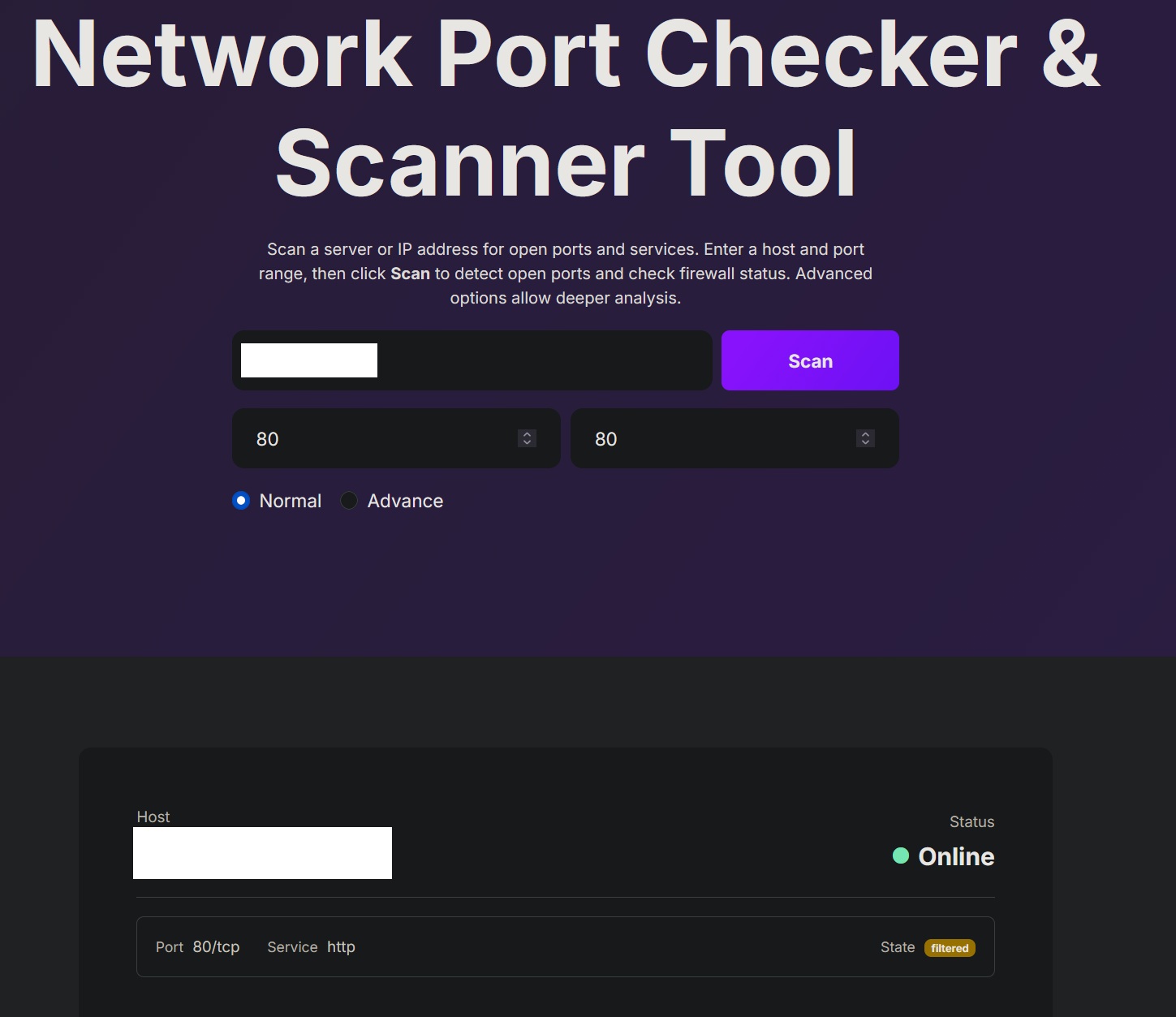
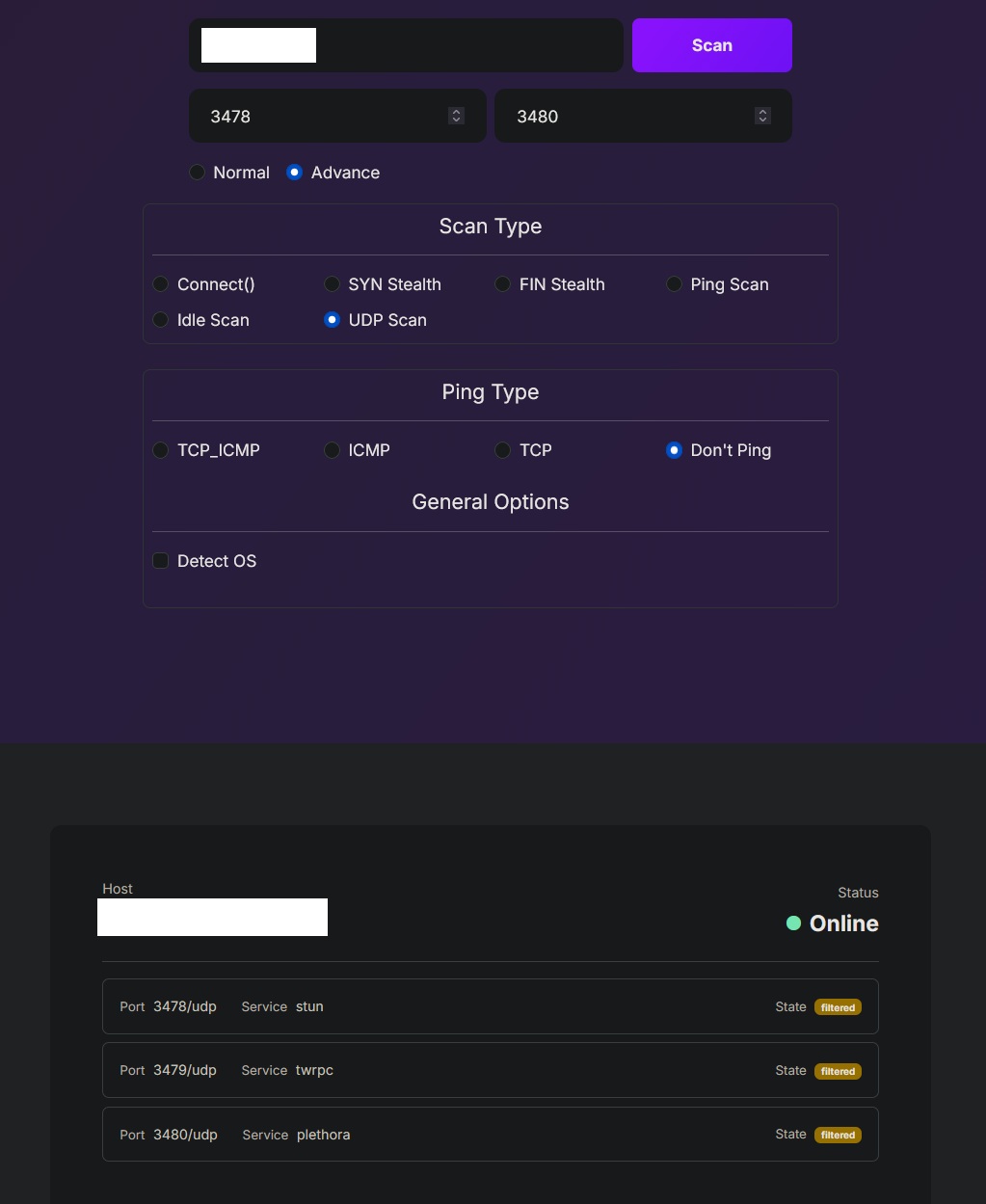
thanks for that but I have tried all 3 options and nothing worked. Ports scanned and i get the same results as the pictures shown.
Update as of 3 September 2026: Gaijin Market is playing nicely again. The “Show In Game” button functions properly, but what factors changed I do not know. I wanted to check after a month on a random day.