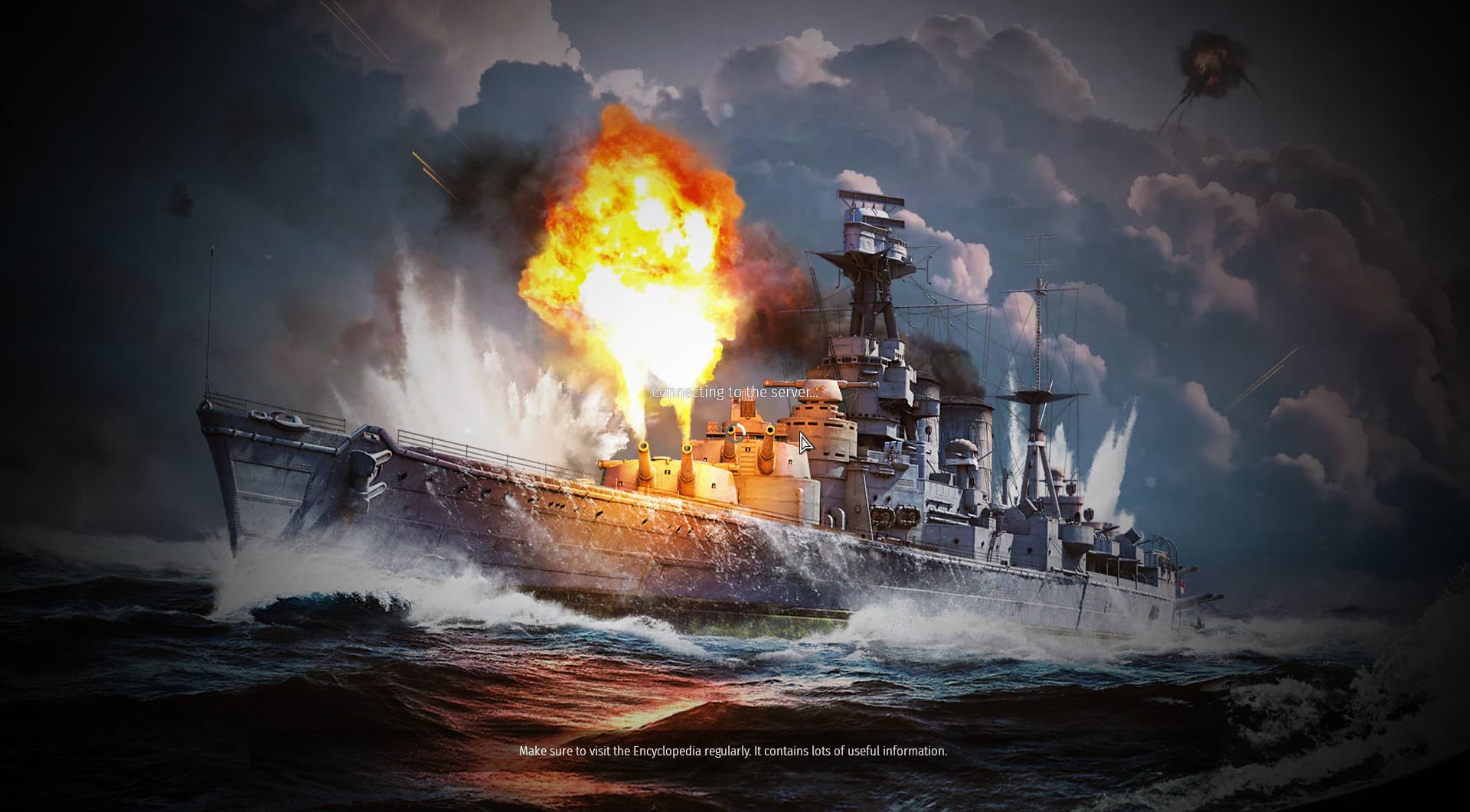
Well I purchased some GE while I was in a match via the website, and when I returned to the lobby, my GE balance weren’t reflected, so I tried relogging. After doing that, instead of logging in properly, it just shows a black screen like above. Currently verifying game files integrity, switching to more stable Proton versions.
Currently playing on Linux Fedora
Switched to Proton experimental and the client loads, but perpetually…
(tried one more time, error resolved)
FYI, in-game chat, particularly in the lobby is borked and has been for a long while, relevant for all the Proton and native versions on Linux.
You can bug report it here: Gaijin.net // Issues (just search a bit first so that you don’t report something that is already reported and known about)
A guide on how to report bugs can be found here: ([Navigation] Technical Knowledge Base | War Thunder Wiki)
1 Like
Hello,
Playing the Windows client through Proton can have issues, I would recommend switching to the native Linux client as that should work better.
To do this open the “Properties” window for War Thunder in Steam, Then go to the “Compatibility” tab and untick the “Force the use of a specific Steam Play compatibility tool” option. Then Steam should download and install the Native Linux client.