Well, the time has finally come and the CDK has been updated. Quite literally today. It has it’s fair bit of issues, but I’ve already found some workarounds for the biggest ones. I’ll try my best to provide a run down of things you need to know before using the new version.
Download page for new CDK release
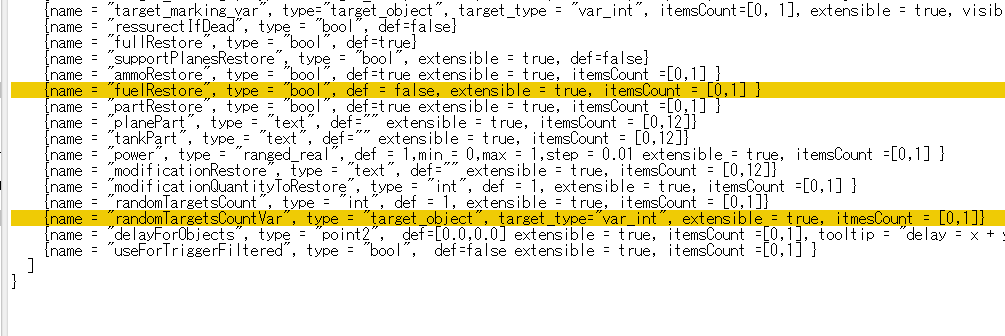
The changelog here is incomplete because Gaijin didn’t give us one! As of originally writing this, it’s based on me reading the config found in ...\WarThunderCDK\dagor_cdk\windows-x86_64\plugins\daEditorX\missions and comparing it to the old one. Along with this, it’s based on my general observations in terms of how the CDK performs now. It will also contain some speculation on my part. Feel free to contribute to the changelog with things you’ve found. I’ll try adding them on.
Changes
NOTE: As soon as I released this, I realised that theres a changelog on the WIKI. Refer to that for more info! War Thunder CDK Update (21 May 2026) | War Thunder Wiki
(Put into collapsible tabs for your reading comfort)
Type class path references changed (NOTE!)
Types now call on
..\..\skyquake\prog\gamebase\...instead ofgameBase\...for retrieving assets.NOTE! This change seemingly causes for the class property to disappear in the MissionEditor, meaning you cannot edit them. The remedy is to replace the paths to the old legacy paths. Full walkthrough provided below!
This affects the types: (as written in config)
- armada
- plane
- searchlight
- radar
- objectGroups
- structures
- infantry
- tracked_vehicles
- tankModels
- ships
- radars
- air_defence
- wheeled_vehicles
- phys_obj
New human type with new accessible classes
Presumably related to infantry coming to War Thunder.
This type has the following classes which were inaccesible directly before:
- soldier
- dev_soldier
- trench_soldier
- shooting_range_dummy
- shooting_range_dummy_heavy_armor
- shooting_range_dummy_medium_armor
- colt_9_mm_smg
- fedorov_avtomat
- fn_scar
- fn_scar_h
- hk_mp5n
- kord_6p67
- kord_6p68
- kriss_vector
- ksvk_12_7
- m110a1_sdmr
- m14
- m14_dmr
- m16
- m16a1
- m16a4
- m1903_springfield
- m1903a4_springfield
- m1921ac_thompson
- m1_carbine
- m1_garand
- m1_thompson
- m1a1_thompson
- m1d_garand
- m21_sws
- m24
- m249_para
- m27_iar
- m2_carbine
- m3a1_grease_gun
- m4
- m4a1
- mac_11
- mcmillan_tac_50
- mk_14_ebr
- mk_46_mod0
- mk_48
- mosin_m44
- mosin_m91
- osv_96
- pp_19_bizon
- pp_19_vityaz
- pp_2000
- pp_71
- ppd_40
- ppk_20
- pps_43
- ppsh_41
- ppsh_41_box
- rd_44
- rpd
- rpk
- rpk_16
- rpk_74
- rpk_74m
- sig_xm250
- sig_xm5
- sks
- sniper_avs_36
- sniper_svt_38
- stoner_63
- sv_98
- svch
- svd
- svd_m
- svt_40
- t20_rifle
- vssm_vintorez
- xm177e1
New actions for triggers
I haven’t looked at their properties yet.
- changeOptionSetting
- sendEventToDedicatedScripts
- systemProfiler
- waitUnits
New conditions for triggers
I haven’t viewed their properties yet.
- gameWhenControl
- playerActionBarItem
- playerCurrentCountermeasuresTrigger
Localization path changed
Changed from
gameBase/lang_src/lang_compiledto../prog/gameBase/lang_src/lang
Linux support for play_mission and path changes
Made slightly easier to read, different in actual config file.
Before:
cmdline:t="cmd /c start ~"WarThunder~" ~"%s\win32\aces-dev.exe~" -addpath:.\\ -addpath:..\\develop\\gameBase\\pkg_dev\\ -addpath:..\\develop\\gameBase\\ -addpath:..\\develop\\gameBase\\lang_src\\ -config:debug/vromfsFirstPriority:b=no -config:debug/offlineBinaries:b=yes -config:debug/disableMenu:b=yes %s"
cmdline64bit:t="cmd /c start ~"WarThunder~" ~"%s\win64\aces-dev.exe~" -addpath:.\\ -addpath:..\\develop\\gameBase\\pkg_dev\\ -addpath:..\\develop\\gameBase\\ -addpath:..\\develop\\gameBase\\lang_src\\ -config:debug/vromfsFirstPriority:b=no -config:debug/offlineBinaries:b=yes -config:debug/disableMenu:b=yes %s"
Now:
cmdline:t="cmd /c start ~"WarThunder~" ~"%s\win32\aces-dev.exe~" -addpath:.\\ -config:debug/vromfsFirstPriority:b=no -config:debug/useAddonVromSrc:b=yes -config:debug/offlineBinaries:b=yes -config:debug/disableMenu:b=yes %s"
cmdline64bit:t="cmd /c start ~"WarThunder~" ~"%s\win64\aces-dev.exe~" -addpath:.\\ -config:debug/vromfsFirstPriority:b=no -config:debug/useAddonVromSrc:b=yes -config:debug/offlineBinaries:b=yes -config:debug/disableMenu:b=yes %s"
cmdlineLinux:t="~"%s/linux64/aces-dev~" -addpath:./ -config:debug/vromfsFirstPriority:b=no -config:debug/useAddonVromSrc:b=yes -config:debug/offlineBinaries:b=yes -config:debug/disableMenu:b=yes %s"
Updated to the latest version of daEdit, stability improvement
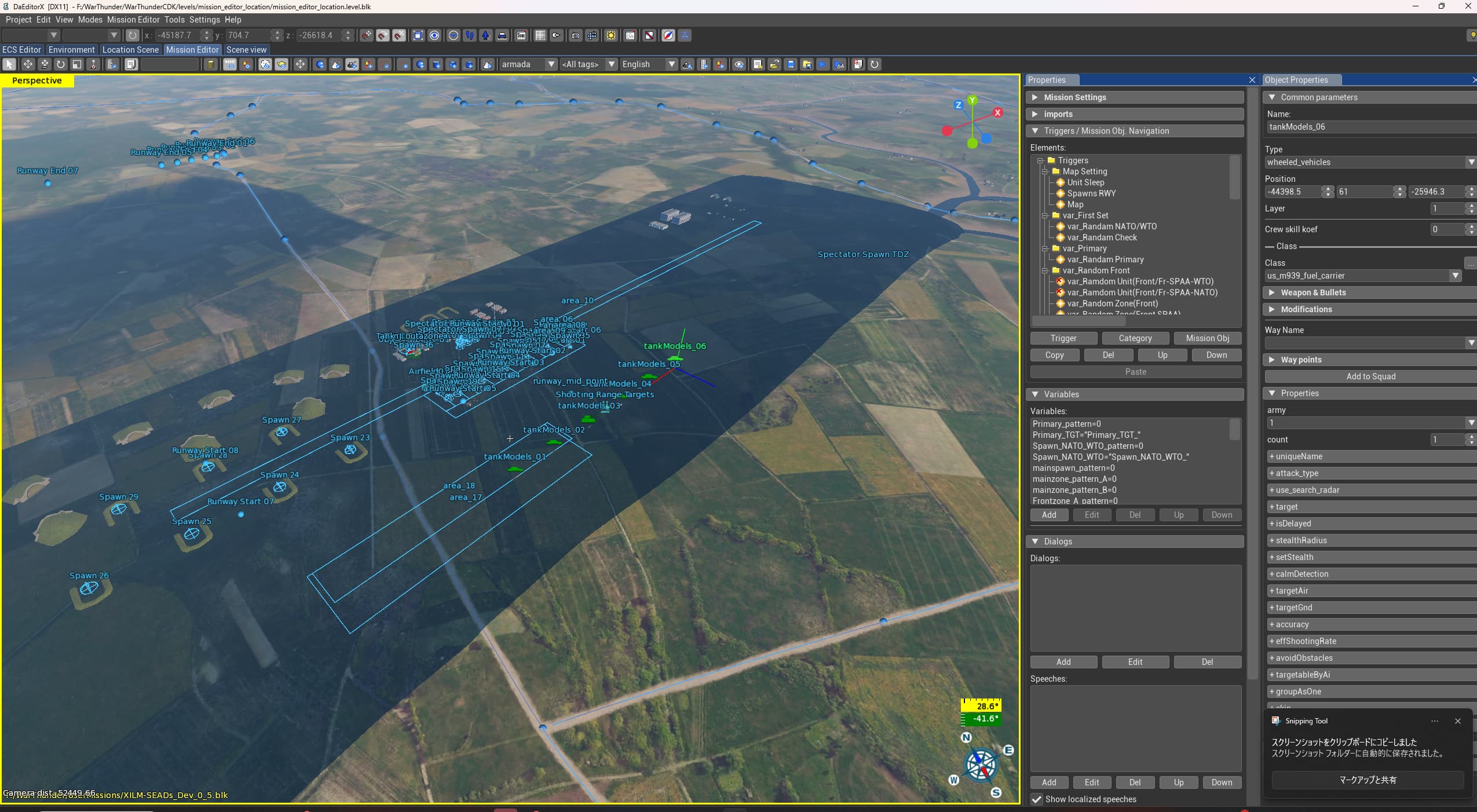
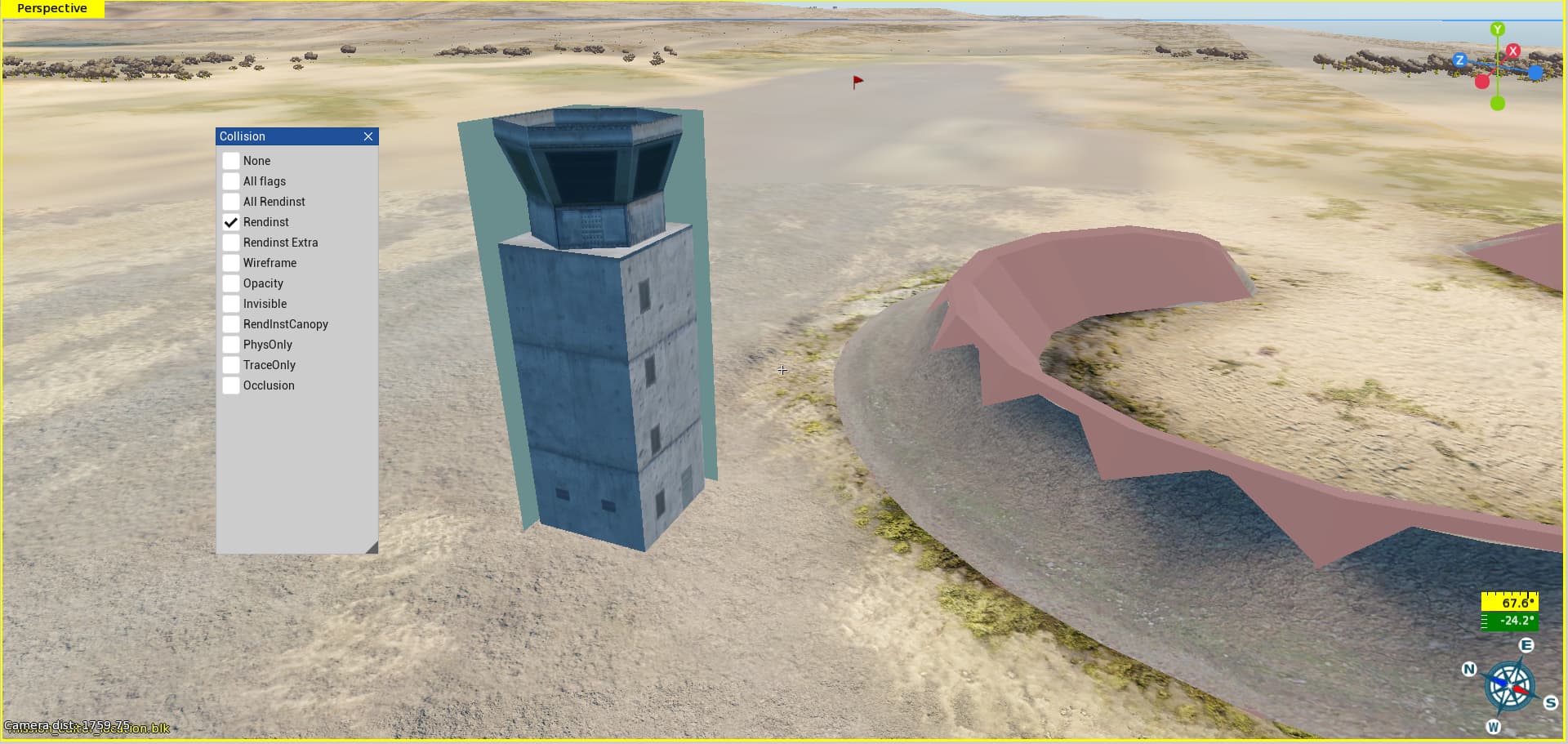
New UI with some new tweaks. Along with greatly improved stability. No longer crashes when attempting to load maps that have missing assets (infantry maps) and overall seems to work for now. Shaders were most likely recompiled, as this was a leading issue to a lot of crashes along with conflict with missing assets.
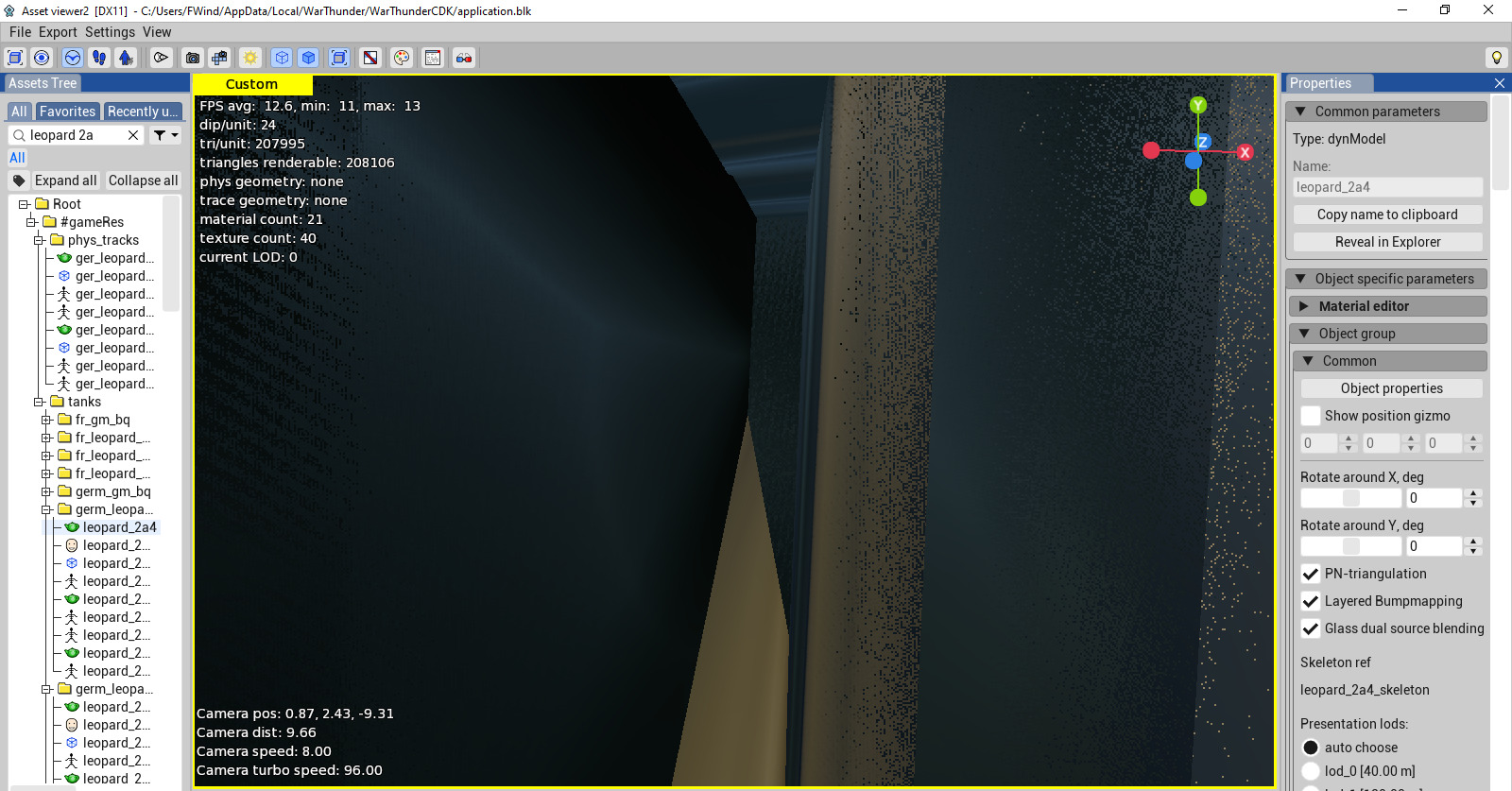
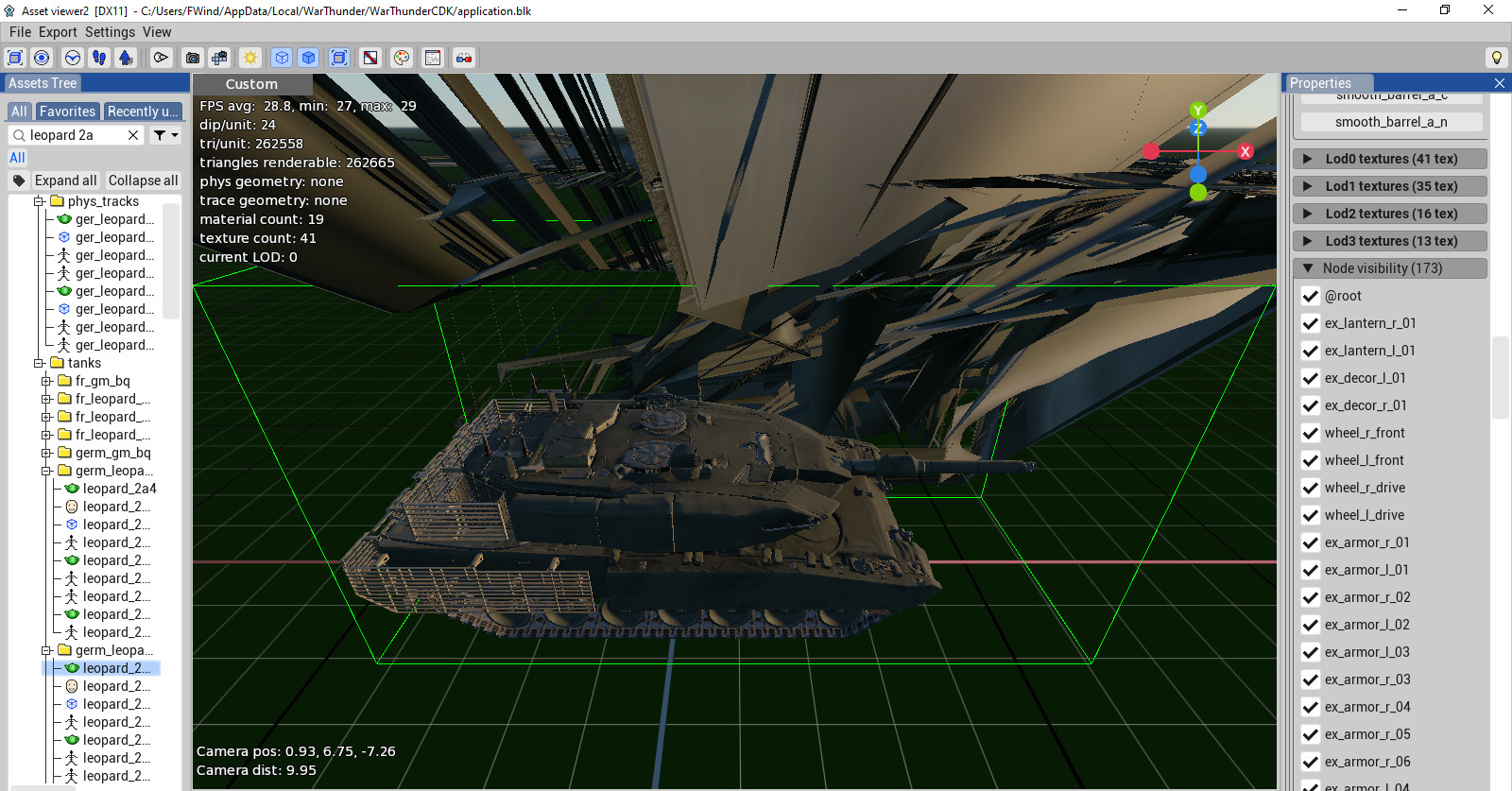
You are now also able to preview assets (at least for now?) in the editor, without it crashing the CDK. So yeah.
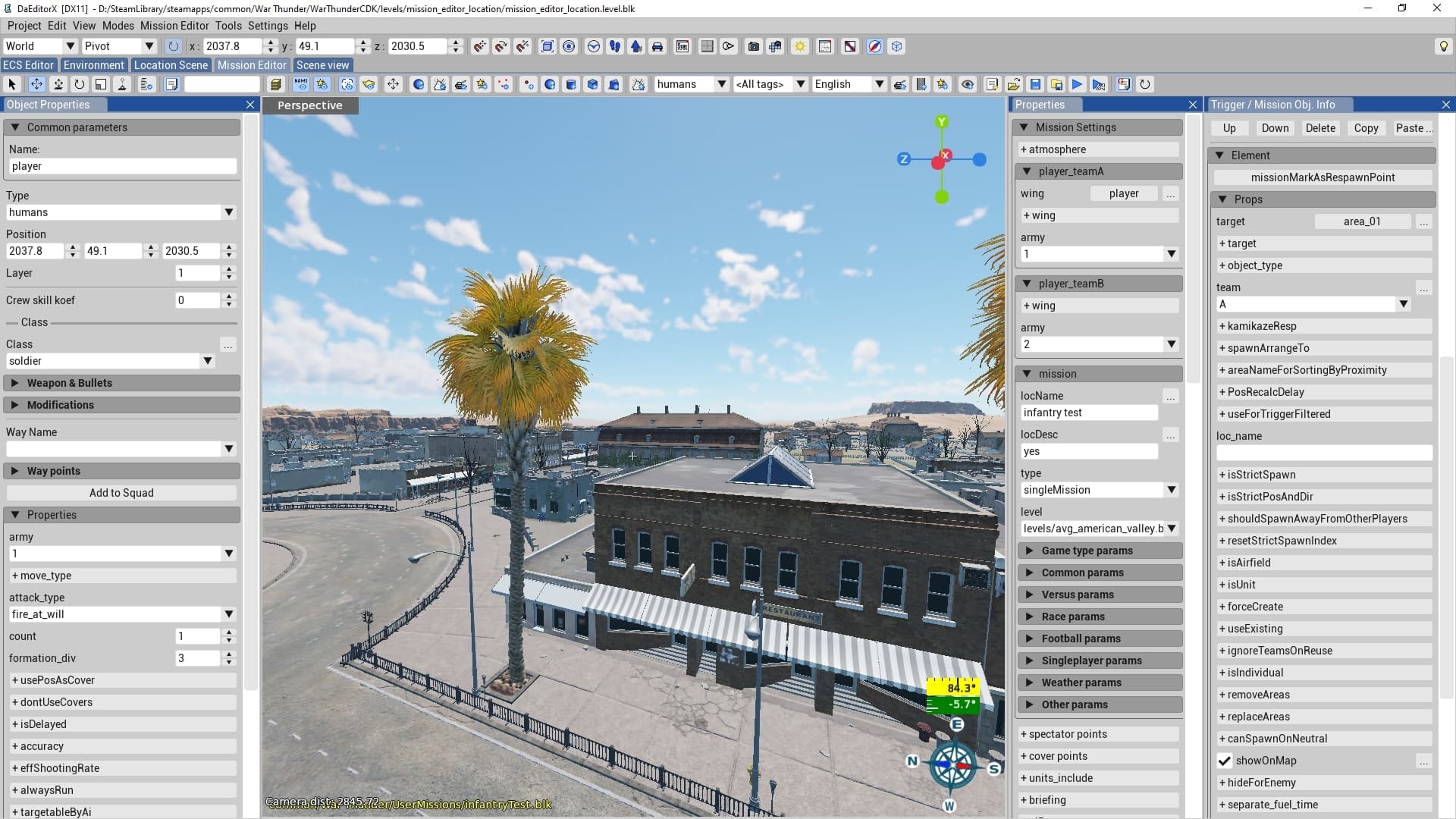
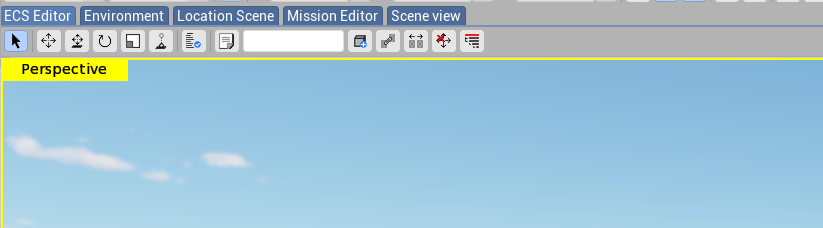
New tools in MissionEditor
- PolygonZone and tab for only viewing them, found in “Mission Editor” tab – allows for creation of complex zones
- Create RendInst entity, found in “Location Scene” tab – allows spawning of RendInst entities, doesn’t seem to save to BLK
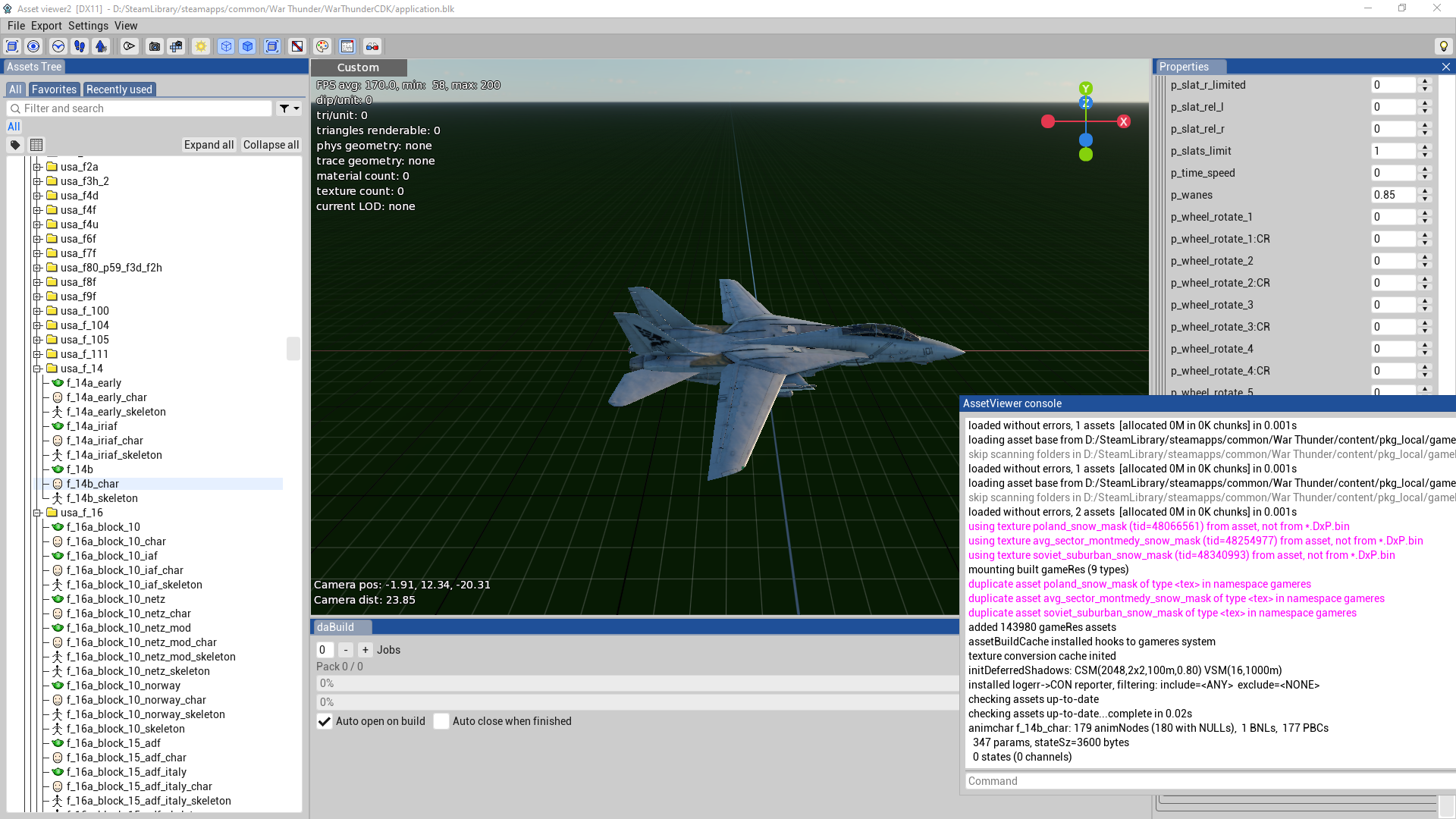

Issues
The CDK still has a fair bit of issues. From what I’ve discussed, some people still have crashes when trying to use the asset viewer/location viewer; I’ve not had this issue so far. Along with this, the entity editor doesn’t work and can result in a crash. There are some other issues that I’m not directly aware of right now, as I need to use the program to get a feel for what is working and what isn’t. If you find anything, write it here, and also write a bug report.
Fixing class selection in MissionEditor
Now, the biggest issue we have currently is that upon install, the option to select classes is gone. This causes an issue where players aren’t able to place down any units. However, this can be fixed by reverting the paths in the config.blk file found in ...\WarThunderCDK\dagor_cdk\windows-x86_64\plugins\daEditorX\missions and I have done so myself, and it seems to fix the issue mostly.
Here is a MediaFire download for the config.blk file with everything done for you, so you can simply replace the faulty one in ...\WarThunderCDK\dagor_cdk\windows-x86_64\plugins\daEditorX\missions and be on your way. VirusTotal here as well for those who have the sense to not click on random links: VirusTotal.
Now. That would be all, for now, if you have any questions, find something yourself, want to contribute to the changelog, or anything else, leave a comment. Let’s hope for now that Gaijin will start treating the CDK with a bit more attention.