I’ve been having issues switching to DirectX11 from DirectX12, editing the Config.blk file doesn’t do anything, it’s constantly set to dx11, but the game still runs on DirectX12, and restarting does not fix it despite setting the Graphics API setting to DirectX 11, it still launches in DirectX 12. I haven’t been able to find any other forum post on this so I’ve decided to make one. I’ve tried force setting the graphics API through steam which didn’t work. Thank you in advance.
1 Like
same case here, the game keeps forcing DirectX12 no matter what i do, i have already tried reverting to the previous nvidia driver and editing the config.blk file but still keeps forcing DirectX12, in game changing to DirectX11 does not work, i also have restarted my pc and reinstalling the game but that also does not work, i dont know if it has anything to do with the issue but im using the xbox app as a launcher for the game, other games work just fine with war thunder being the only one affected by this issue
my pc specs are: ultra 9 275hx, 5070ti, 32GB ddr5
i was previously getting consistent 165+ fps before the issue appeared and im now only getting 10 fps with ultra performance setting on dlss and low graphics in both the hangar and test flight
i hope we can find a solution to this before the next event lol
Isn’t there a post about NVIDIA driver issue with dx12 or the driver in general?
I saw one post of a guy with a similar problem and he solved it by going back to an older driver, i tried reverting to an older driver i knew worked well with the game but it had no effect at all so i dont really know if its a driver issue or just the game freaking out, i almost always update my nvidia drivers the moment they come out and had no problems aside the common fps drops, until the latest game update 2.55.1.137 my game was working fine before i downloaded the update but after installing it my graphics settings went back to default as it always does for me when i install the newest game update but this time i noticed way too low fps in the hangar and tried going back to dx11 but the game keeps forcing dx12 no matter what i do
Hello,
Thank you for your report.
If you are unable to switch from DirectX 12 back to DirectX 11, please check the following steps:
- Open the Game Launcher
- Go to Graphics API / Render settings
- Manually select DirectX 11
- Apply changes and fully restart the game
If the option is missing or keeps reverting:
-
Navigate to your War Thunder installation folder
-
Open
config.blk -
Locate the
video{}section -
Change the line:
driver:t="dx12"→driver:t="dx11"
-
Save the file and restart the game
If the issue persists after that:
- Disable any launch parameters forcing DX12/Vulkan
- Check if the launcher is set to Auto / DX12 default
- Verify game files integrity via Steam or launcher
- Temporarily disable compatibility settings on
aces.exe
Additional note:
Recent builds may default to DX12 in some cases depending on GPU/driver configuration. If DX11 selection is missing, a clean reinstall or driver reset (DDU recommended) may resolve the renderer selection issue.
If none of the above works, please provide:
- GPU model
- Driver version
- Screenshot of Graphics API menu / launcher settings
- config.blk file (video section)
We will be happy to assist further.
1 Like
Hello, thank you for your reply. I have tried changing the in-game settings to DirectX 11, and restarting the game, changing the config.blk file, verifying integrity of the game files both in the launcher and through steam.
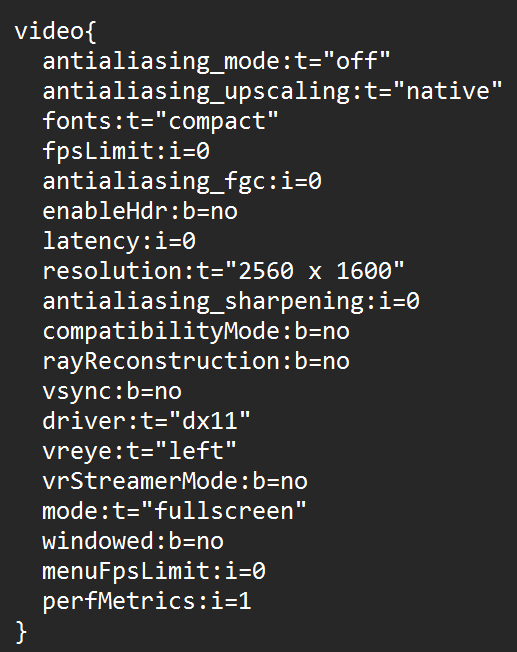

I have the option to select DirectX 11, however as it stands, restarting after the Graphics API change (clicking restart after selecting DirectX11) reverts it back to DirectX 12 every time.
GPU: 4060 Mobile
Driver version: 610.47 (Released: Tue May 26, 2026)
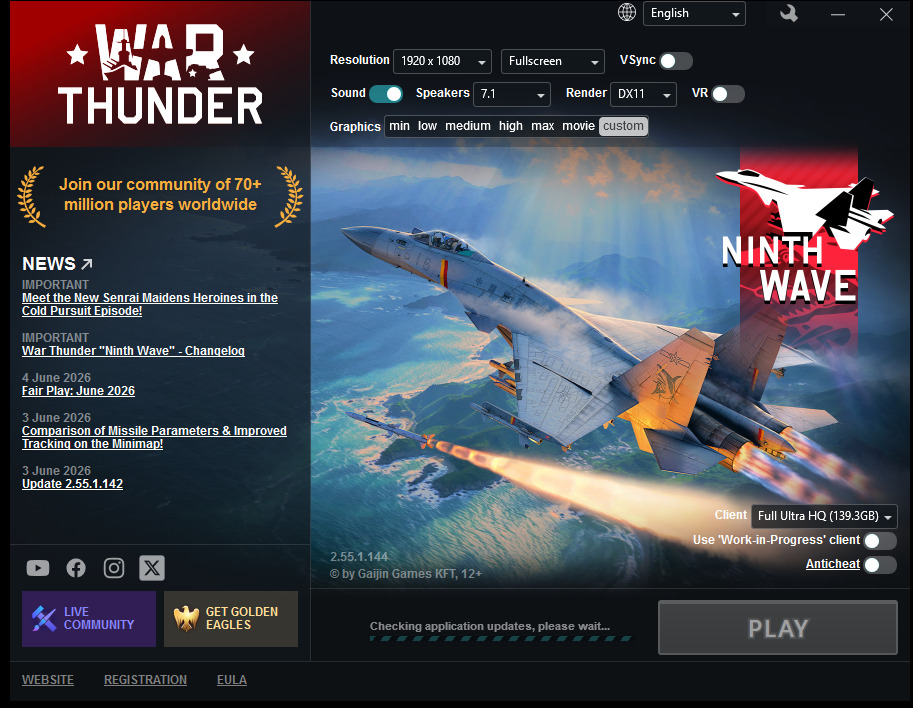
Open launcher and select Render DX11 try this one :)
Hello, I apologize for the late reply. I have already tried to set the Render as DX11 in the game launcher, but it did not work. Here is a screenshot of the launcher just in case it might be of some use in solving this problem. Thank you.
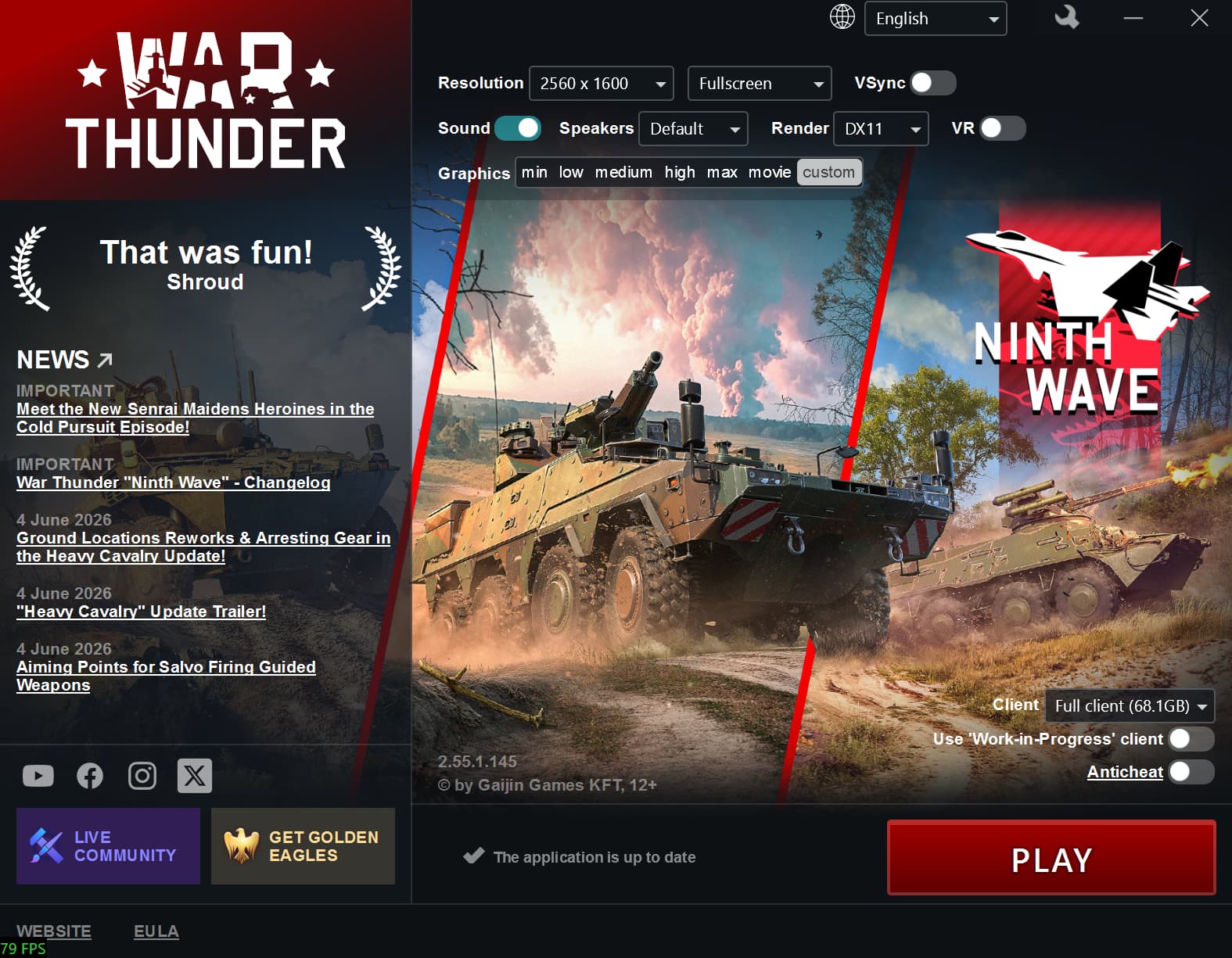
That so much weird lol If its not fix ur problems open support ticket to devs :)
Delete these files after then verify ur files in steam and launcher.
-
C:\Users\UR_PC_NAME\Documents\My Games\WarThunder\Saves
-
C:\Users\UR_PC_NAME\AppData\Local\WarThunder\Config.BLK
-
C:\ProgramData\WarThunder
Hello, I tried deleting the files mentioned & verifying, and all it did was delete all my keybinds and settings. I am still being forced to use DirectX 12. I suppose I will have to open up a ticket instead, thanks for trying.
I’m having the same exact issues. Did they provide a solution?
I have tried all of the suggestions mentioned in this thread + reinstalling the game, none of it has worked unfortunately.
Edit: I have yet to contact support.
I’m stuck on dx11 and catch switch to dx12, but I’m on an AMD Gpu, not Nvidia.