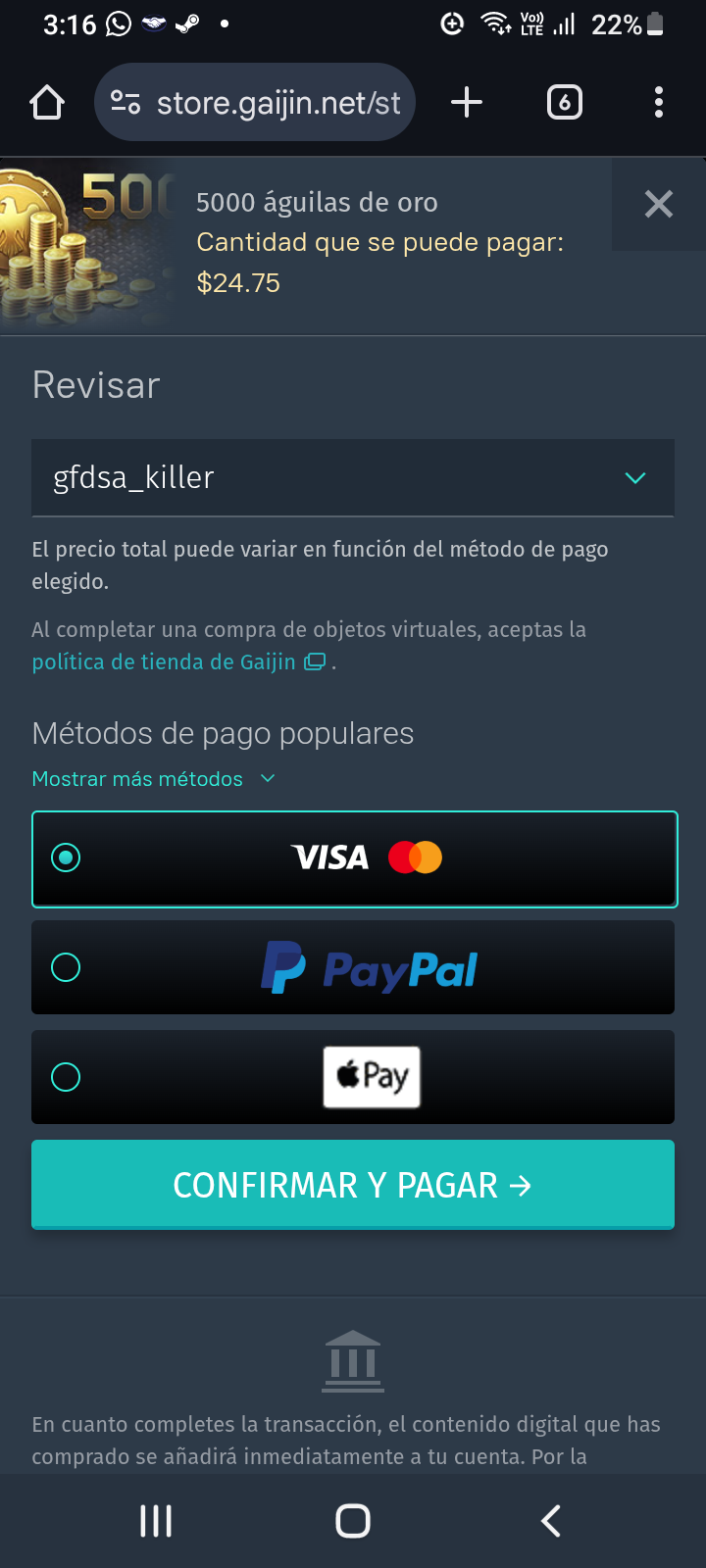
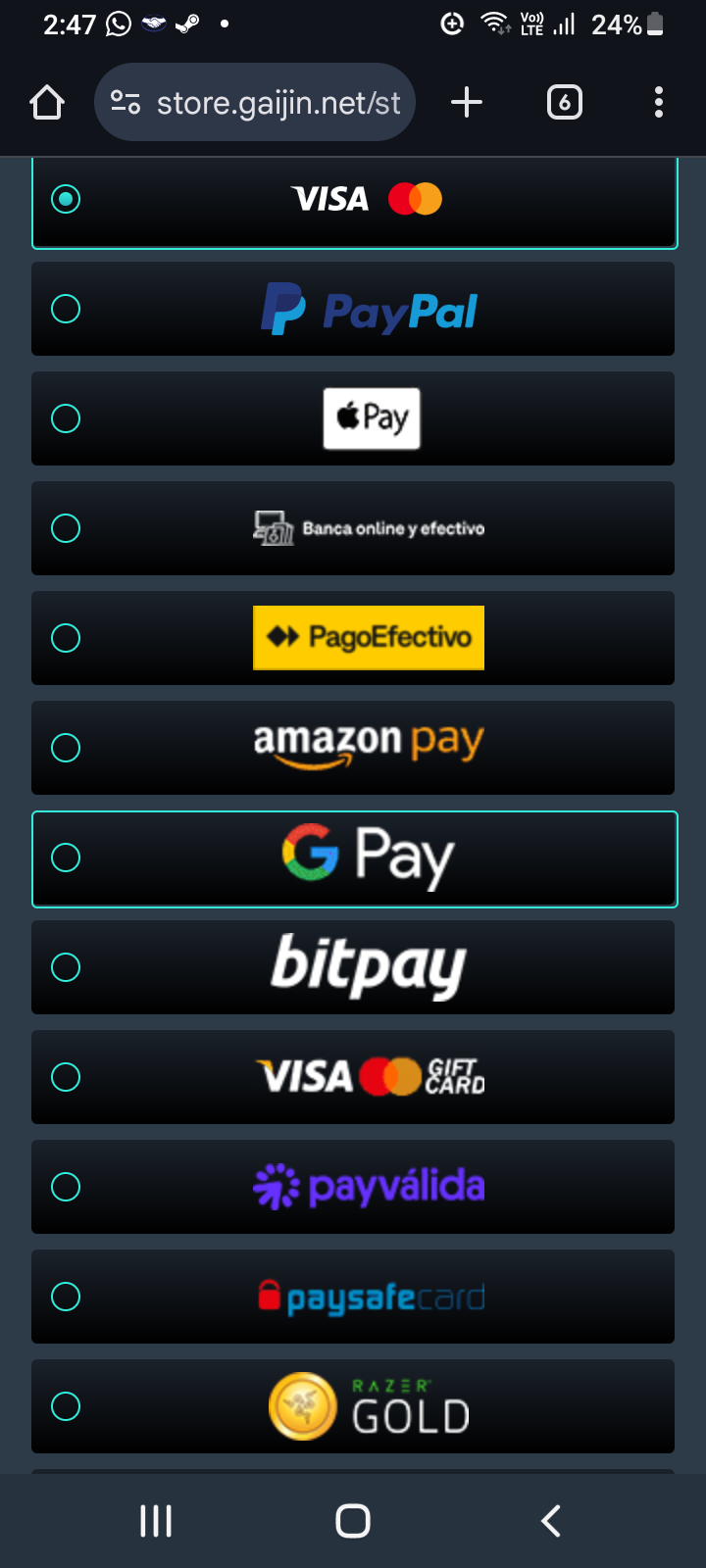
I want to buy 5,000 GE with my gaijin coins but I can’t find the option to use my balance as payment. I have 40 gaijin coins and just need 20 tu buy it.
I bought 2 x 150 GE during the EFV event with gaijin coins without a problem.
I want to buy 5,000 GE with my gaijin coins but I can’t find the option to use my balance as payment. I have 40 gaijin coins and just need 20 tu buy it.
I bought 2 x 150 GE during the EFV event with gaijin coins without a problem.
Try viewing the page as desktop (should be in your phone browser settings the 3 dots.)
If you still can’t see it using above method & cannot use a desktop browser i’ll try to help via pm.
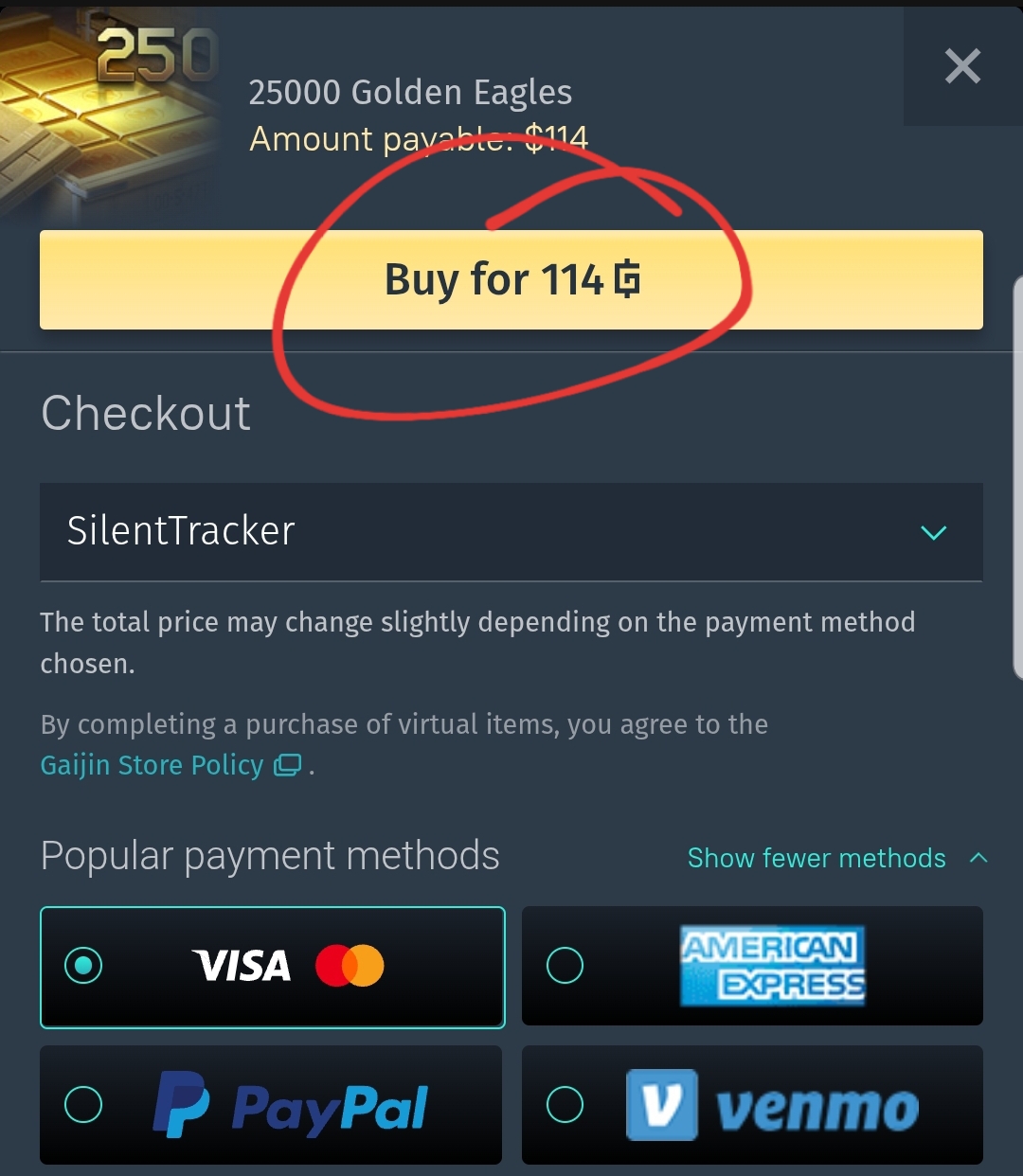
If you didn’t get it figured out yet, it should be the gold colored button at the very top to make a purchase with Gaijin coins:
(Screenshot below is showing mobile site mode.)
I first tried in desktop and bc I had that problem switched to cellphone.
Later gonna upload a screenshot, im away from my pc rn.
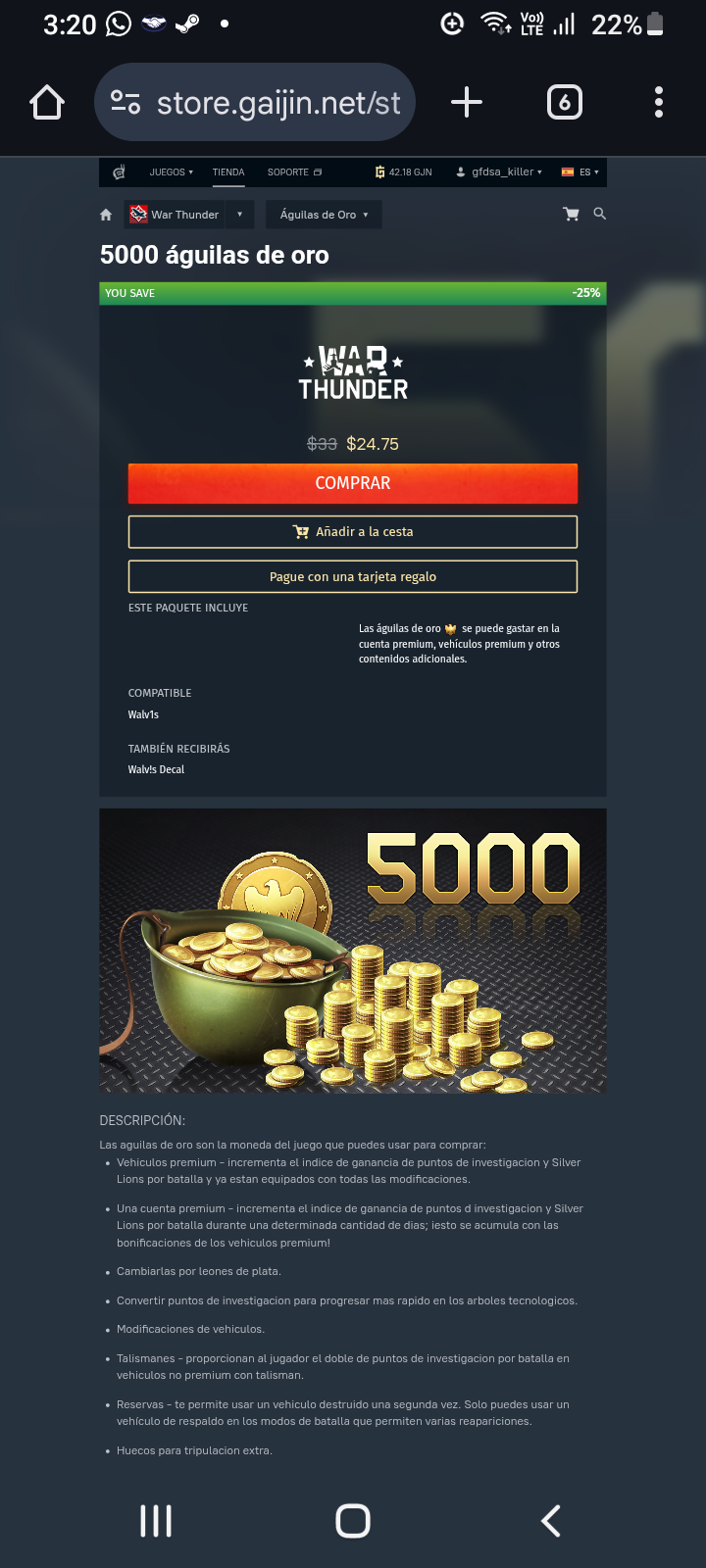
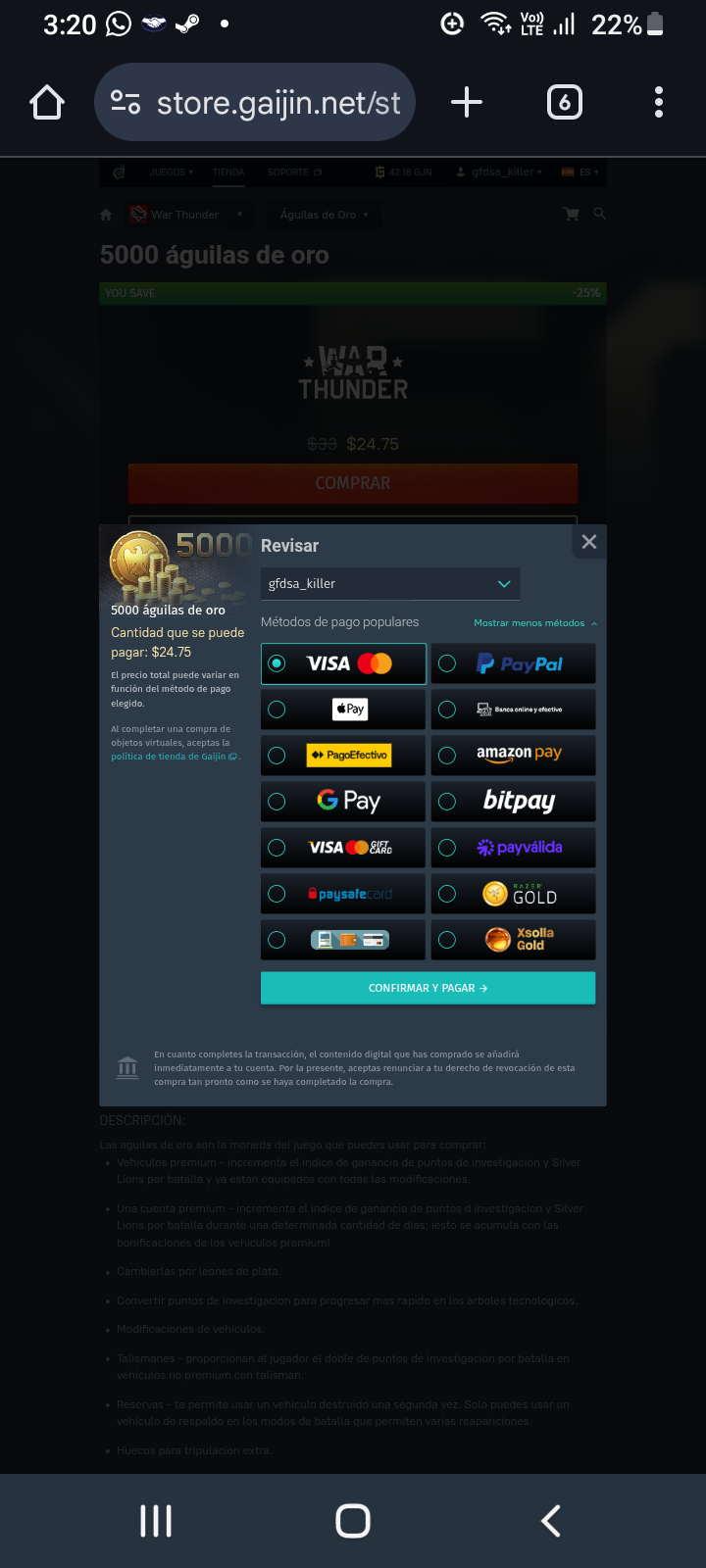
This its how it looks in desktop mode from cellphone:
Hmm, I’ll try sending you two links via PM. If those don’t work support may have to look into your account.
You think it has to do with no cellphone authentication activated?
If you had the problem on PC too i don’t think it would be that, But i can’t look into your account that way so cannot say for certain.
Sent the link to you.
Ok guys, the problem was I had 2 step verification OFF, and you need that to use the gaijin coins. Turned back on and now it works. See ya!
As we sorted it i’ll close this now, if you encounter any other issues feel free to make another post.
Cheers!