Recently, many camouflages purchased from the War Thunder Marketplace have failed to load properly.
3 Likes
Can you drop any example please?
Do you have any screen with exact text that’s displayed with the error?
For me they are all on low quality. I now only use the normal skins directly from the game itself
If you’re using VPN that is most likely the reason.
Same happened to me before.
Same for me, the MP skins are normal at the start of the match, but at some point mid-match they get blurry and washed out.
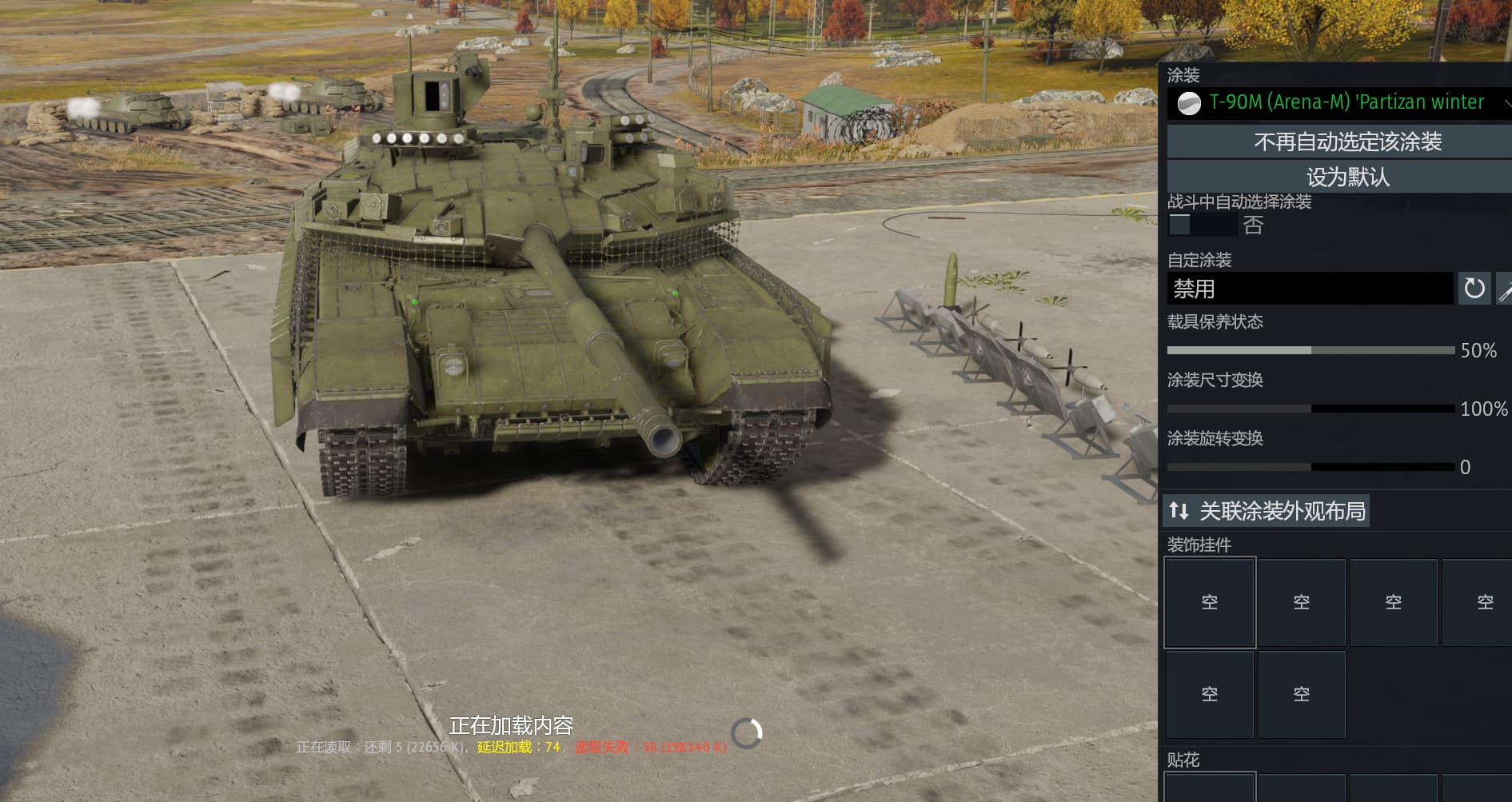
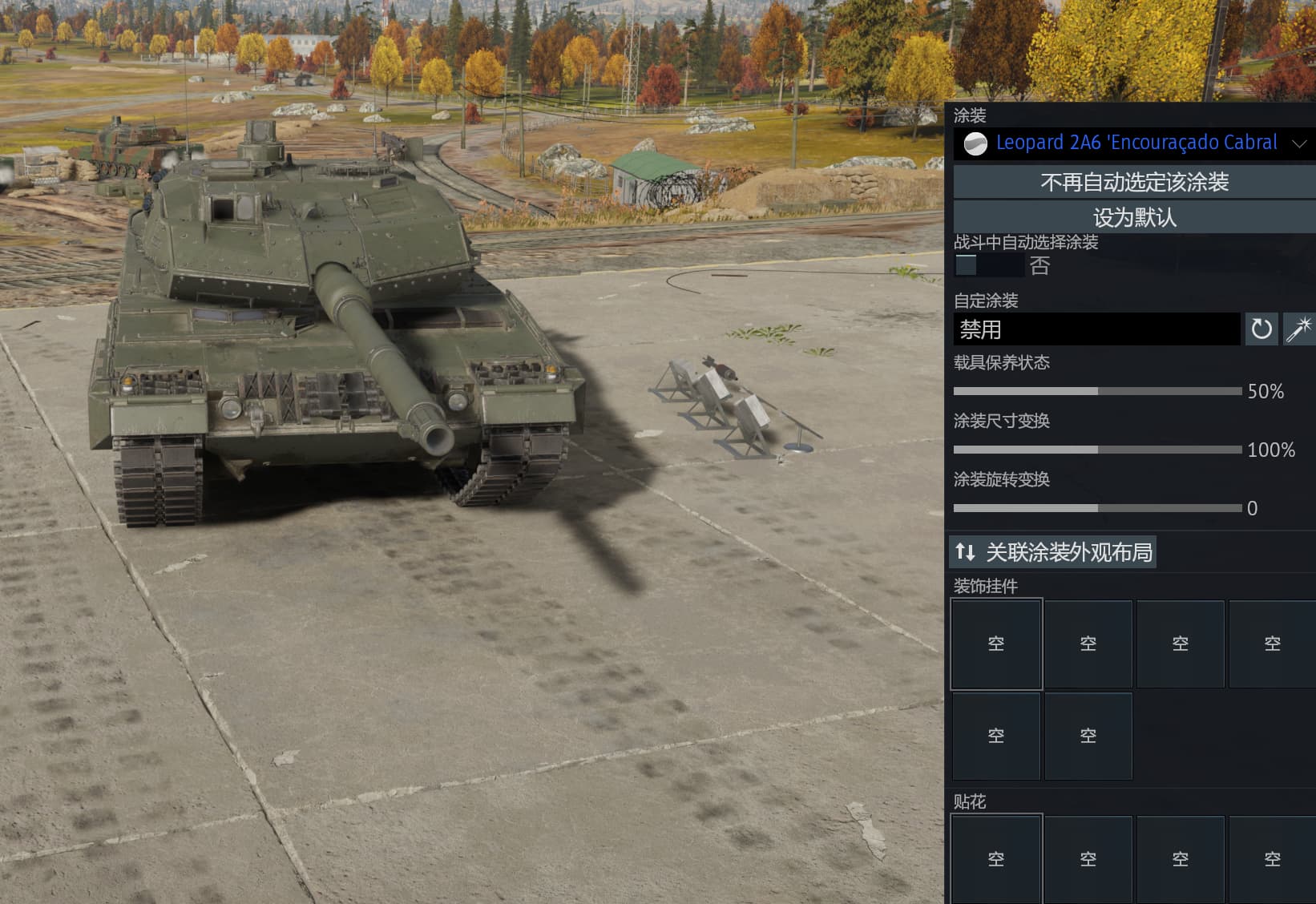
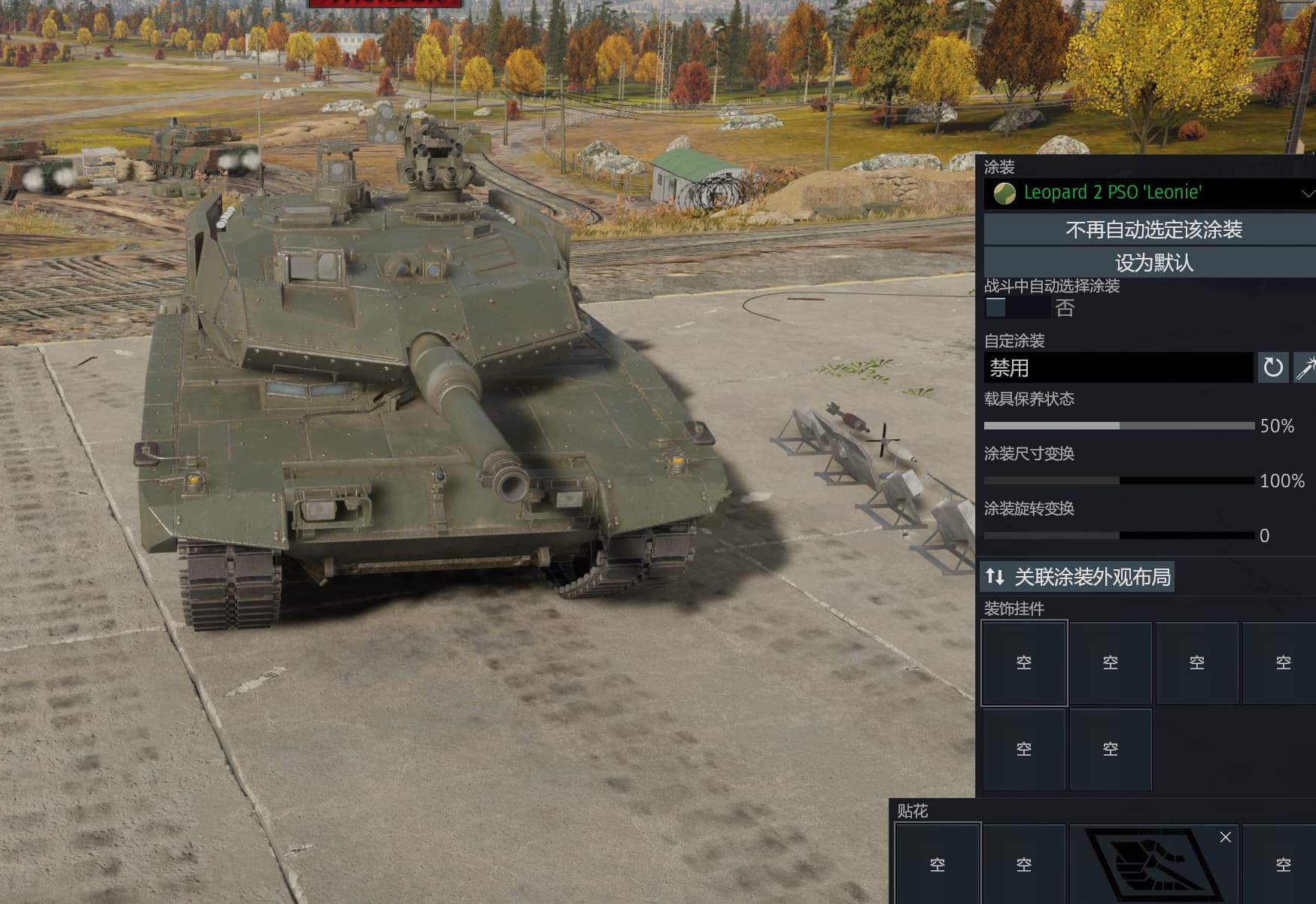
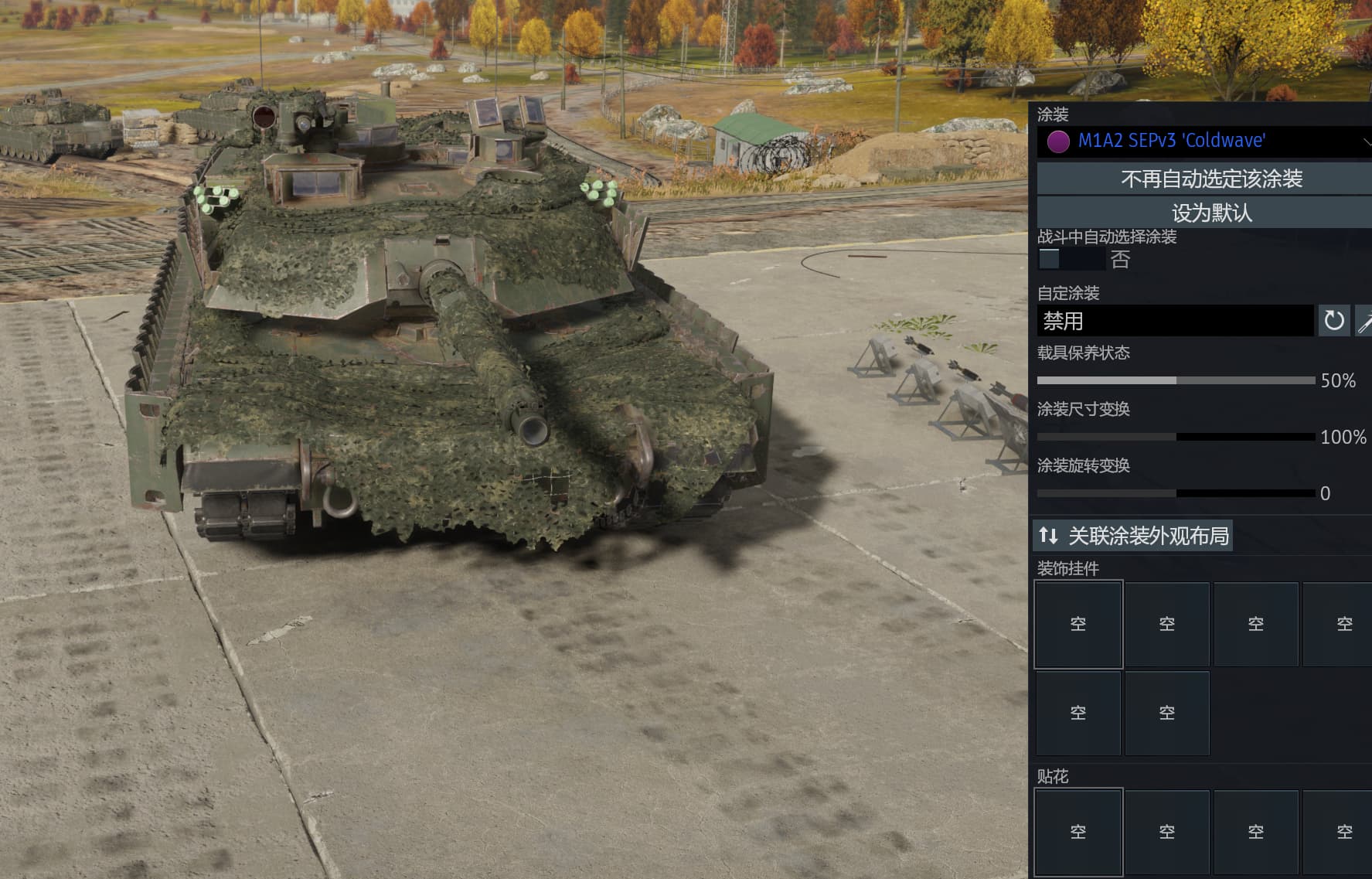
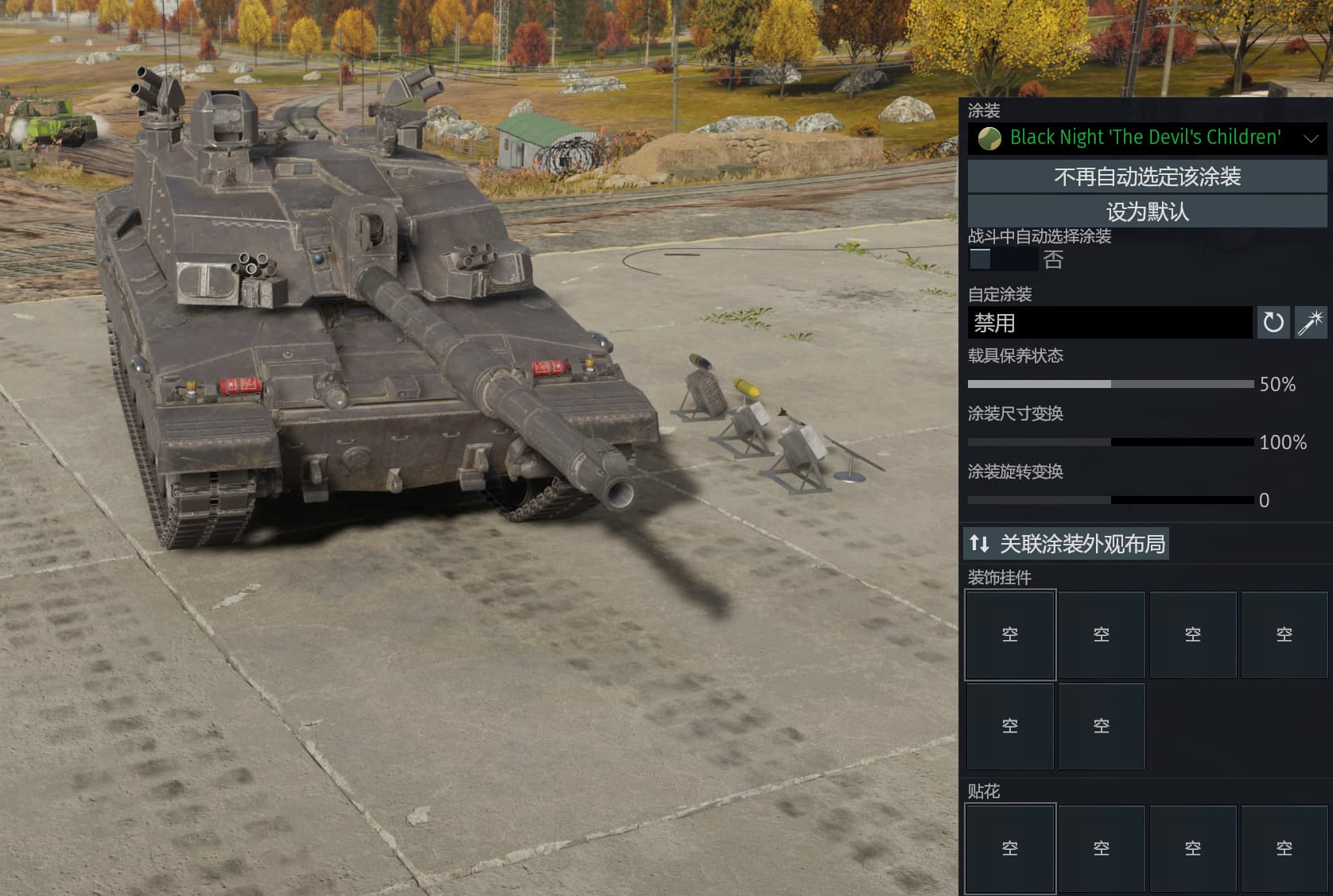
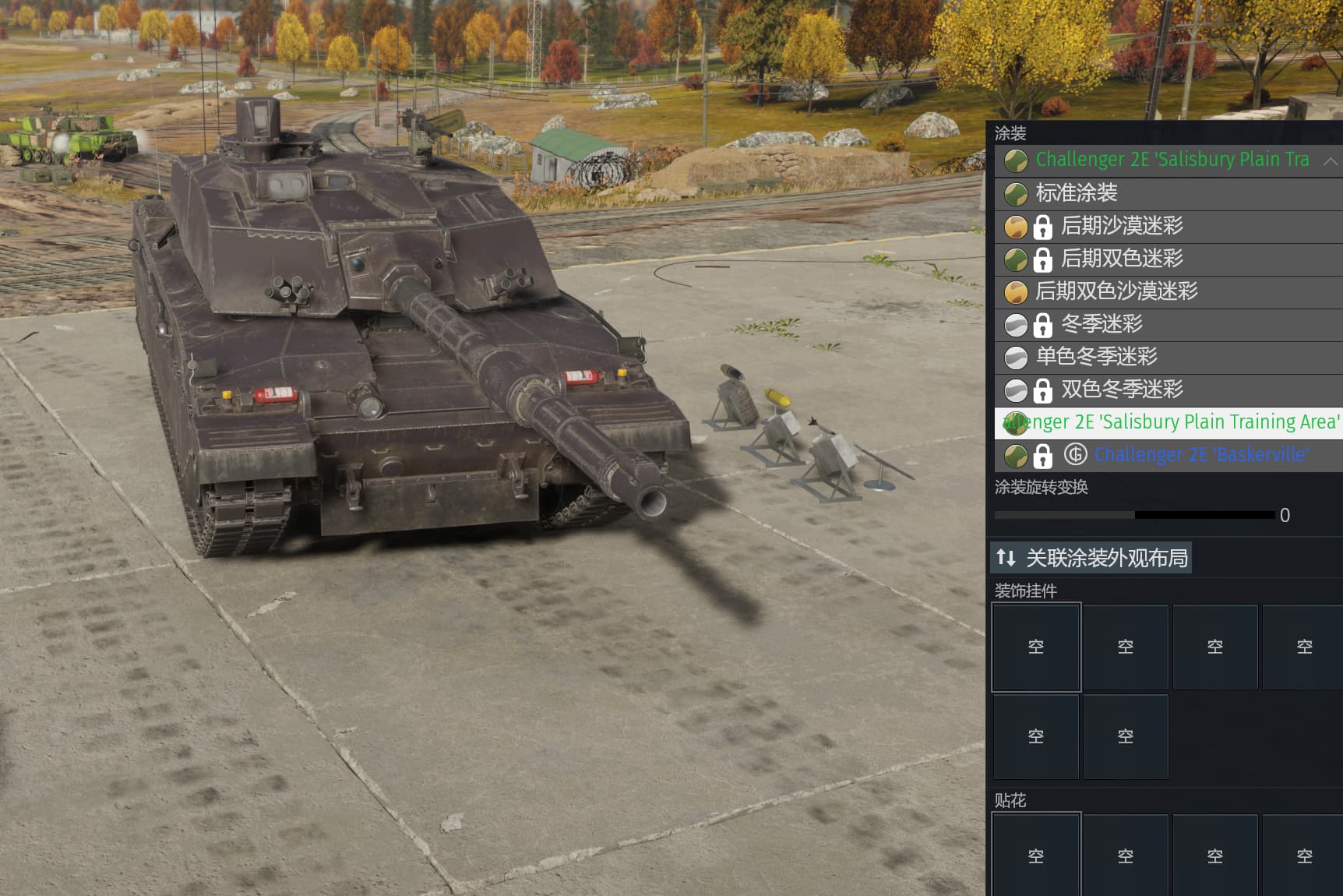
Only a very small number of them display properly.
I dont use a vpn ^^
Never had this before the update
Weird, mine’s are working perfectly fine.
I just checked few of the one you have listed. All loads properly for me (download, then display correctly in hangar).
Not sure what can cause the issue in your case :(
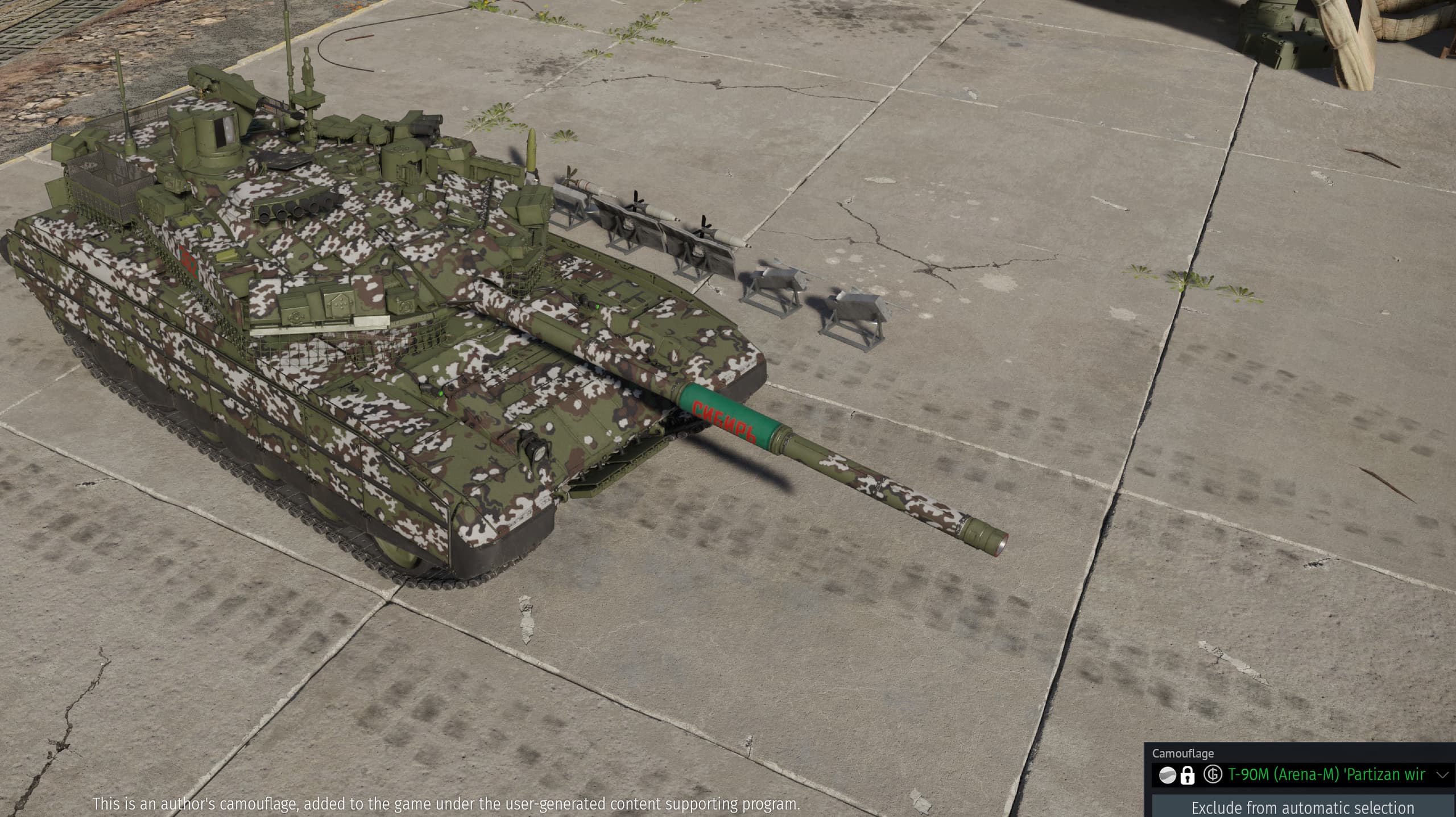
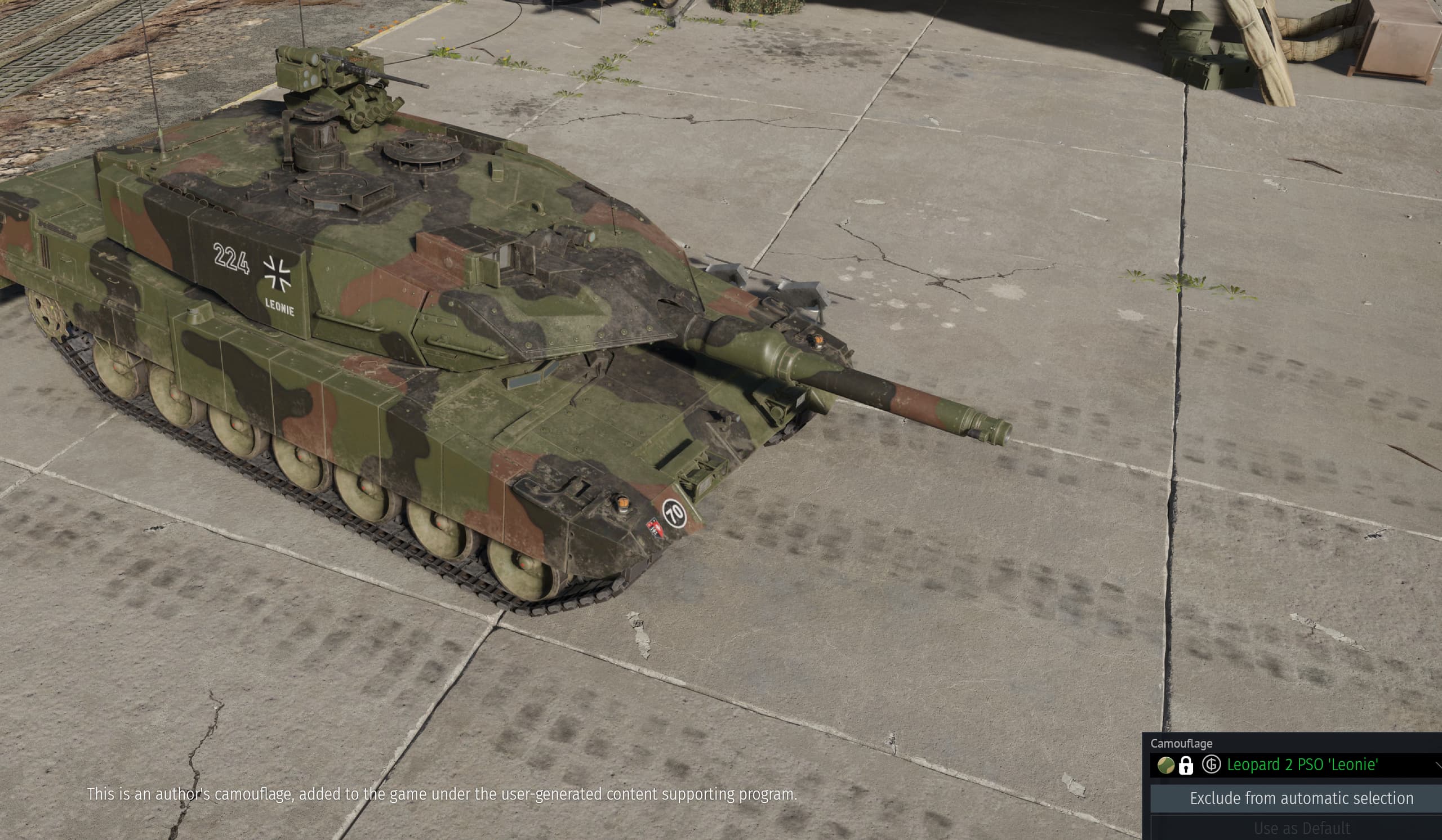

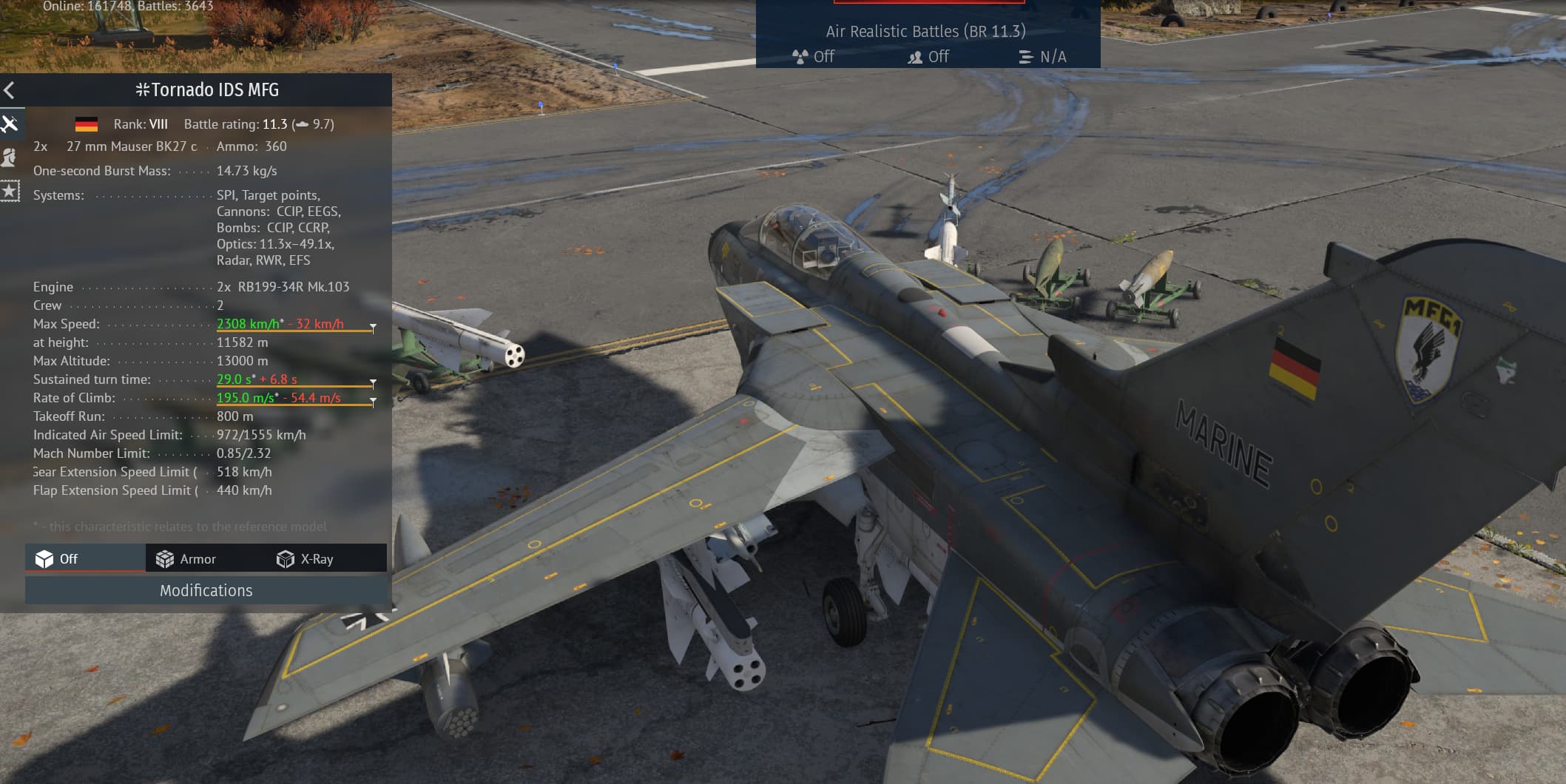
As a network engineer, my technical intuition tells me there’s about a 70% chance that the issue lies with Gaijin’s CDN or the network route to its asset servers. However, it doesn’t affect normal gameplay.
These camouflages are clearly downloaded from the server, and recently they’ve frequently failed to load. I’m located in Shanghai, China.
This happened last night too, I thought it was just my internet acting up.
I launched the game today and the issue seems to be fixed. All my Marketplace tank camos are loading properly in the hangar now. Thanks!
However, in combat, the camouflage of exchange vehicles still rarely appears correctly, especially for the Leopard 2 and Strv series