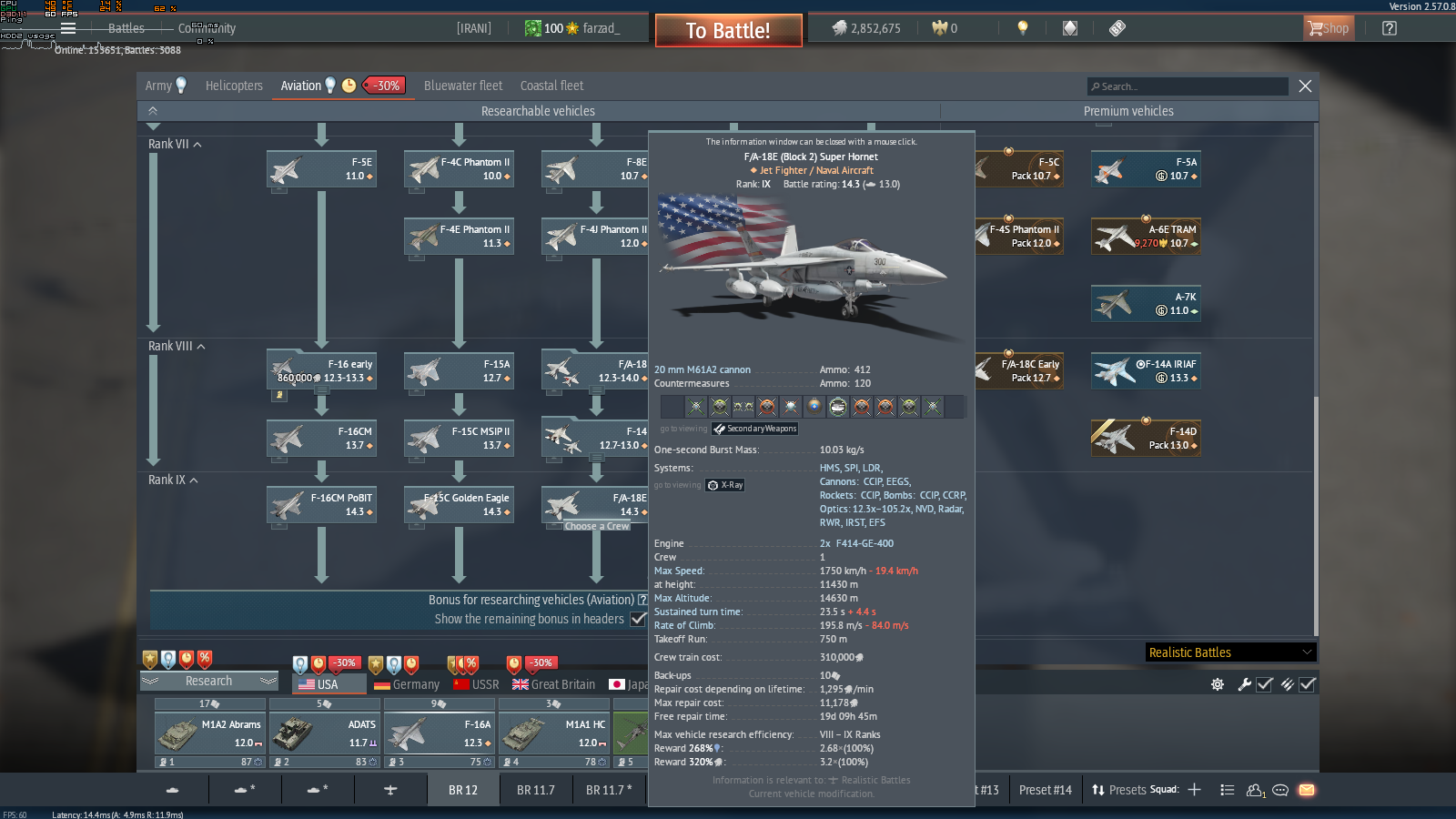
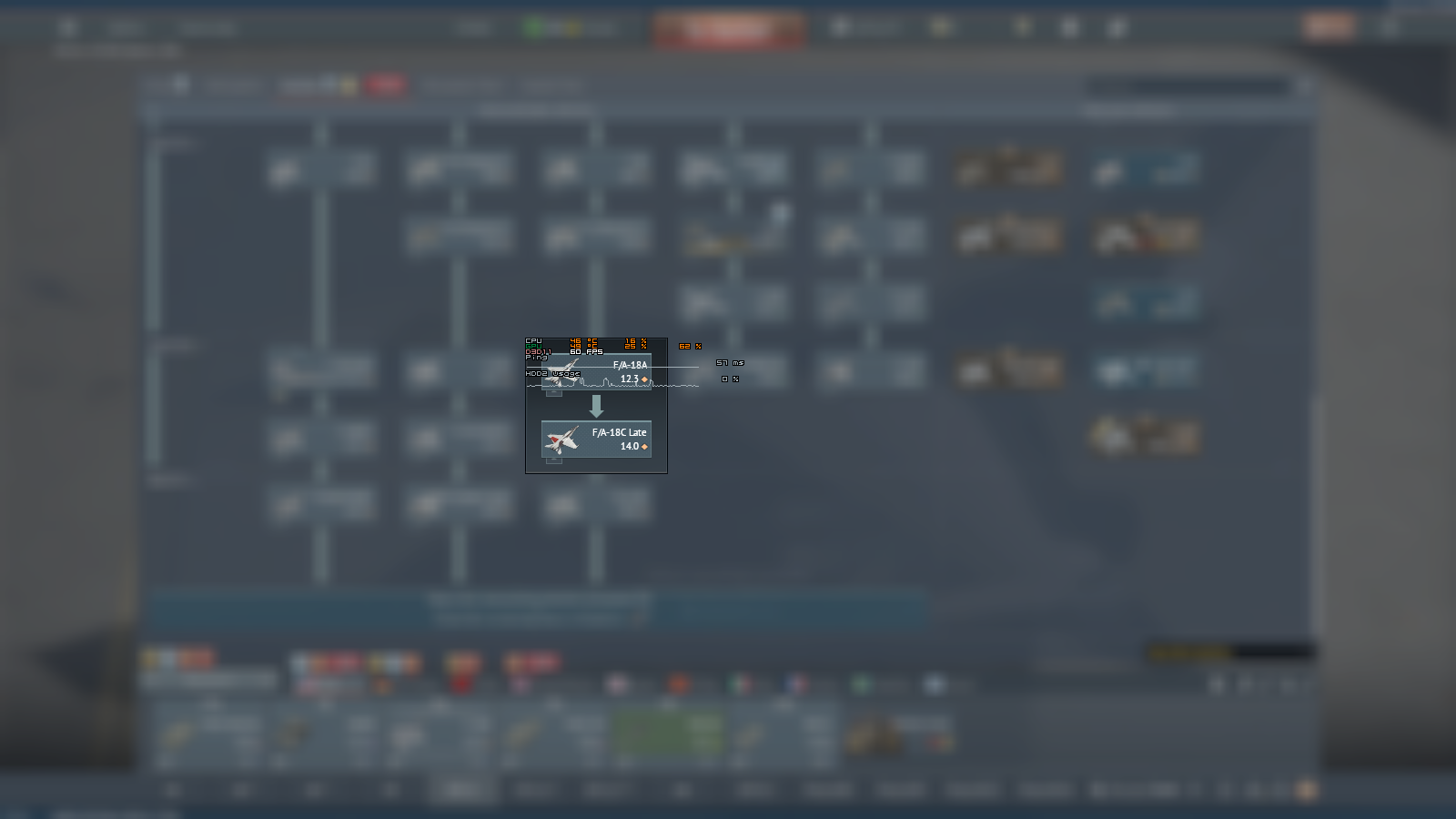
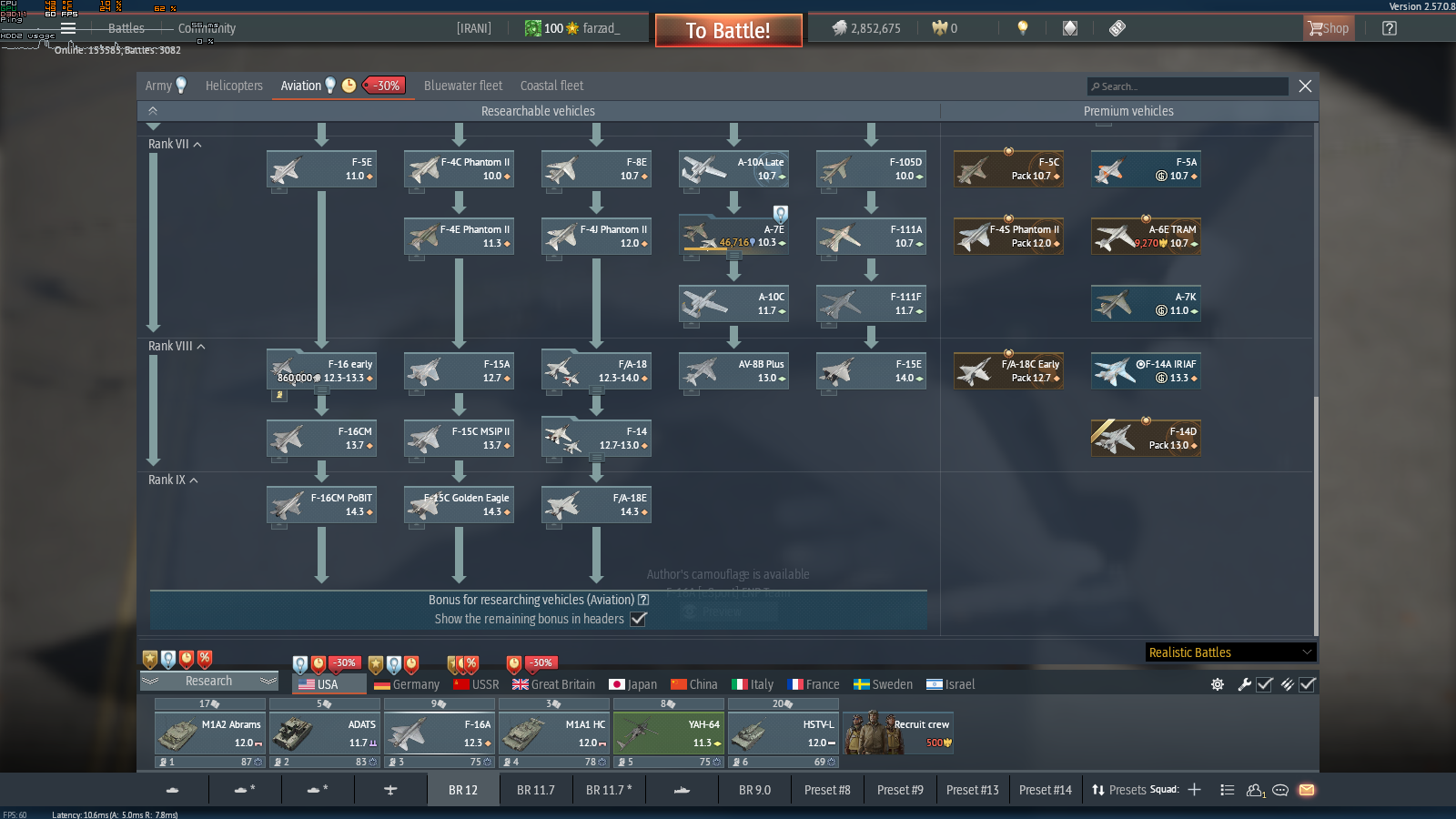
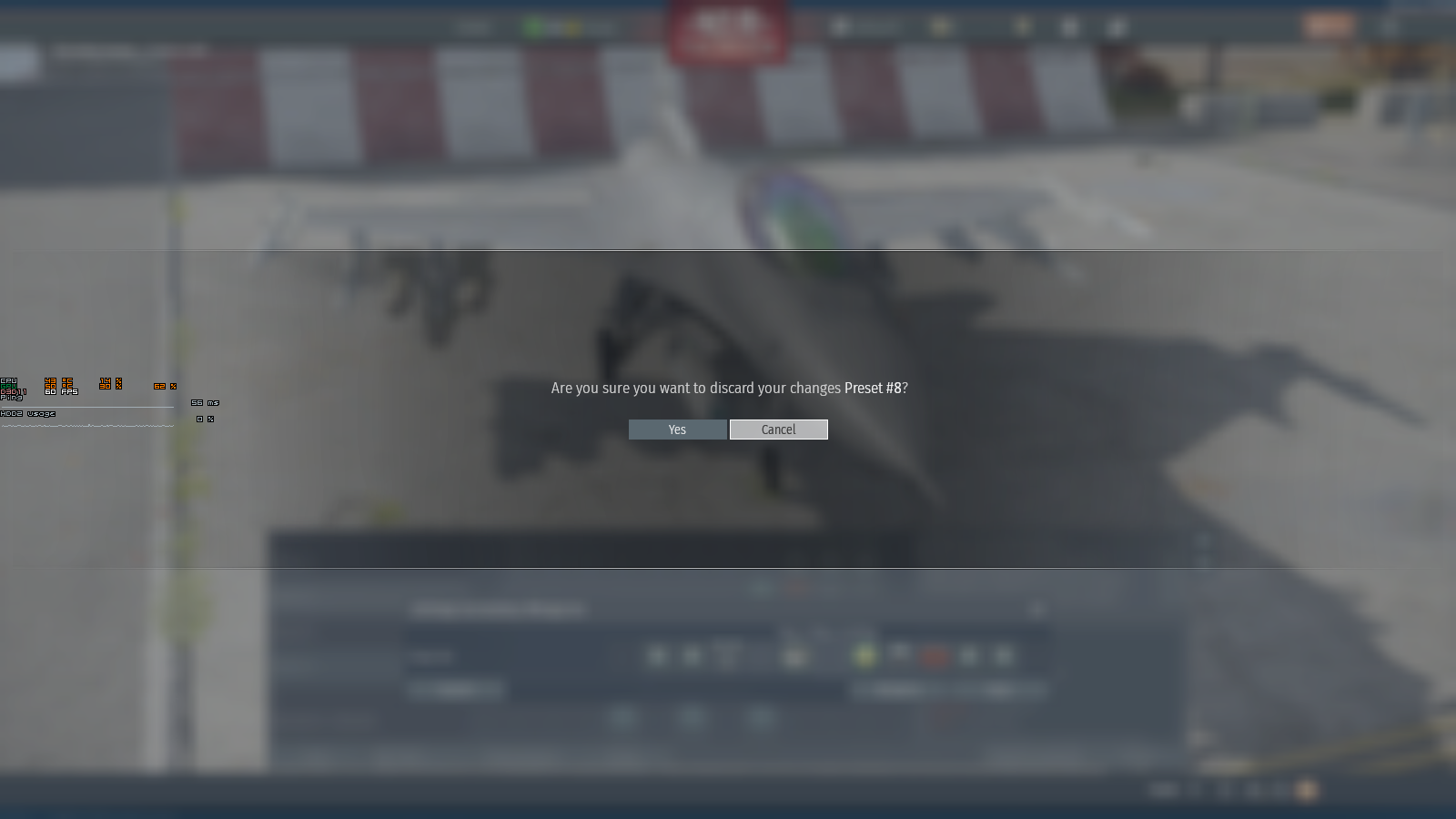
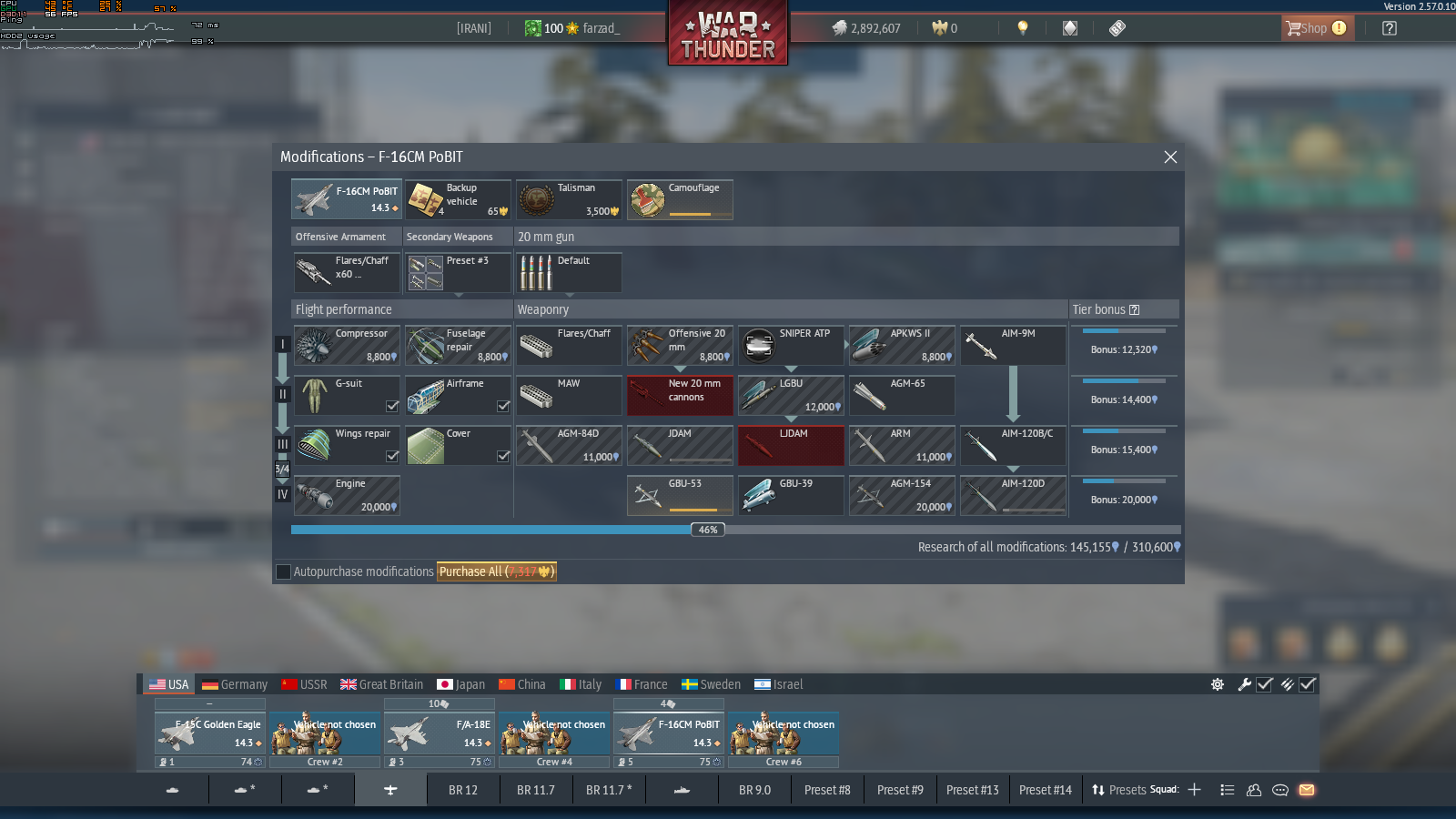
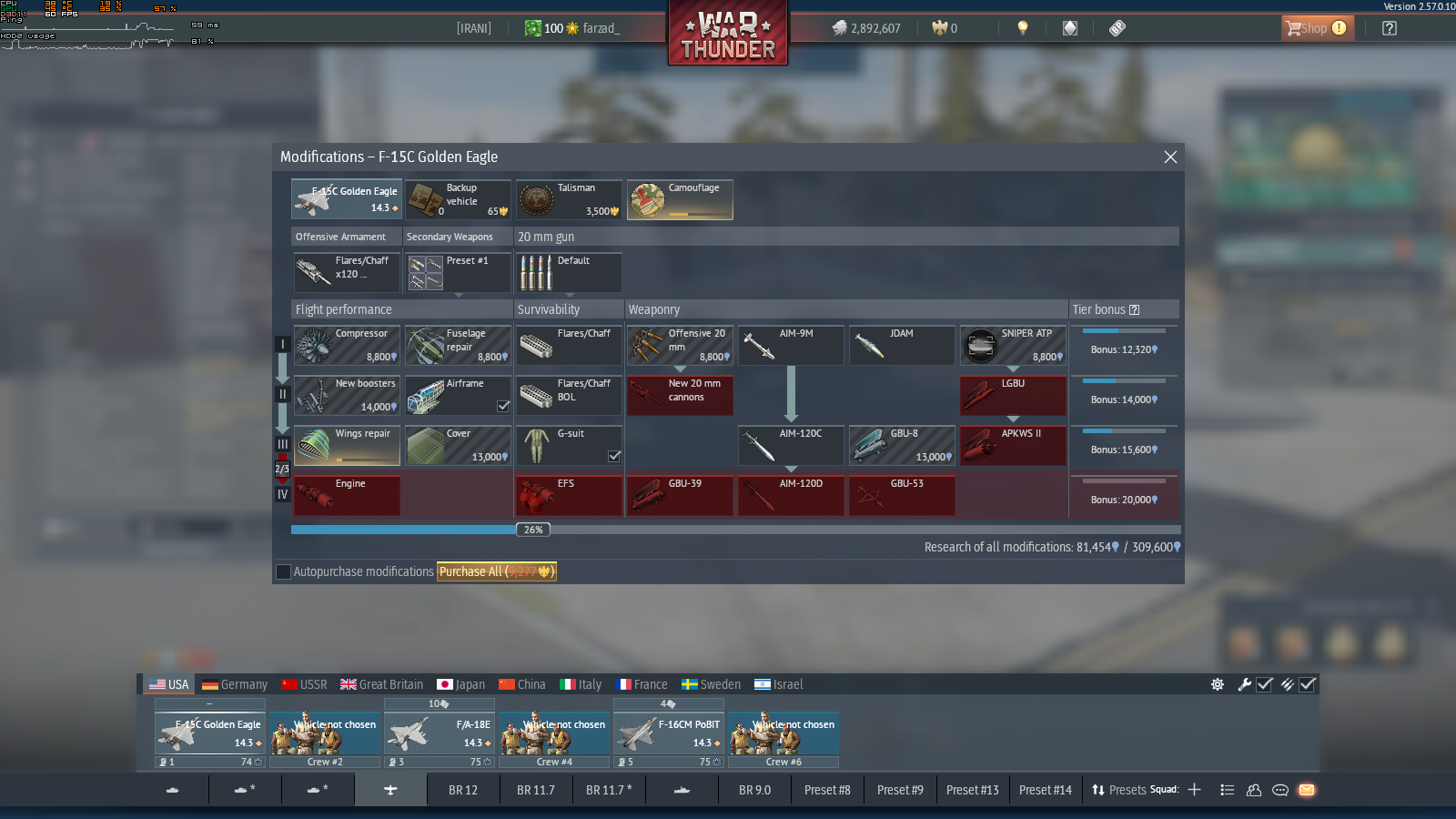
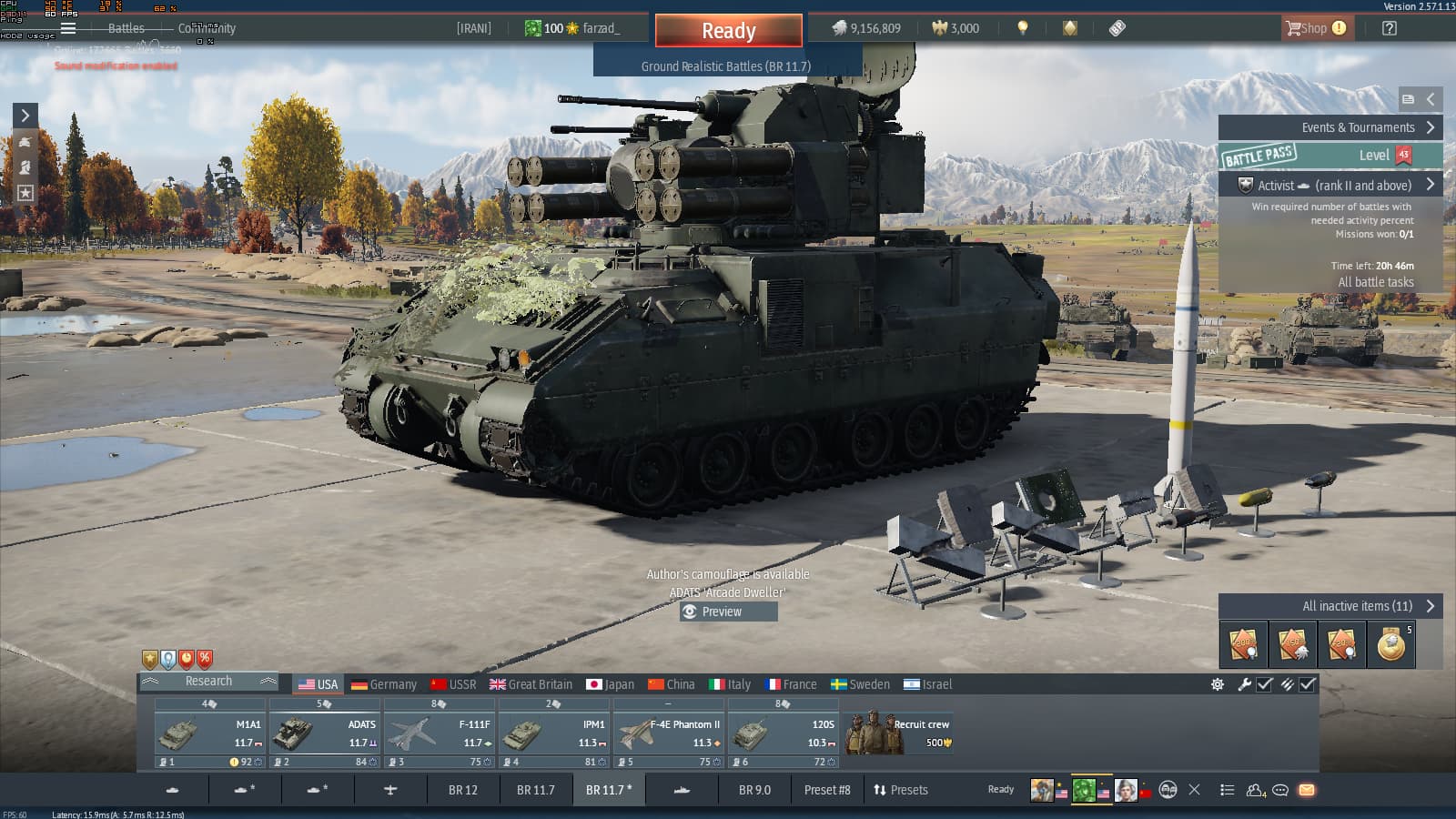
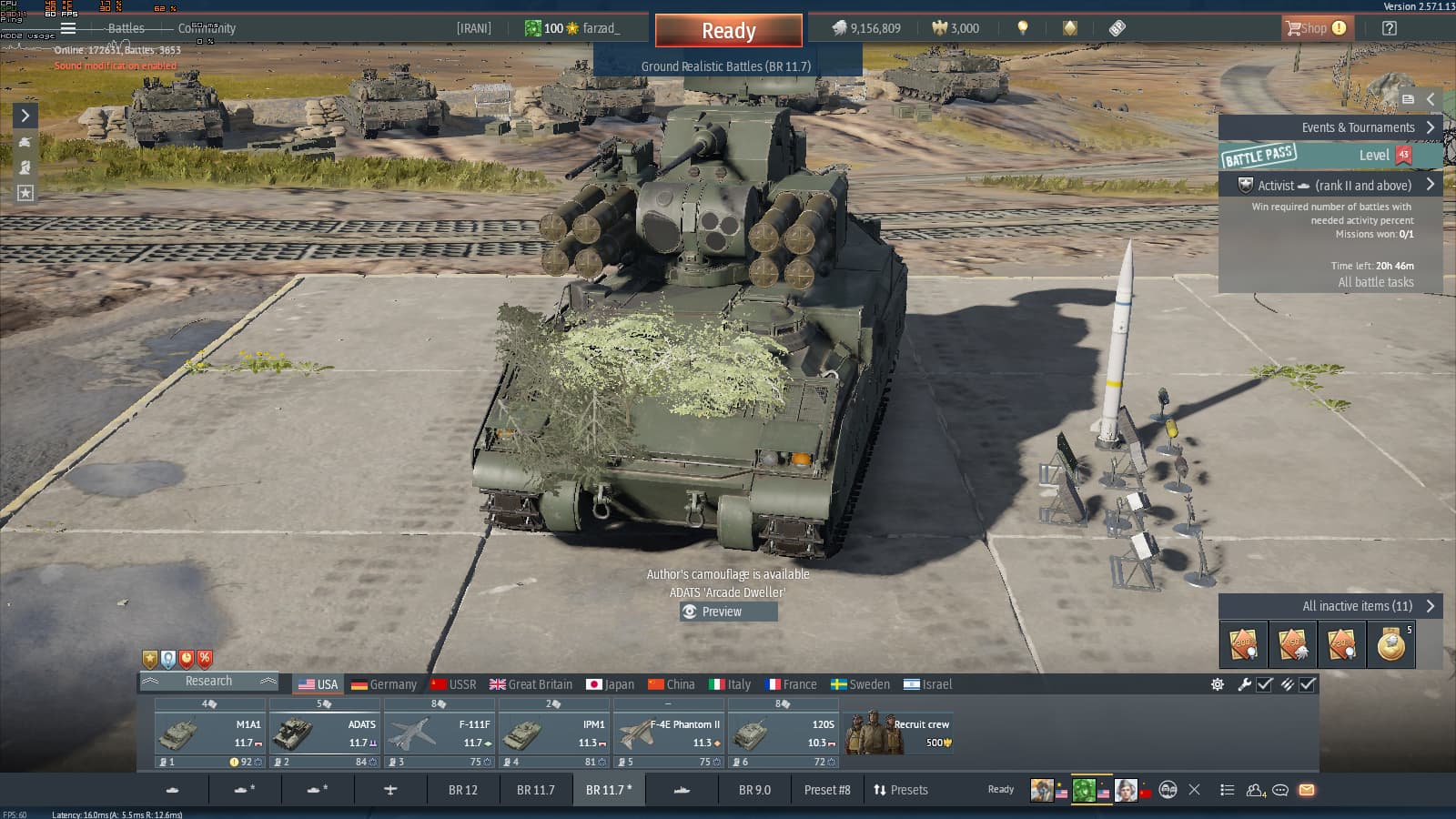
The update you released already appears to have several bugs. I will attach screenshots and provide an explanation for each issue.
Issue 01:
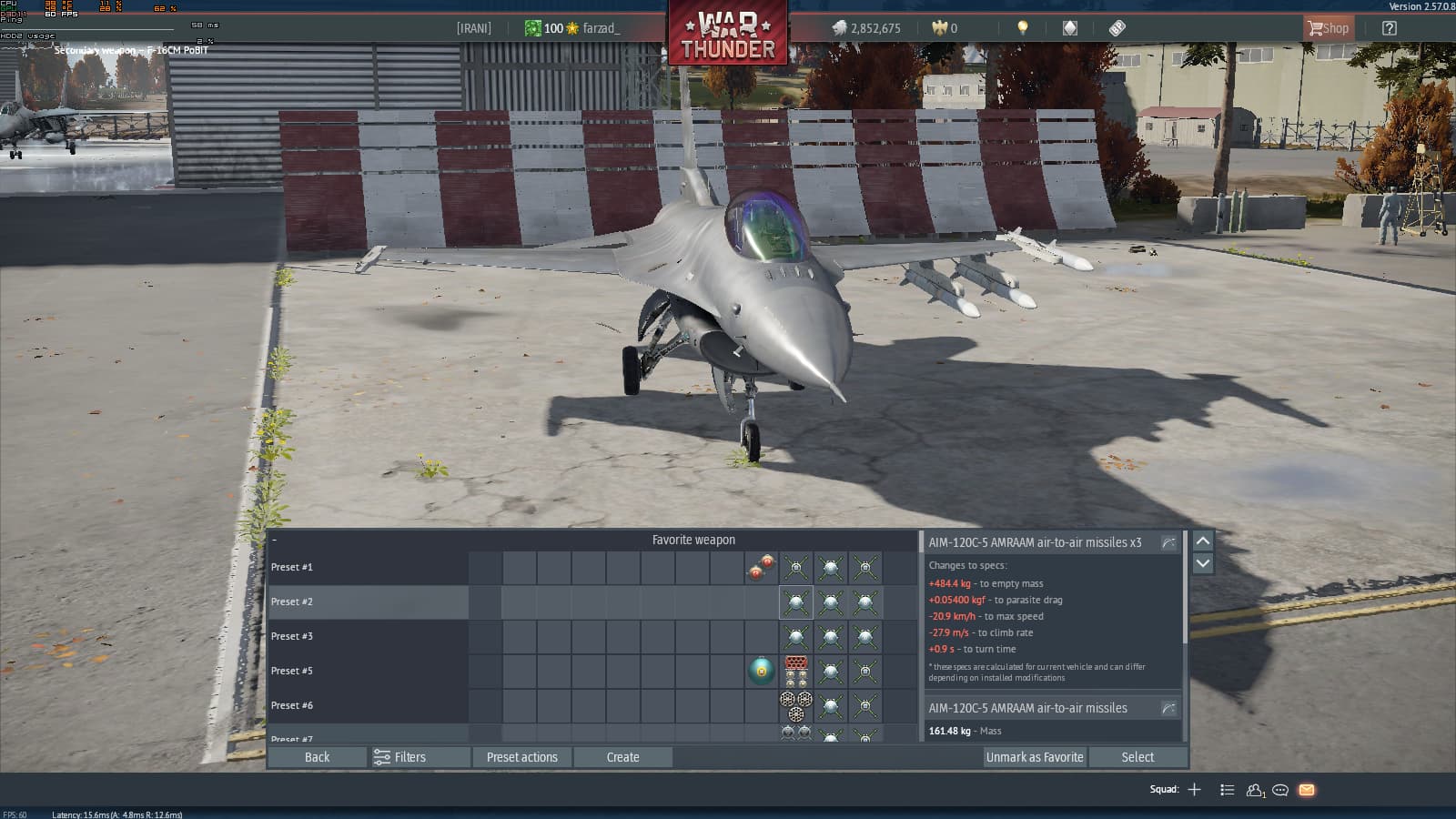
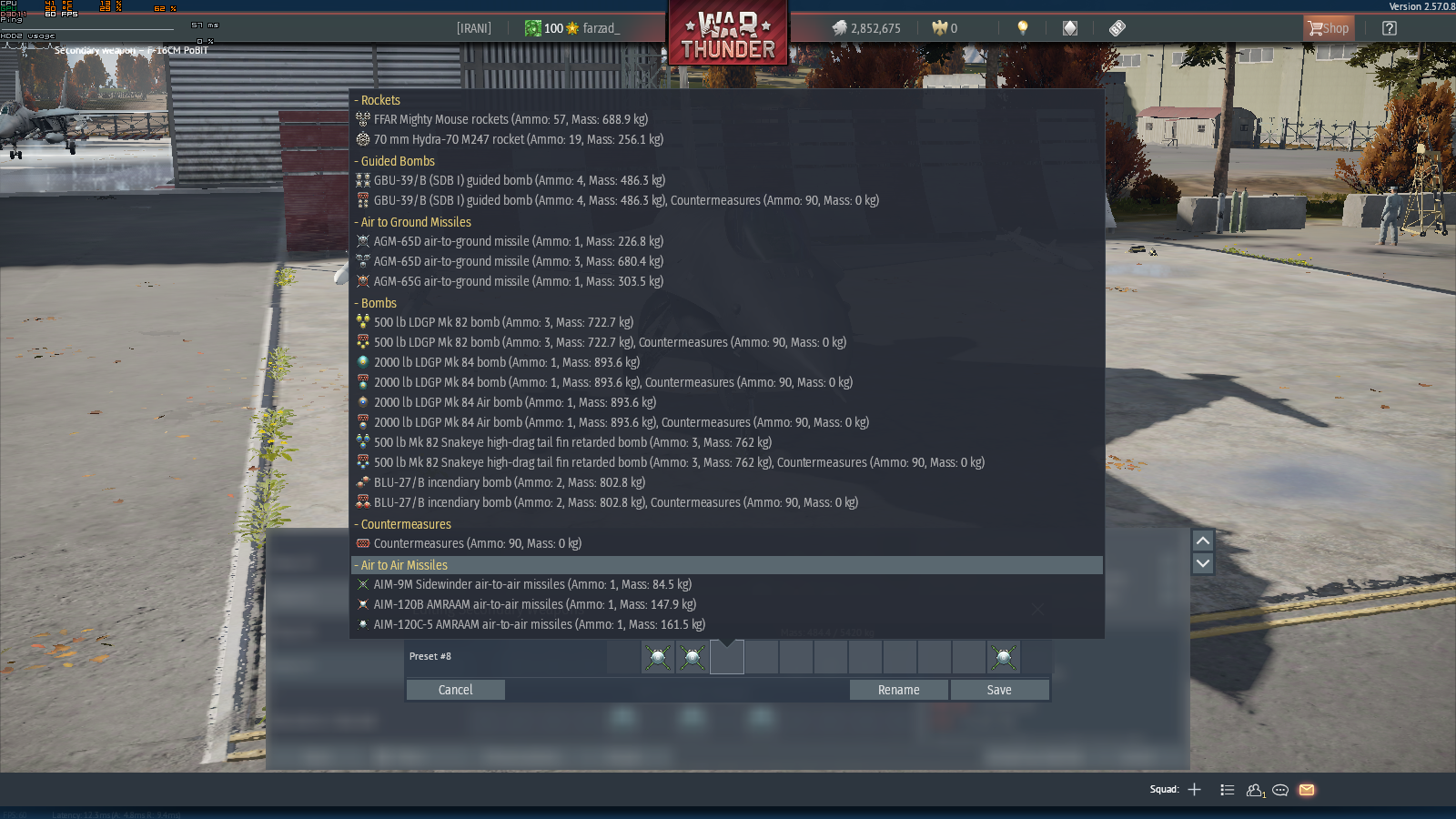
If you are using MSI Afterburner to display hardware temperatures and other monitoring information, this update causes problems with some of the vehicle HUD/interface elements. Certain display sections overlap or behave incorrectly. There are also other examples of this issue shown in the uploaded screenshots.
Issue :02
The weapon loadouts of some aircraft appear to be bugged. In certain cases, equipment is only present on the right side of the aircraft, which creates gameplay issues and affects normal operation in battles.
If I encounter any additional problems, I will report them in this same thread.
I was actually planning to do exactly that and submit the report through the bug reporting website you mentioned. However, I previously reported a different issue there, and it still hasn’t been resolved. Because of that, I thought I would mention it here first in case someone notices it and can help get the issue addressed more quickly.
If it hasn’t been looked at or if it hasn’t been fixed yet you can message the Technical Moderators to ask about it. You can find all the teams and the areas they handle listed here: (Who is who and Reporting Procedure). If you don’t get an answer within a few days you can add more moderators from the list to the original message instead of sending a new message (that way you preserve the date of the message and it doesn’t look like a new request), adding one of the moderators to the message every 2-3 days or so until you get an answer.
Please do not to add the seniors until you have tried all other regular moderators, the Seniors likely won’t answer unless they are added and pinged by the regular moderators but if you’ve added all the regular moderators with no answer then you can add the seniors.
This update introduced several new settings and features, which may increase CPU usage compared to previous versions.
If you have any information from before the update, such as CPU temperatures, power consumption, utilization, or other hardware monitoring data, I recommend comparing those values with your current results.
It is also worth noting that we are currently in the summer season, so higher ambient temperatures may also contribute to increased CPU temperatures and overall system heat.
Therefore, it would be best to compare the current measurements with your pre-update data before concluding that the update itself is the cause of the increase.
when holding the C key on the keyboard (free look), it is no longer possible to zoom in the same way as before. Currently, I have to zoom in first and then hold the C key. Before this update, both actions could be used together without any problem.
This does not appear to be related to the controls menu. It is connected to the option that allows players to look around without affecting the vehicles direction or movement.
I have found another issue as well.
Previously, while flying aircraft, holding the Alt key allowed me to move the radar scan area up and down. However, after this update, once a target appears on the radar, this functionality no longer works with the Alt key.
The only way to adjust the radar scan area now is by using the dedicated keybinds that were recently added to the Controls menu.
As far as I can remember, this behavior was not present before the update.
I have reported issues several times in the past, but unfortunately they did not seem to receive much attention.
Therefore, if possible, I would appreciate it if you could forward these bug reports and technical issues directly to the development team. Reporting them myself has not been very effective so far, and I am concerned that these issues may otherwise go unnoticed.
I sadly have no contact with the developers and can’t look into bug reports as i do not have access to those systems. You will have to contact the Technical moderators as described above in my previous reply.
The “Add Aiming Point” and “Delete Aiming Point” options were added in this update, and that was the reason this functionality was no longer working as expected.
I sincerely appreciate your help. Thank you very much.
Sorry, but I have found another issue after the update.
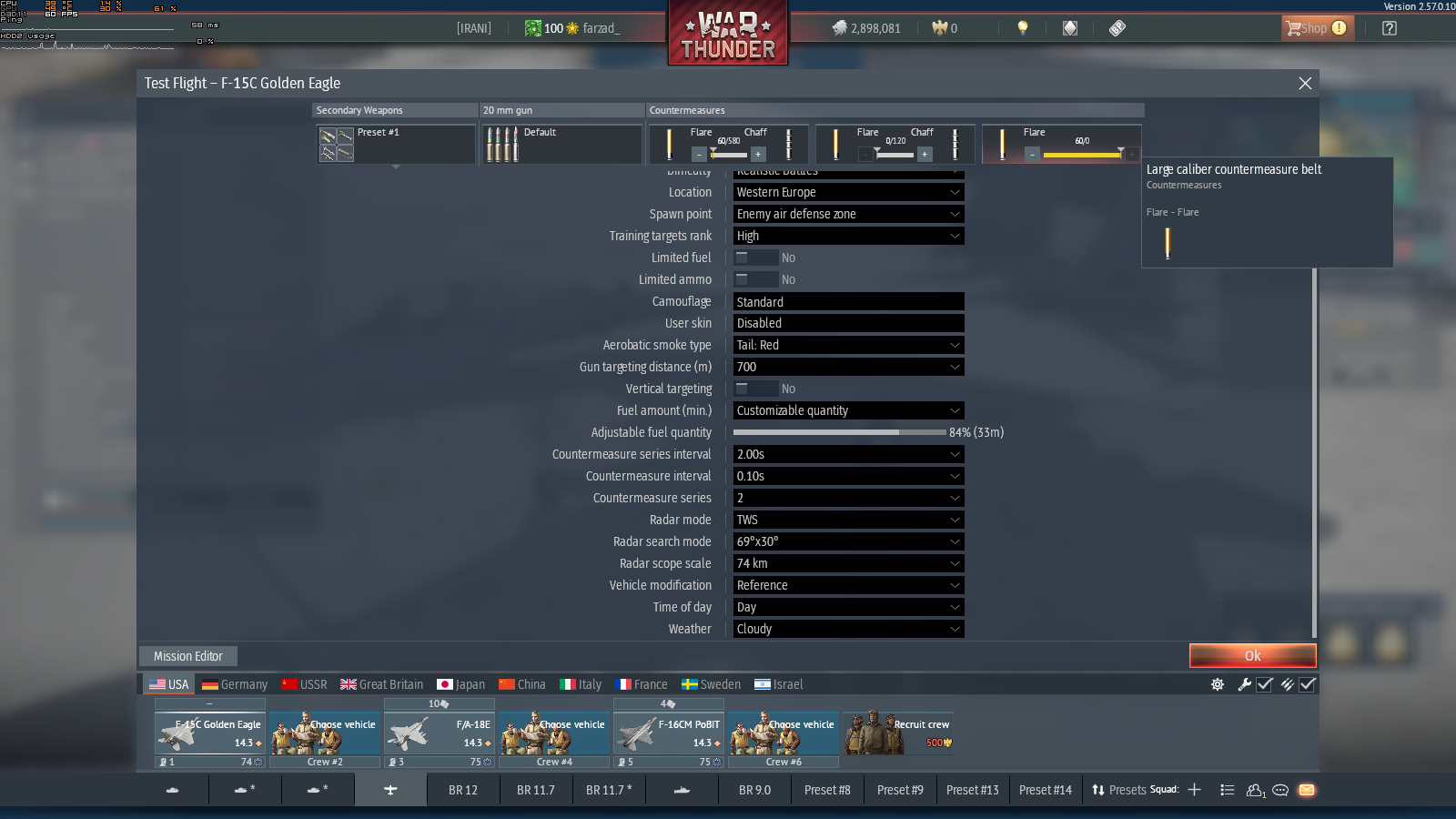
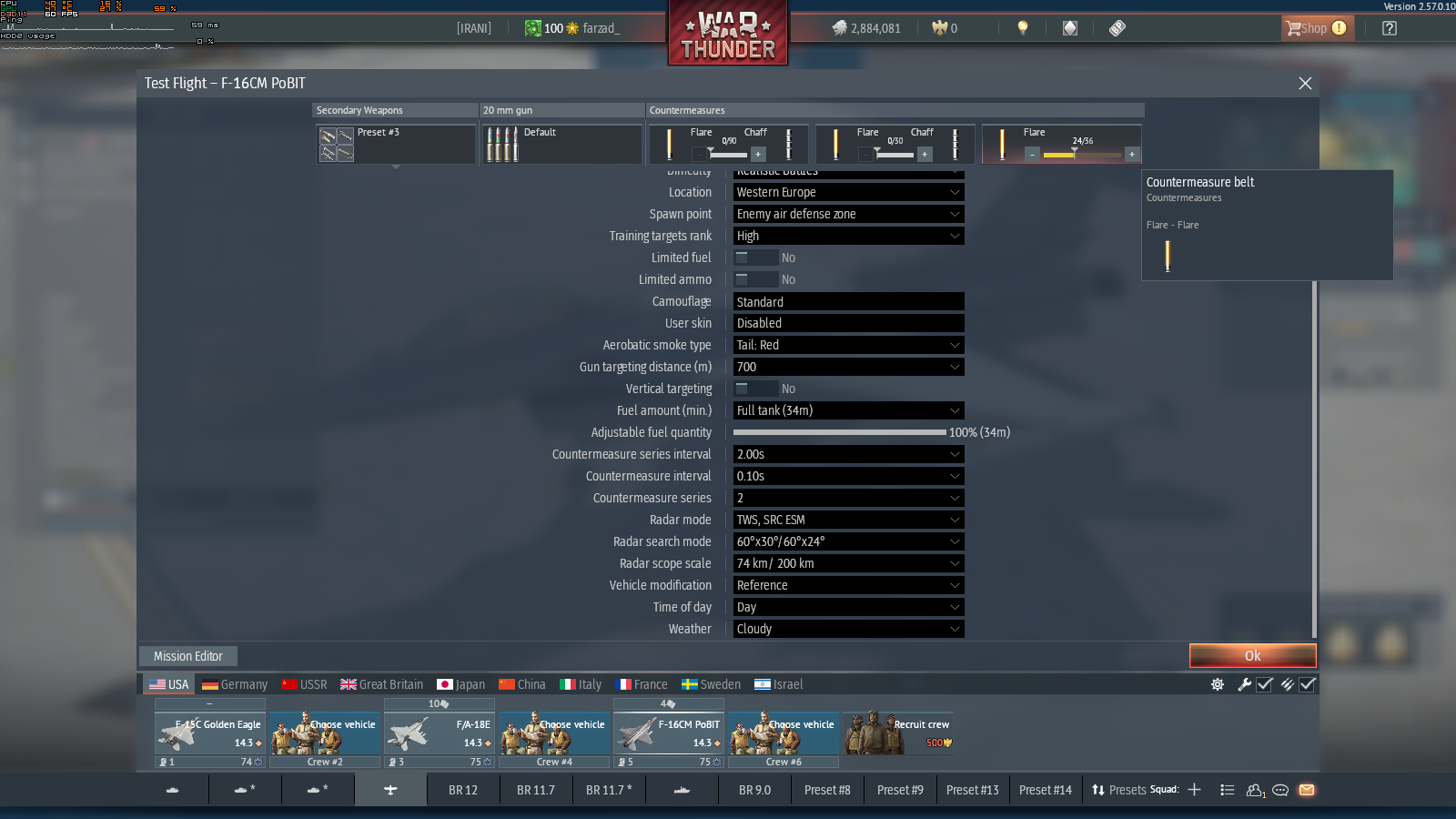
It appears that the option to change the distribution of large-caliber countermeasures (flares and chaff) is no longer working correctly. At the moment, only flares can be selected, and it is not possible to replace them with chaff as before.
This issue started occurring after the update and may be related to the recent changes made to the countermeasure system.
I don’t know if it’s just a me problem, but i have also noticed some other bugs, and i don’t know if it’s just for me or for others too.
The first one would be that i can no longer select spawn on the map in matches, which i could do before, and also i cannot interact with any map functions without having to pass the cursor onto the button (you could done that without the cursor before).
The second would be that in wheeled vehicles, if you get your tire shot off or blown down, after repairing your vehicle it doesn’t come back on the vehicle, only after like 20-30 seconds as i seen, and while that your gun is twitching up and down and you can’t aim properly (i know the twitching ain’t a new problem), but the main thing is that after that 20ish seconds the wheels come back but glitched into the ground and the gun still remains twitching . This also wasn’t a problem before.
This would be all that i noticed, but still, i don’t know what to do with them.