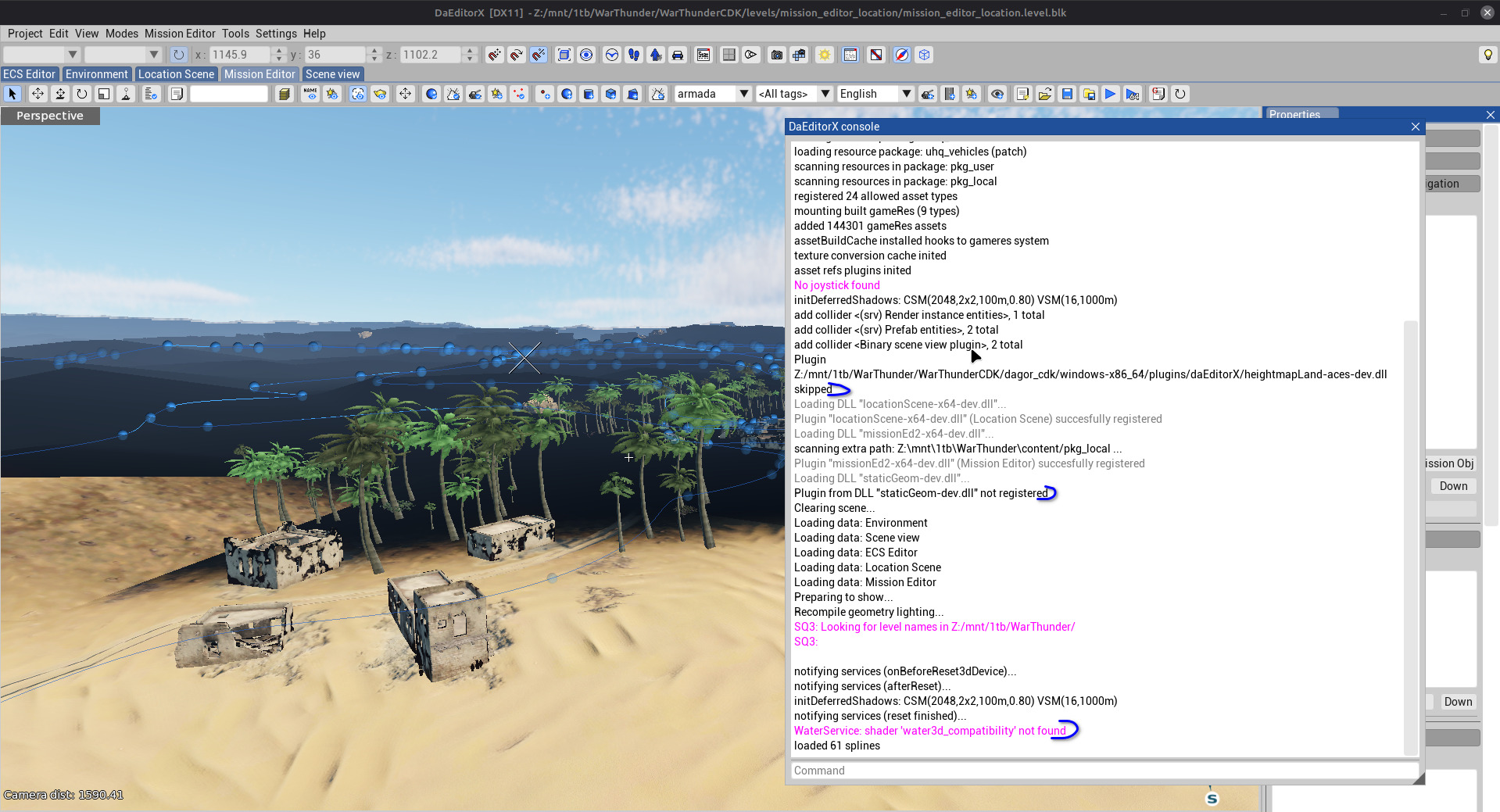
Installed the CDK into Linux files for warthunder using wine but lightning seems to be busted. Also tried installing the windows launcher into the same files to see if it would install a file that the CDK needed but also didn’t help.
I suspect it to be one of these 3 things being not found or skipped.
The only things being light is everything within about a 10m radius of the camera.
Hello!
I dont think this is caused by any of errors you suspect.
What I recomend you to do is to try to run your CDK app through a proton tool, which helps to run windows games better on linux systems.
Its build in on the steam, but you can use other platforms as well like the lutris or the heroic launcher
Here are instructions in case you use the steam:
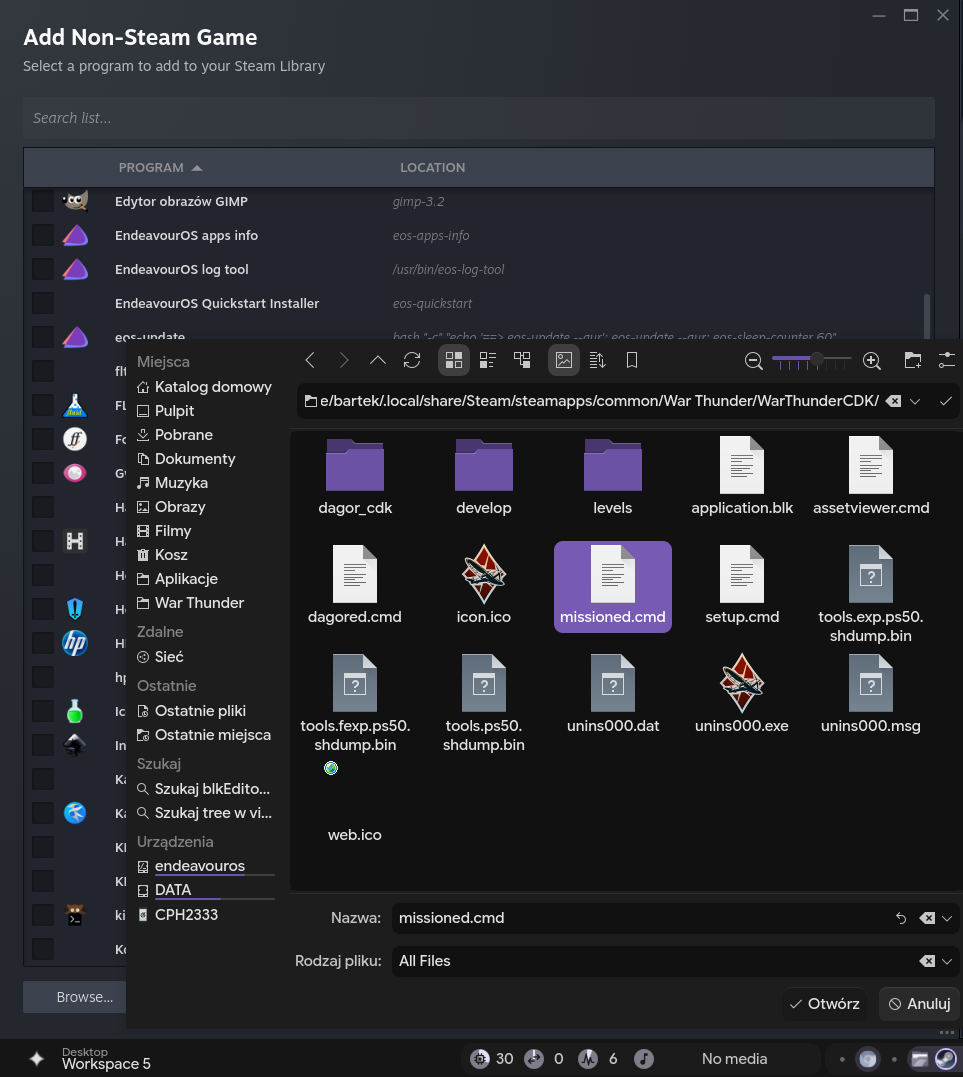
- Add your CDK launcher files:
- dagored.cmd Location Editor)
- missioned.cmd (Mission Editor)
- assetViewer.cmd (Asset Viewer)
as your local games to the steam
Add a Game → …Non steam game → Browse (All file types) → select a launcher file
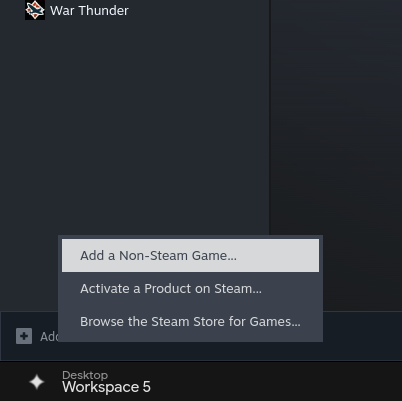
repeat this for the two other launchers if you need them
2. Enable proton
Right click on your newly added local game → Properties… → Compatibility tab → Click the checkbox and select Proton Experimental (you can also play with other protons later to see if they are better for the CDK because I havent)
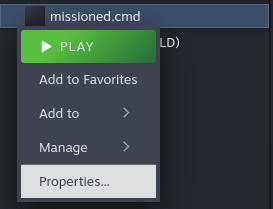
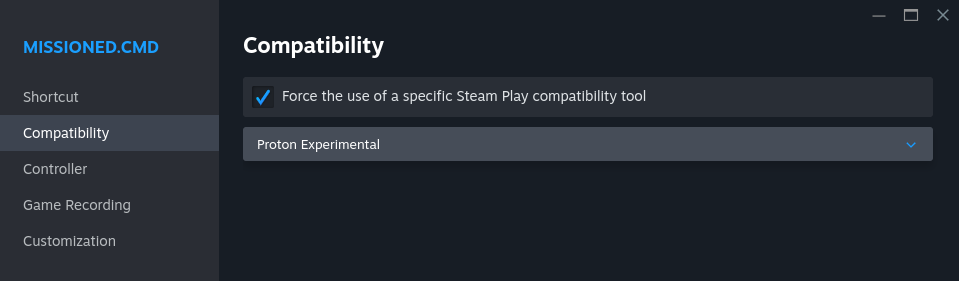
After that run this game thourgh the steam and I hope it solved your rendering issue :-)
1 Like
Yup that fixed the lighting issues. Didn’t even know you can add none steam games to the steam launcher. Also tried proton hotfix and 9 but load times seemed to be the same.
1 Like