Problem Description
On Intel ARC GPUs, War Thunder experiences severe performance degradation after respawning in Ground Battles. When a player’s tank is destroyed and they spawn into a new vehicle, framerate drops dramatically (e.g., from stable 120+ FPS down to ~20 FPS).
Root Cause (Observed)
VRAM usage continuously increases after each respawn because textures from destroyed vehicles are not properly unloaded. This leads to a memory leak: VRAM fills up with unused textures, causing stuttering and massive FPS loss.
Workaround
Editing the config.blk file in the War Thunder installation directory and setting the following parameter under the graphics section resolves the issue:
textureStreaming:b=no
This disables texture streaming and forces the game to unload textures correctly when switching vehicles. After applying this change, FPS remains stable across multiple respawns.
Expected Behavior
War Thunder should automatically unload textures of destroyed vehicles to free VRAM, preventing performance degradation.
Suggested Fix
Gaijin could implement a GPU-specific profile:
- For Intel ARC cards, set textureStreaming:b=no by default.
- For other GPUs, keep the current default (textureStreaming:b=yes), since texture streaming works correctly there.
Evidence - Reproducible on Intel ARC B570 (and likely other ARC models).
- VRAM monitoring tools (e.g., PresentMon, MSI Afterburner) confirm that VRAM usage increases after each respawn and never decreases until the game is restarted.
- Applying the workaround stabilizes FPS and prevents VRAM overflow
*A small change. Setting textureStreaming:b=no helps a little.
Here is the proof:
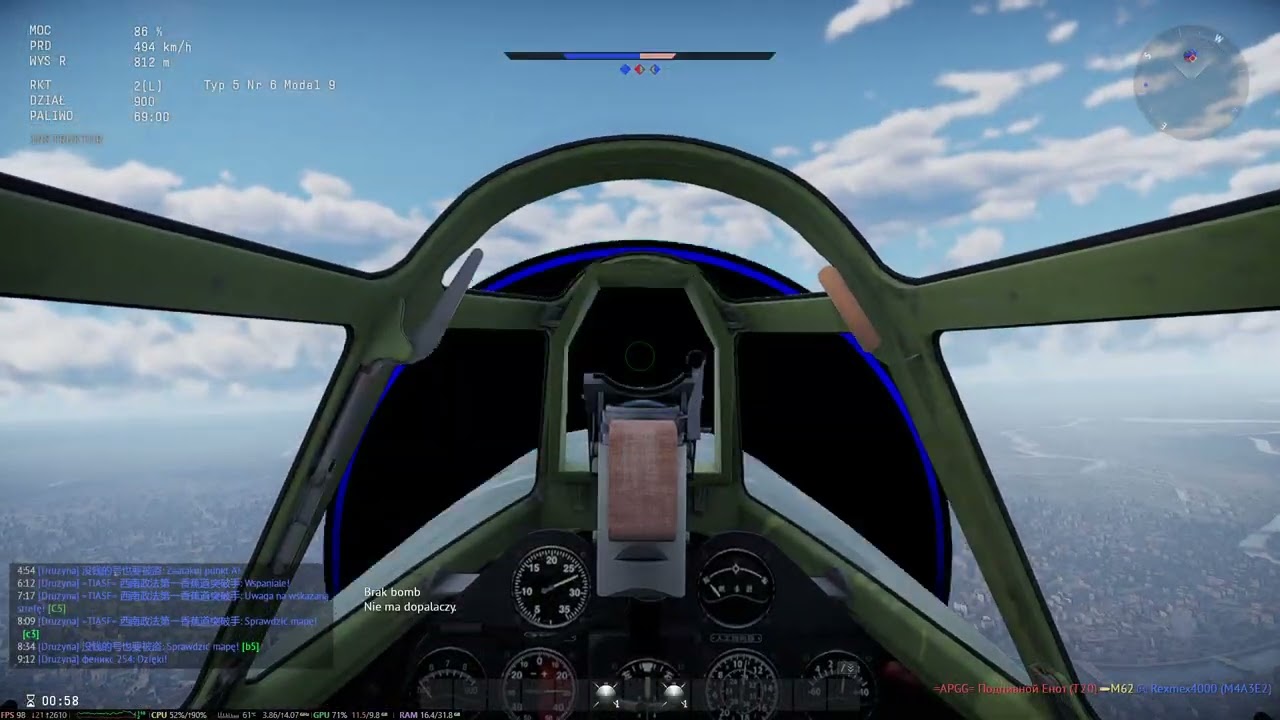
(look at the fps at the beginning and end of the movie)