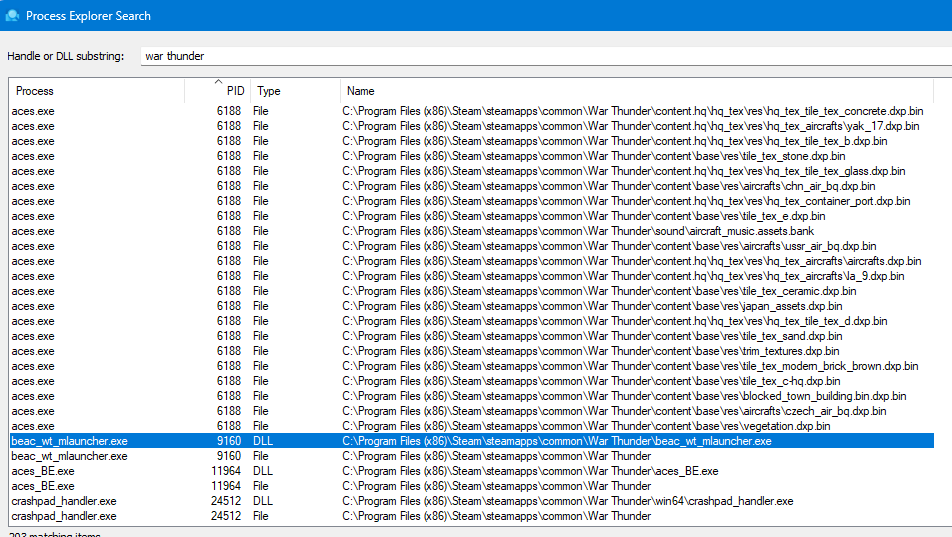
When opening War Thunder Steam PC version, Every time last 3 days, Bitdefender warns of a block:
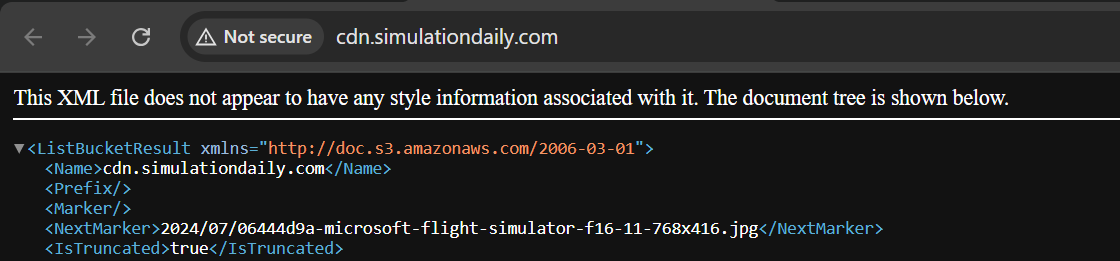
Suspicious connection blocked now. Resource: Online Threat Detection. msedge.exe attempted to establish a connection to cdn.simulationdaily.com using a non-matching certificate. We blocked the connection to keep your data safe because the certificate used was issued to a different address than the target address.
When trying to visit this domain manually:
This server could not prove that it is cdn.simulationdaily.com. The security certificate is from *.storage.googleapis.com. This may be caused by an incorrect configuration or by an attacker intercepting your connection.
My guess: Some internal War Thunder advertisement uses the domain “https://cdn.simulationdaily.com/”, but this domain has an invalid certificate configured.
My installed games on Steam: War Thunder, Dota 2, Stellaris.
But antivirus not block when open Steam or Others Games, only at War Thunder.
I play normally, but have this info block on loading. No problems ingame.
Reddit said that the game launcher uses P2P and that hackers are sending viruses in game update files. Speculation, I don’t know if it’s true. The launcher runs on msedge.exe to download game files, but when in Brazil, the P2P with CDN is sending bad files. My firewall and DNS blocker also blocks files when launch game.
hmm quite weird.
Talk to gaijin support to see if they can actually help you with this problem and activate 2FA and check your login history to protect your account incase its actually a virus.
This support ticket was already sent 3 years ago. Gaijin confirmed that they use P2P on the Launcher between users and it’s not possible to block it, even if some malicious player sends viruses between players in the same country. I am safe, I have Firewall, DDOS protection, WAF, Antivirus, DNS Filter on my local network.
What I suggest is having an antivirus on this P2P system.