Hello dear community, after a long pause i decided to come back to WT, however i seem to have a slight problem with my beloved night battles.
I apologise in advance in case i posted this in the wrong section.
I have this interesting graphics glitch concerning the Active IR Searchlights.
The textures illuminated by it are doing weird things, as you can see in the videos.
When no illumination is present, everything seems fine.
Interesting thing is that it behaves differently in different tanks, In T-62 is the worst, the textures are literally shaking on my monitor.
I tested a lot of tanks with active IR and all have this thing in various degrees.
Also i noticed that if you look with the nightvision on, the IR lamps are not visible when they are turned on. (also in the video)
T-62 Video
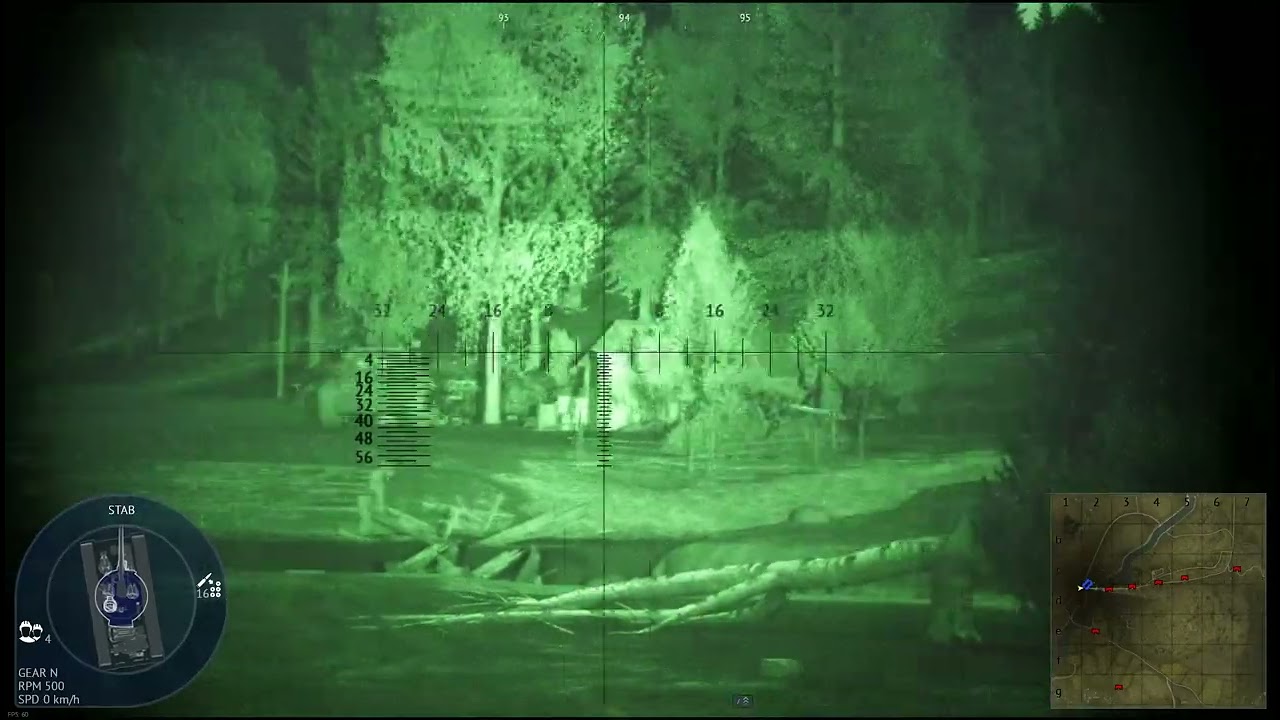
KPZ-70 Video
youtu.be/DamCRZ9z4X4
I currently have the minimal client installed and i wonder if it’s because of that or not.
I tested with all kinds of Graphics settings from low to movie, same thing.
I also ran it in both DX11 and 12 … same stuff.
Note that this is the only thing i currently see as this glitch, in daytime everything is fine and even at night if i don’t use the Active IR Lights.
Can you guys replicate it or is it from my machine?
System Specs:
CPU AMD Ryzen 7800 X3D
GPU Radeon 7900 XT
Fast SSD
Windows 11