Ah done it, thank you
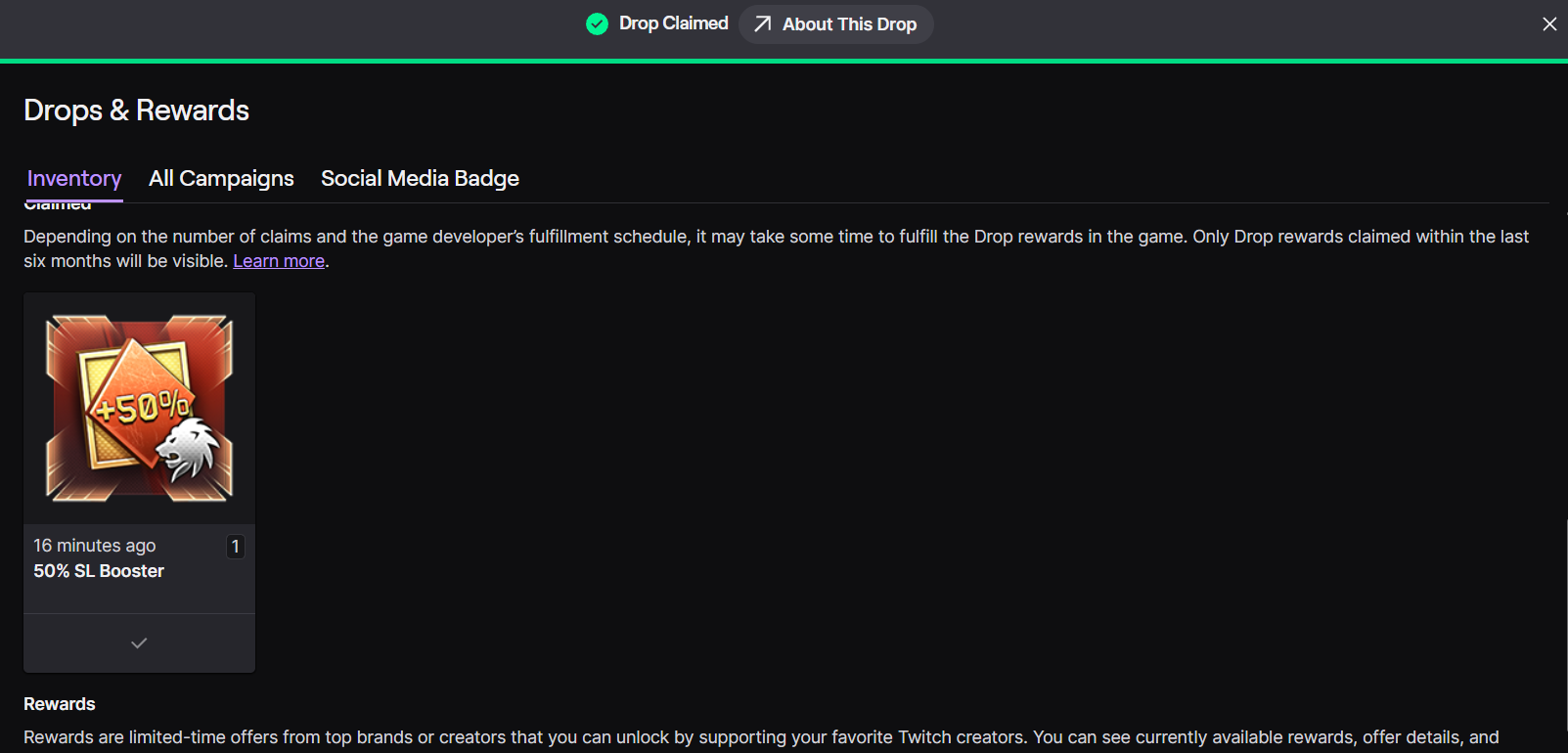
2 Likes
Ive done this but its still not working for me
Edit:
Dont worry. Twitch is just crap and decided to say no for a while, working now. I hate that sit
1 Like
Unable to claim drops and accounts are linked
Many people on twitch also in the same boat
Snail you are failing your players 🤷🏼♂️
1 Like
Not for me
Tried everything… nada niet nothing
Eh, in this case I think it’s just that the Twitch servers are getting hammered. I do not think it is on Gaijin’s end.
You do not need to stress friend. As long as your watch time is going up, you have until Thursday Oct 28th/29th to claim this weekend’s drops. Plenty of time to work out any connection issues. Just check that your watch time is going up on your Drops and Rewards (Inventory) page: Twitch https://www.twitch.tv/drops/inventory
End date+time for this round of drops:
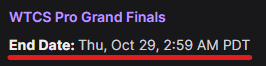
Calendar/timer below for last date+time to claim your drops. The time for me is very early in the morning, so I would suggest claiming your drops the day before (Oct 28th), at the latest:
2026-10-29T09:59:00Z
(This calendar/timer automatically adjusts to YOUR device’s date+time. You can double check by viewing the date+time shown on your Twitch Drops & Rewards (Inventory) page, the link I posted above.)
Will the rewards automatically be on my account or do I have to claim them or something
1 Like
You will need to click “claim” on your Drops & Rewards (Inventory) page on Twitch. Each item has a button. You can also check your watch time there.
Link: Twitch
https://www.twitch.tv/drops/inventory
2 Likes
Thx
1 Like
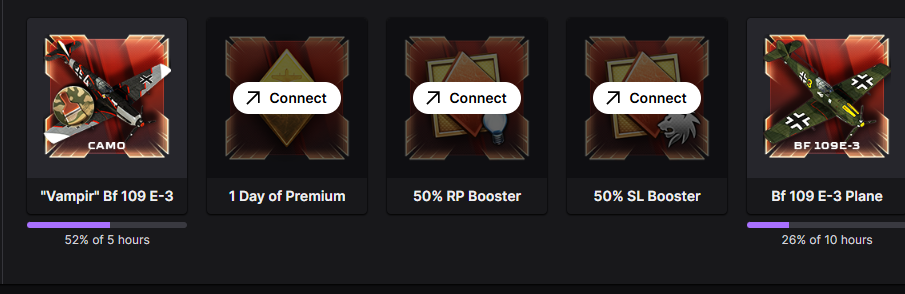
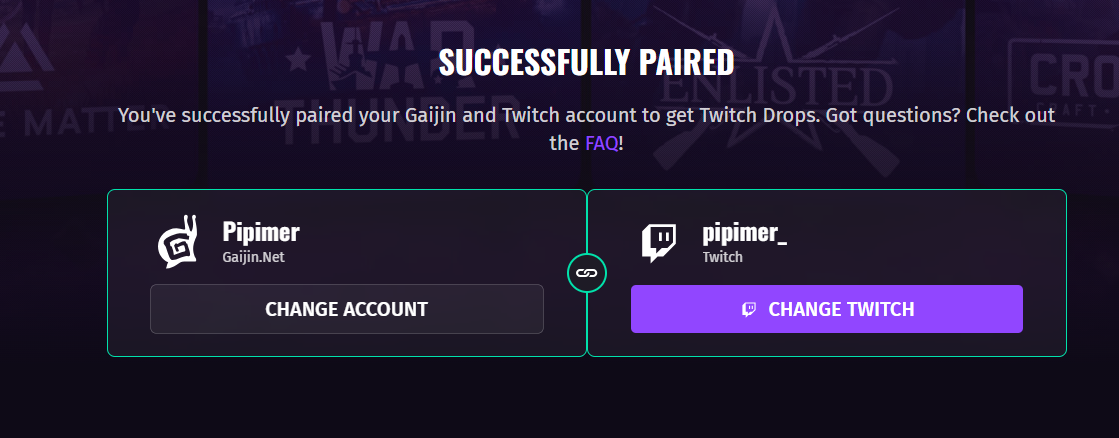
Need to disconnect and reconnect you twich with war thunder
Half way to get the 109
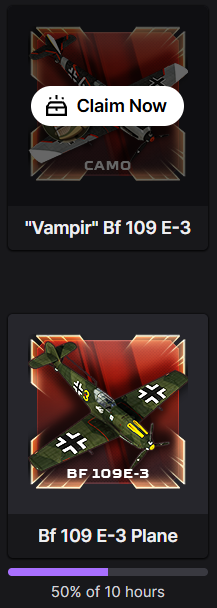
1 Like
i have done it like 5 times
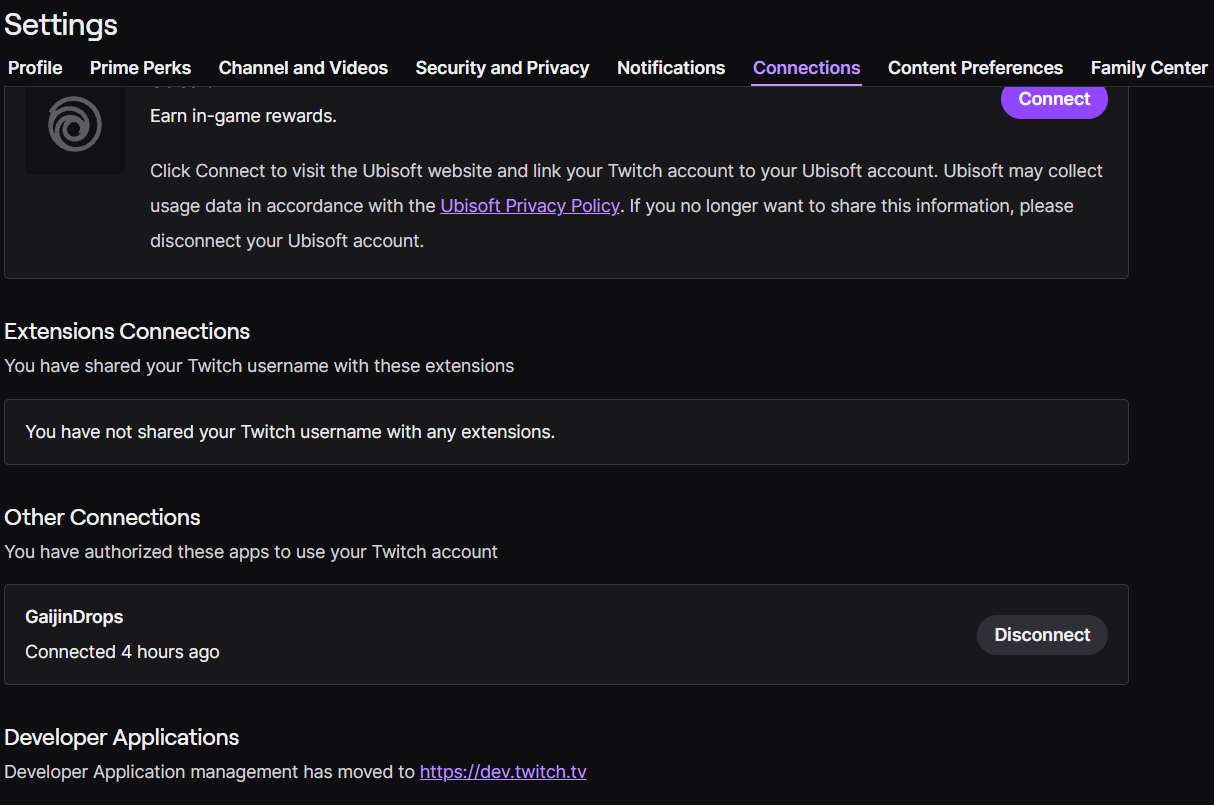
There seems to be a bug with twitch where despite the accounts being linked (and yes, I have tried re-linking. No change) you cannot claim the drops.
Presumably on twitches end but still.
You do not need to stress. There is plenty of time: Watch the 2026 Grand Finals and Earn Tricolor Smoke & More Twitch Drops! - #107 by SilentTracker
As long as your watch time is going up, it will be fine. Check again later.
Clicking the “change twitch” , solved it for me. If you’ve already clicked that one then restart the browser (not just the tab, the whole browser).
3 Likes
Yeah this seems to be the way to fix it.
However it is worth noting that if it doesn’t immediately fix it or if it’s already been tried there does seem to be a 2 week wait until it will let you try it again.
thanks it worked
2 Likes
Normally my claimed drops appear minutes after claiming but its been hours and nothing has appeared in game, I suspect it might be to do with this whole connected but not connected thing, when I encountered the issue I clicked change twitch and logged in again, this seemed to work but after claiming my drops I’ve gotten nothing, looking at my connections I have a “Gaijin Drops” connection which I’ve been connected to for a year and a “GaijinDrops” connection from just earlier.
Is this conflicting and causing problems?
Does anyone else have the same connections and their drops from this event have appeared just fine?
I don’t want to disconnect from either as I’m not certain that I wont then be unable to reconnect until November
1 Like
Interesting. Mine is showing both. I was able to claim everything I unlocked today. The boosters and camo showed up in game within minutes for me. (I also did NOT log out, disconnect, or reconnect anything today. I did not have any issues today with watch time or claiming on Twitch, or having the items show up in game.)
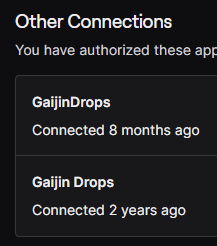
Yeah, I have no advice here. Only info I can share is that I personally did not have any issues today with both connected.
Recommended Browser/App:
One note, for what it is worth, I only use Chrome to watch the streams on desktop. I had consistent issues with every other browser I have used for desktop, except Chrome (with still does rarely give me slight issues with watch time. But clearing cookies+cache, restarting Chrome, logging back into Twitch, has always gotten it working again.)
And finally, I have had absolutely ZERO issues with anything using the Mobile app. (I was using Chrome on desktop today).
I doubt the mobile app will help with claiming the drops though. I think this is an issue with “Twitch’s servers”, something on their end, etc. But, as long as you got your watch time, I am quite confidant that the issues will be resolved for everyone, before the deadline to claim your drops.
Last day to claim drops:
And just to post again to try and prevent anyone from stressing too much, you have until next Wed/Thurs to claim. There is time, don’t worry too much yet:
End date+time for this round of drops:
Calendar/timer below for last date+time to claim your drops. The time for me is very early in the morning, so I would suggest claiming your drops the day before (Oct 28th), at the latest:
2026-10-29T09:59:00Z
(This calendar/timer automatically adjusts to YOUR device’s date+time. You can double check by viewing the date+time shown on your Twitch Drops & Rewards (Inventory) page: Twitch https://www.twitch.tv/drops/inventory )