is that the actual reason if so damn… anti community much
1 Like
The game had an in-game popup telling you that the user sight folder had been moved when you first launched it after the update.
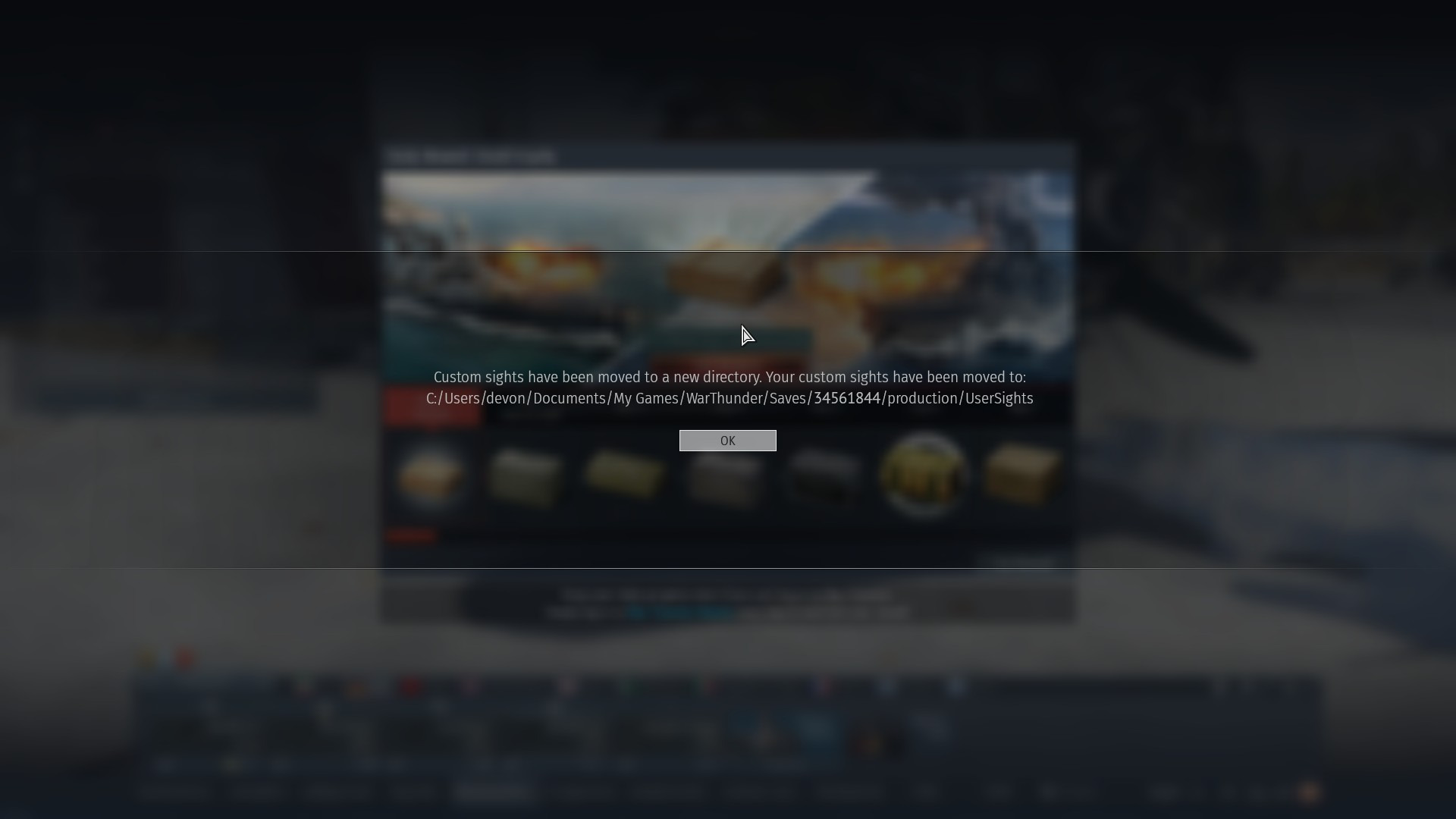
Can they PLEASE move it back to where they were before? I can’t find the new spot :(
i also do struggle and i cant find where my usersights are, i cant put them and i found the folder but they dont work, please help
they should put it where it was before
1 Like
@Novaカキ @RDXRooster63 Just look up blk on file directory and search the whole computer. You should see one of your custom sight .blk file. Then just click and choose to go to the folder it is located in.
1 Like
Yes, but the sights dont work, im having problem with it, the sights should be in the right folder but still they dont work i cant see them ingame.
- Don’t move the folder Gaijin moved. All sights go in there now.
- Make sure you’re on the latest version of war thunder.
this didnt work for me is it because i dont use the steam verison of wt?
It should work on PC regardless, I don’t use steam and my user sights still work, I don’t know about consoles.
here’s an updated guide on the sights with the new system:
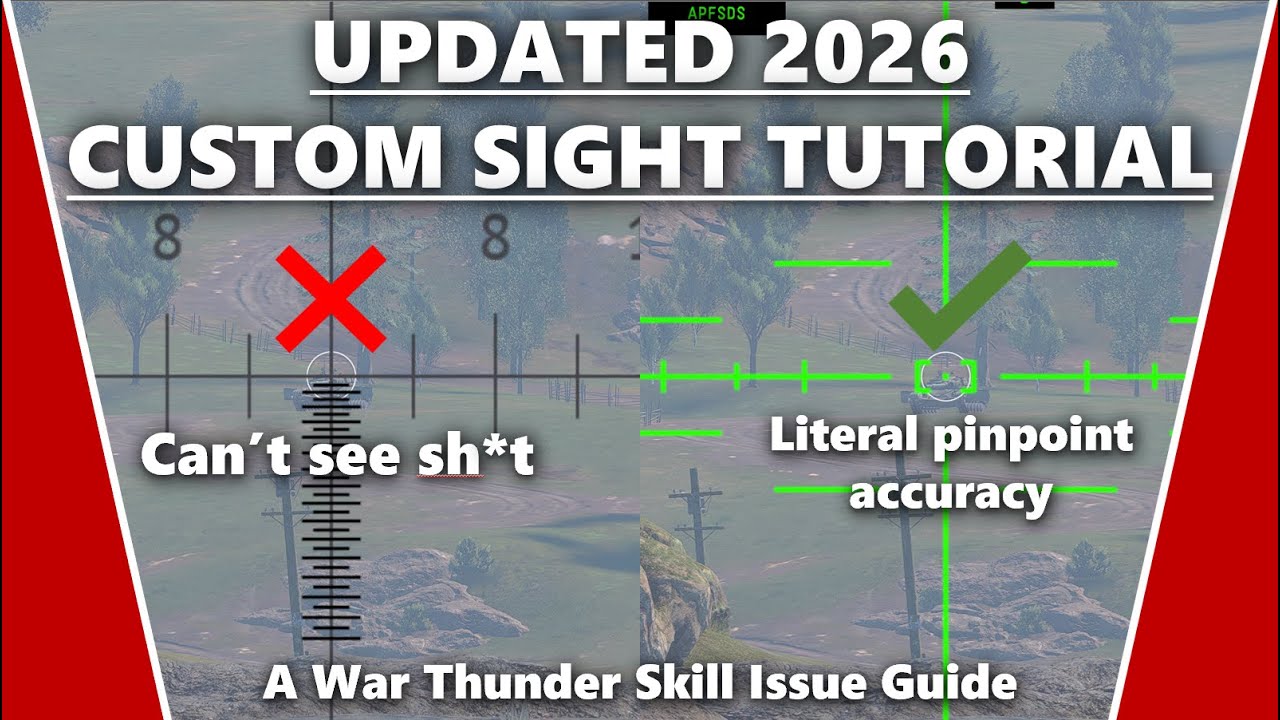
1 Like
ok thanks man
No problem, hope it helps.
Ok so the thing is i followed the tutorial and everything, even moved the documents folder out of my onedrive and still it doesn’t work, any fixes please?

1 Like
I used the method in the video and created a user sight folder but it didnt work and i do not know why, i did both folders for all_tanks and a singular tank but it didnt work.Is there something else i can do?
1 Like
Yeah Bilighted you’re not wrong. A huge number of people including many in my war thunder official discord have complained about this issue. Its most likely an issue on war thunders end because of the change to the file location and I personally spent hours trying to fix it too but its broken and id say submit a ticket to gaijin or wait for them to make a public response about it. Its lowkey buns and nobody can use high velocity sights or gooner sights
I really don’t know I’m afraid, have you tried using a different sight too see if that works?
This is what my sight directory looks like if that helps (user ID) will be your account number.
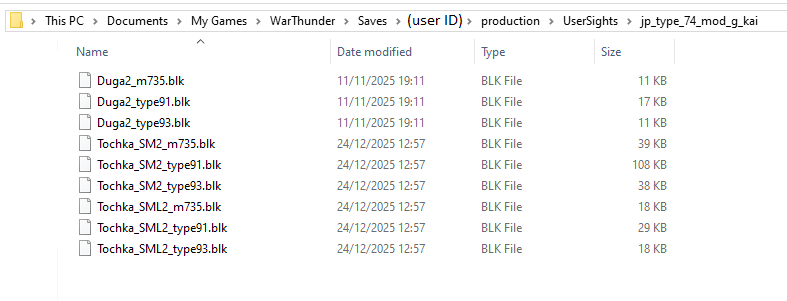
1 Like
Something to try once you’ve created a correctly named folder (they can be case sensitive so make sure upper and lower case letters are in the correct places) and sub-folders in the correct place, and the sights still don’t show up in the reticle options in-game, is to run a file integrity check as well so that the game goes through all the files and makes sure they are there and working correctly.
If there are still issues then i would create a bug report. You can bug report it here (just search a bit first so that you don’t report something that is already reported and known about): (Gaijin.net // Issues)
A guide on how to report bugs can be found here: ([Navigation] Technical Knowledge Base | War Thunder Wiki)
1 Like
I have used multiple sights aswell as the ones in the video but none of them seem to work and I have the same directory like you. I even verified my files for integrity but that didnt work aswell so Im going to have to wait for gaijin ig.
1 Like
Yeah at this point there’s little we can do ourselves so now we will have to just send support tickets and hope the snail blesses us. For now, no gooner sights😔