Months ago, as I had a new AMD build, I thought it was my hardware which was the problem. I went from 144fps to 30-50 every 1-2 seconds (microstuttering hard).
Then it stabilized itself. I actually managed to get constant 144 fps without microstutters anymore.
Then, after the recent major update, it’s happening again : 144 fps, but microstutters every 1-2 seconds => 30-50 fps each time. Now I know it’s just the update’s fault
It seems the Linux client for War Thunder got utterly borked with this update. 20-40 FPS loss on average, frequent stutters, frequent FPS drop to 40 (from 120+). I guess Gaijin is fully embracing Gen Z vibe coding with this one. While migration to Linux accelerates as brain aneurysm-inducing, self-destroying Windows 11 becomes more and more unusable every day. Ironic.
I advise to install Steam and get a bunch of titles at discount. There are plenty of great indie titles now, much recommended. It is a better way to spend your time and money. And all work great on Linux, either via Proton or natively. Well, actually, most games work better on Linux these days. Ironic, too.
Well kinda, the game is using DX12 though a compatibility layer (vkd3d), previously the game was using DX11 through a compatibility layer (dxvk). Especially on NVidia DX12 on linux just sucks
would be nice if we could have DX11 back (or Vulcan as an option)
Does somebody have the solve of low fps on linux after last update?
I’ve update drivers, change settings to old card compatibly and the game still freezzez about 15-40 fps but before update it was 100++
The Native Linux uses a Vulkan renderer. DX11 or 12 are not available on the Linux client at all. Your only going through a compatibility layer when running the Windows client through Wine/Proton. Also the Vulkan renderer is available on the Windows client as well.
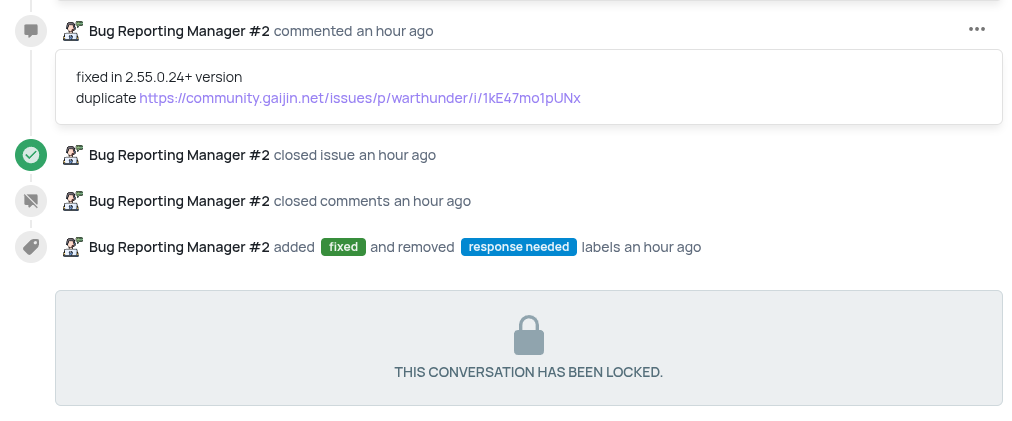
As others have said this issue should be fixed now on version 2.55.0.24, Switch to the Work in Progress client in the launcher to use get this version for now.
Oh boy. It’s old but still ok fast.
HP Z400 with a Hexa core Xeon W3680 CPU and 20GB ram
GeForce RTX 3060 12GB ram I think
On a NVMe drive
Using a rather old version of Elementary OS - 7.1