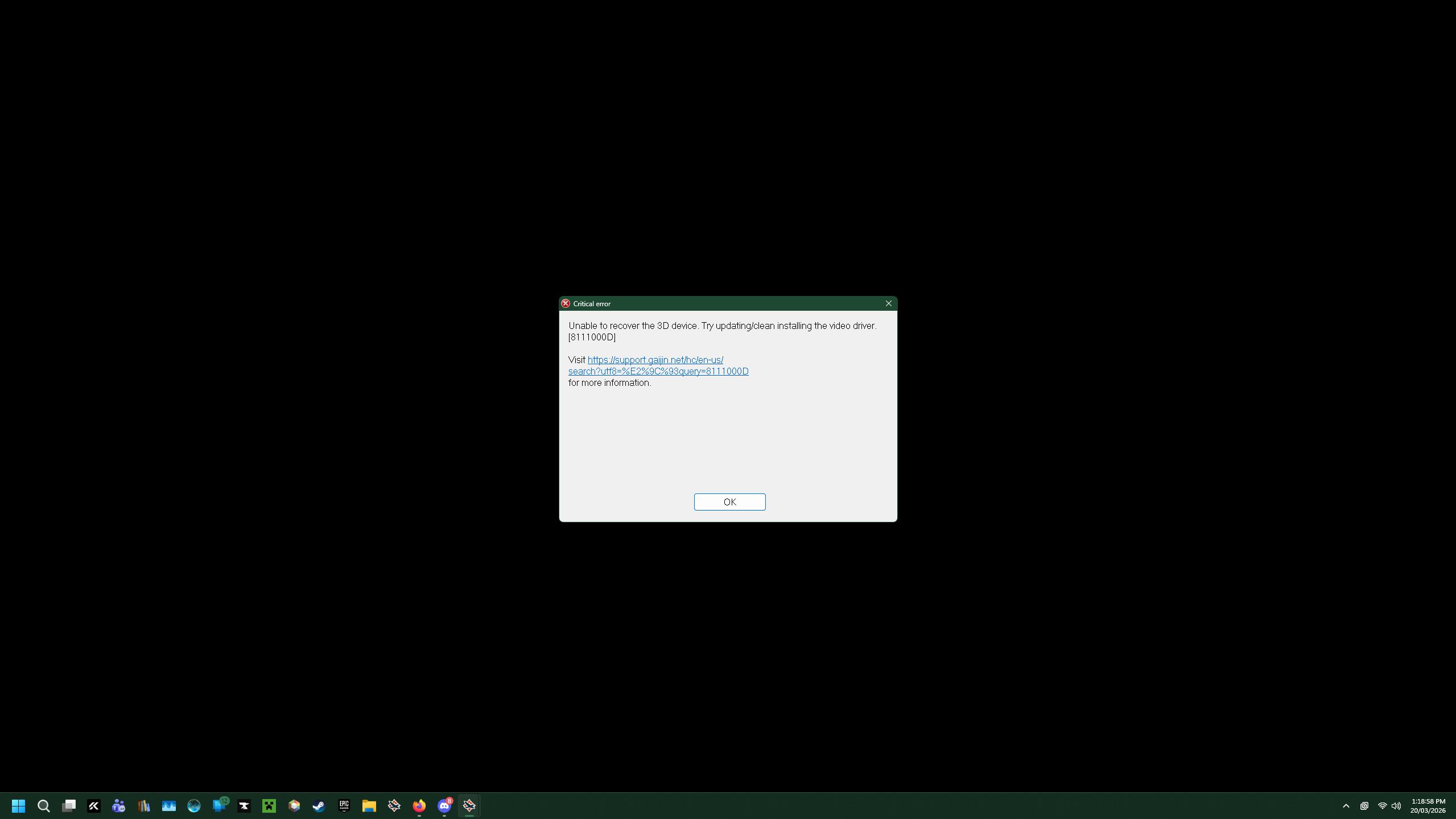
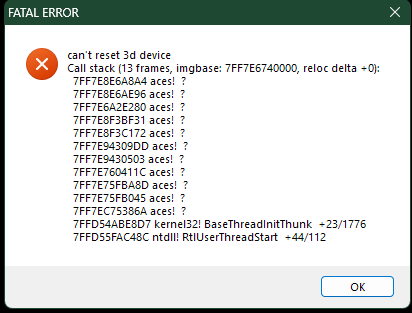
Hey, since the “Ninth Wave” Major update I’m unable to run the game in DX11 mode, when I select the DX11 renderer and press “Play” I can get to the login screen but once I’ve logged in the game black screens and throws an 8111000D error. I am able to launch and play on DX12 however the game is laggy and stuttery.
Anyone have any suggestions or solutions? Should I make a bug report or support ticket? I’d really like to use dx11
Specs if it matters:
Intel ARC B580
Ryzen 7 5700x
32gb Ram
Hello, and thank you for the response Necronomica,
I am already on the latest GPU Drivers (Mar 11, Ver 32.0.101.8626) and I’m not using any custom content as far as I can tell. I’ve also deleted the “cache” and “compiledShaders” folders as you directed, and completed a File Check through the smart launcher, which did not have any effect on the problem
Then i recommend both reporting it (so that the developers can find the root cause and fix it) as well as contacting Support to see if there is anything else you can do in the meantime until there is a fix. Though Support may take a couple of days to respond depending on how much they have to do.
You can bug report it here (just search a bit first so that you don’t report something that is already reported and known about): (Gaijin.net // Issues)
Hey, as of 2.55.0.20 they decided to blacklist intel HD Graphics 3200, 3700, and 3900 series for DirectX11 which basically means all intel gpus have been blacklisted from DirectX11. No I do not know why, and in my opinion my B580 ran better on DirectX11, case and point literally sitting in the hangar on medium settings (and even the lowest possible graphics) DirectX12 uses 99% of my gpu… I get constant frame drops all the time no matter what I try.
Hello, I’ve made another bug report related to the stuttering/frame drops (Community Bug Reporting System) If you’re not already, on dx12 you should swap to TAA mode in anti-aliasing settings since it seems like there are issues with XeSS