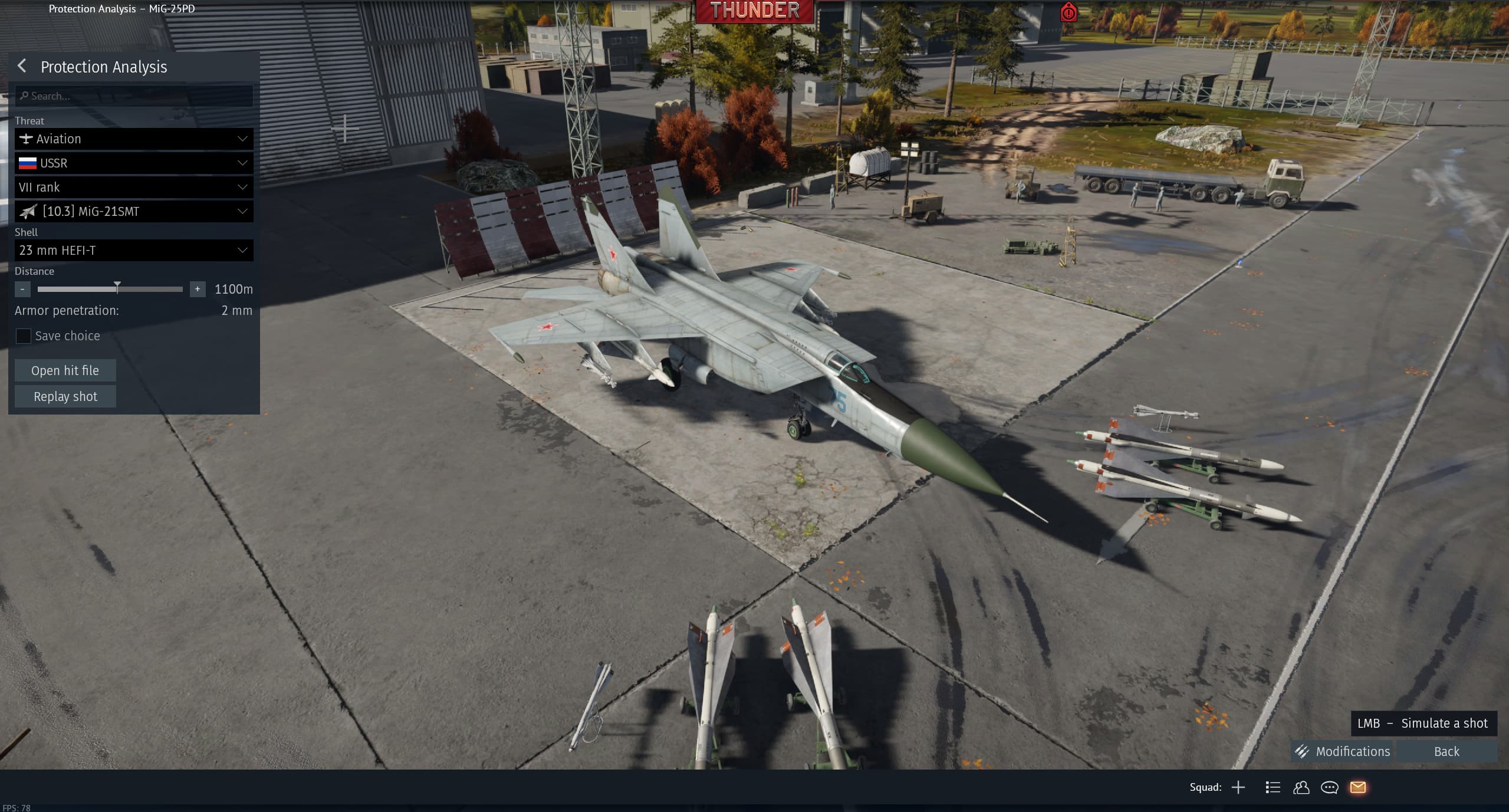
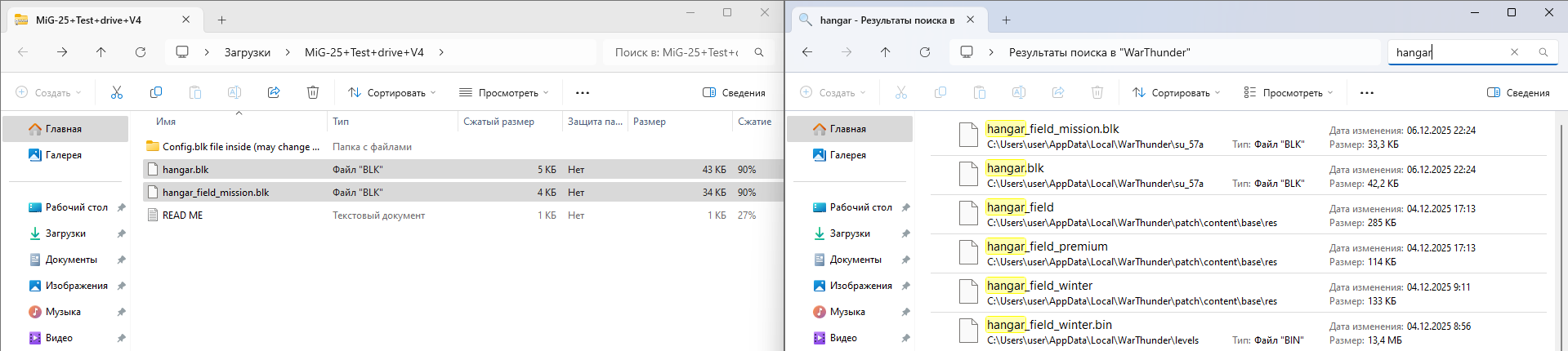
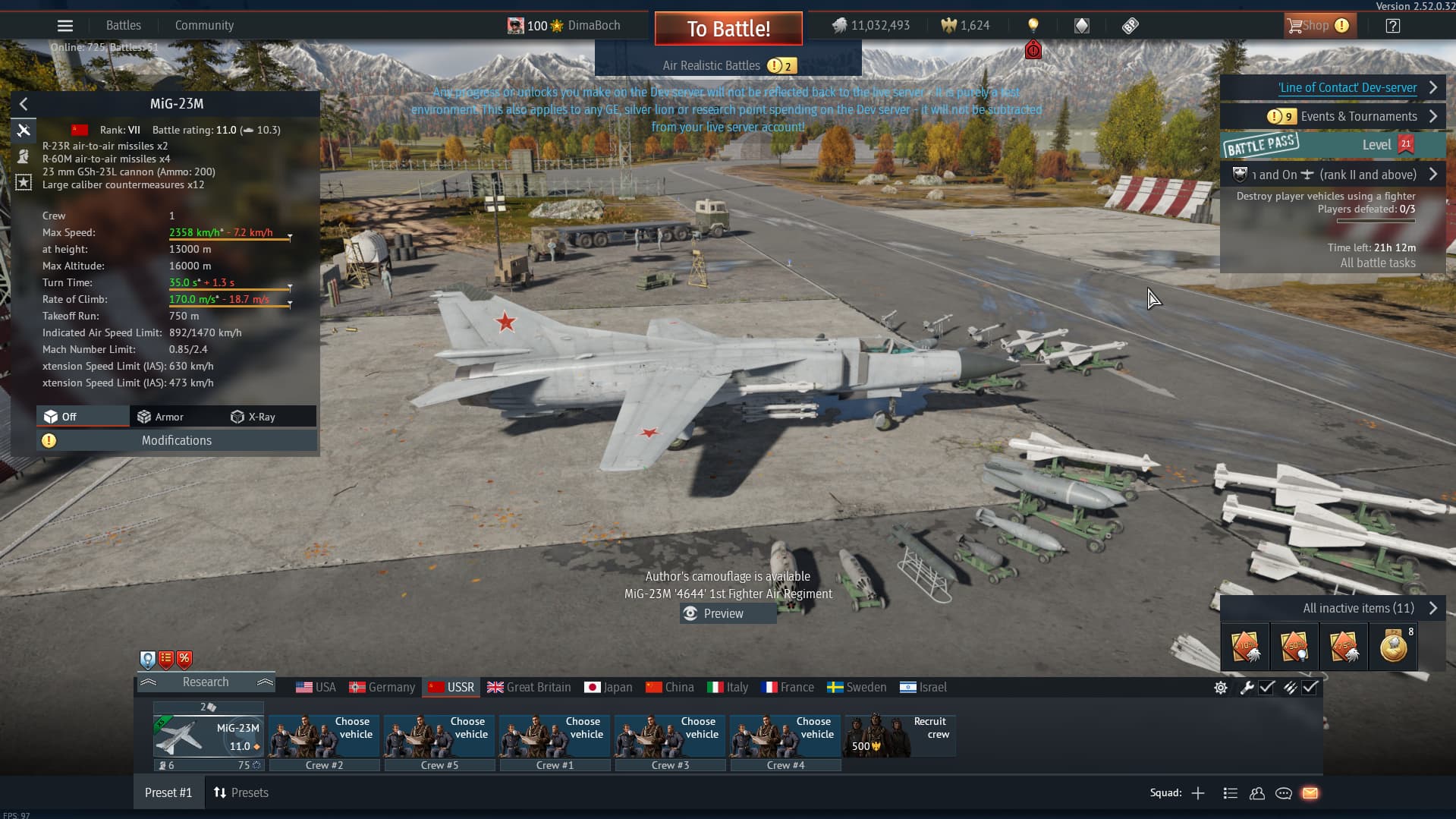
Select a Premium Vehicle: Go to the tech tree and select a premium vehicle (one that allows a test drive).
Generate the file: Go into the Protection Analysis, set up a scenario, and “Save” the shot/mission.
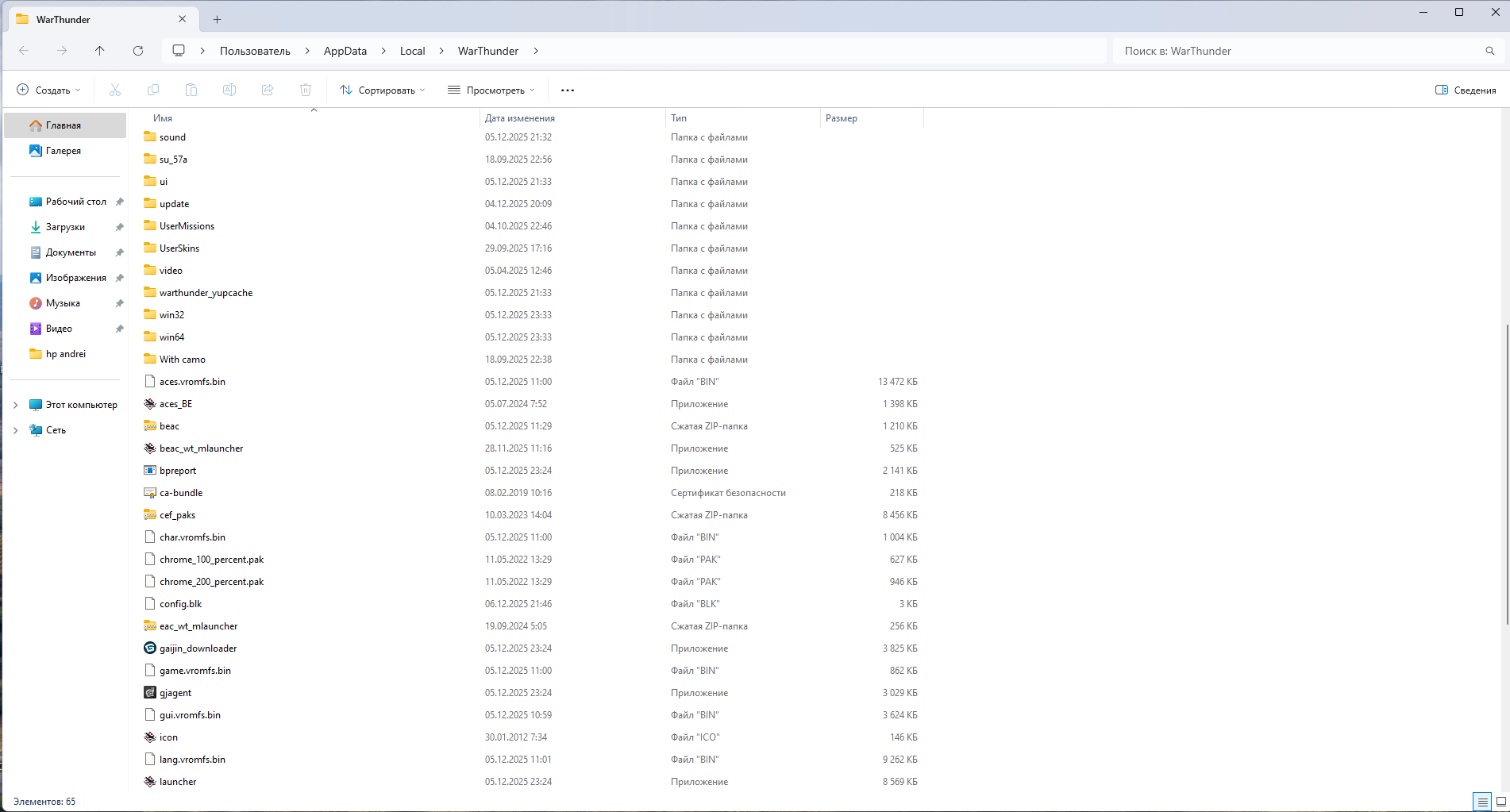
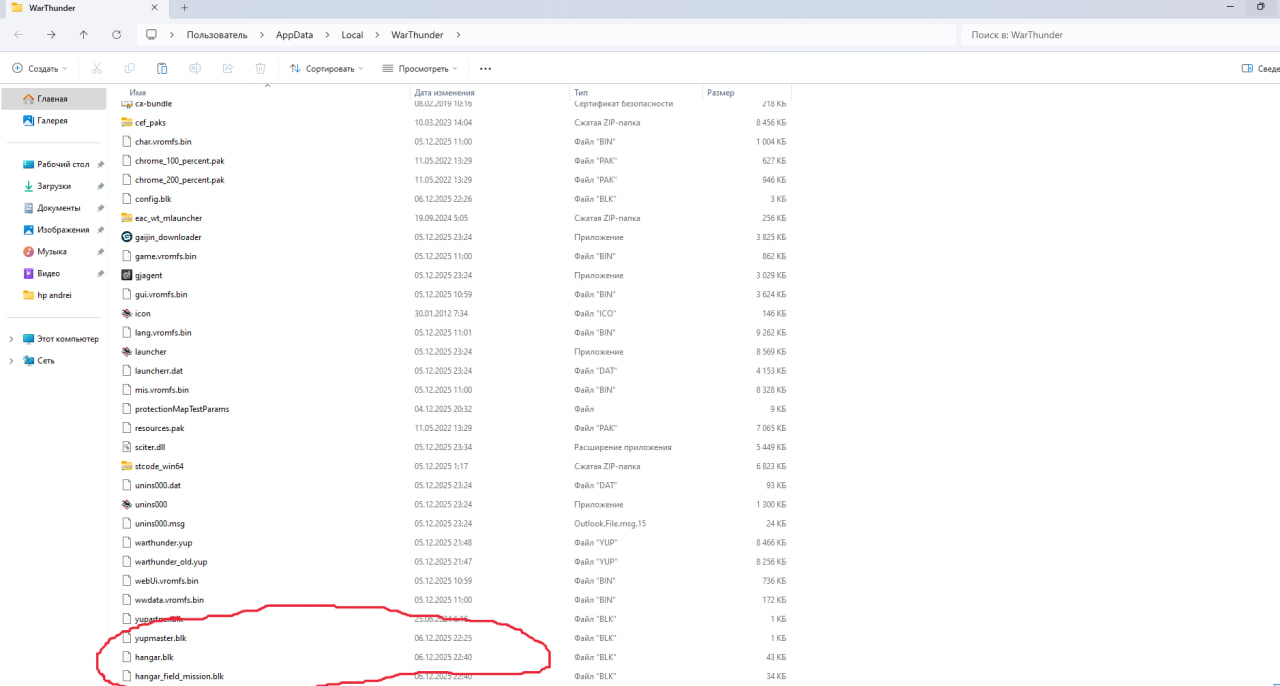
Locate the file: Open the .blk file created from that save in.
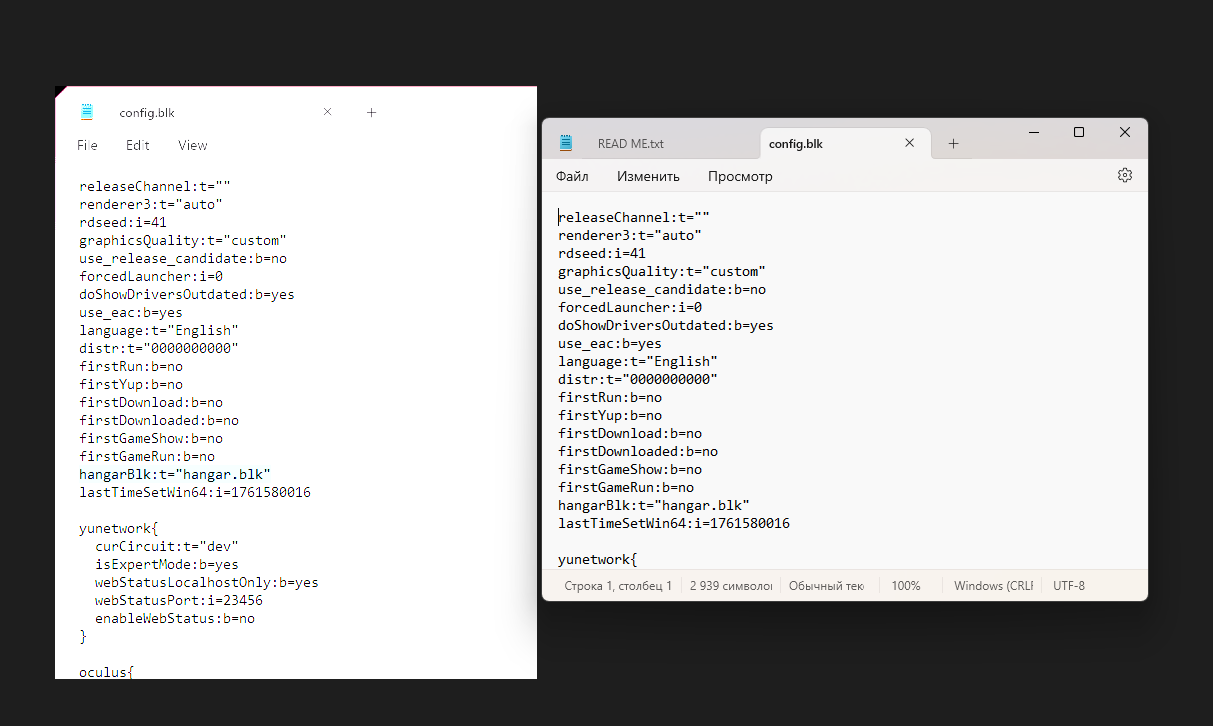
Edit the code: Open that .blk file with Notepad. Search for the line that looks like object:t=“” and offenderObject:t=“” (both worked for me)
Swap the vehicle: Change the text inside the quotation marks to the ID of the vehicle you want to fly.
Example: Change it to target:t=“mig_25pd” to fly the Foxbat.
Fly it: Save the text file. Go back into the game, load that hit file, andthe vehicle should load in the protection analysis and back to test flight.
Important Note:
To my knowledge, this method primarily works for Event vehicles and Premiums (vehicles that are fully modeled in the files but hidden or locked). It may not work for every single standard tech tree vehicle or unfinished assets, but it works for the MiG-25PD and the Zeppelin (cant test fly the zeppelin unfortunately)
Heres a file for the mig 25 if you cant be bothered to do everything above
(also you have to be in the dev server for dev server vehicles, i didnt test this in stable yet)
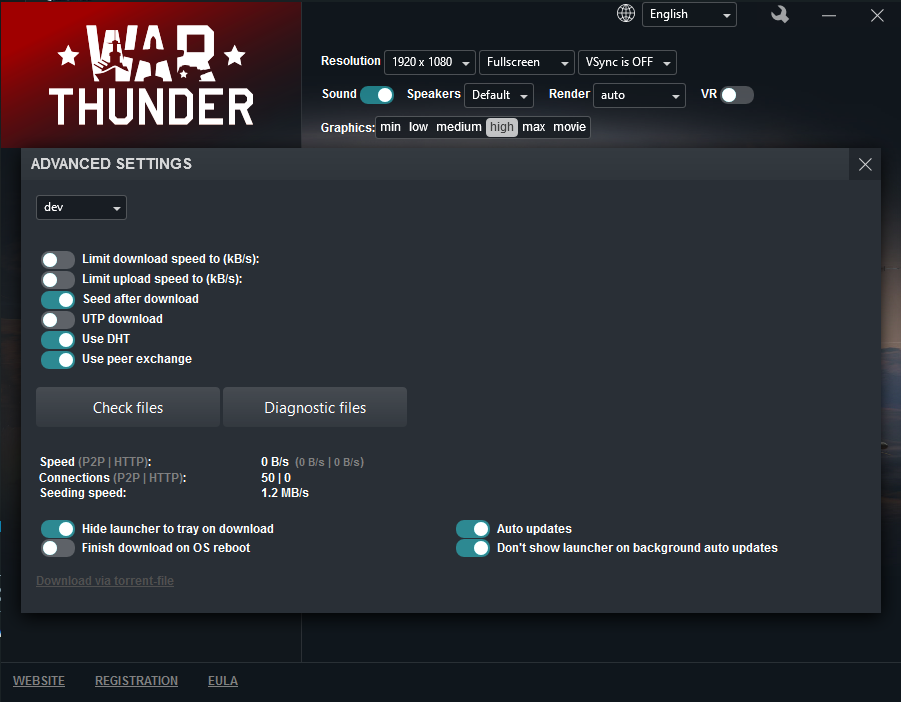
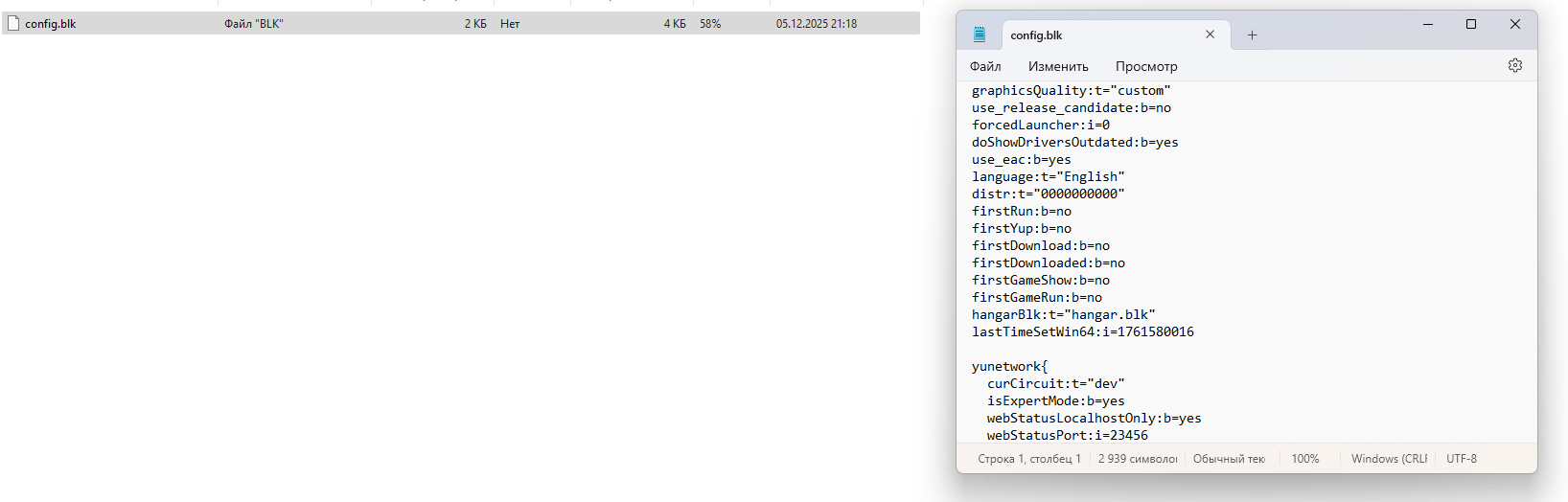
You can try, i included that as its known good, but it changes some settings (config.blk is user specific due to personal setting choices, like graphics)
Are the values for the mig25’s missiles final? The R40rd/td should have a 55kg warhead. Idk if that is in tnt equivalent or just 55kg of explosive. Either way its wrong rn. Though most of the sources i’m finding say its 55kg of explosive. Blast radius should be 13m as well.
Thats the original R40r/t. The R40rd/td are improved with larger warhead of 55kg. In game its 24kg of explosive with a tnt equiv of 40kg. Which is just wrong.