Just link your in game account with an email make the password, log in on pc. Done. Simple. Works on both.
1 Like
Are you sure? I tried to use my Microsoft email to log in before on Steam and it not working. Or do you mean something else?
1 Like
I think they’re meaning to use the gaijin side of things, not steam.
But I just take it that it’s not possible, and that I feel makes the need for the transfers to be opened up again so people can migrate from the consoles to PCs.
1 Like
use the email associated with your war thunder account, not your console. you may have used a different email when creating your war thunder account
Quit using steam for war thunder… it’s stupid. Use the official gaijin download.
I literally just used it to see if my xbox account could even be logged in. Believe it or not, the Steam version of War Thunder still has a sign in screen and did what I needed just fine.
1 Like
Yea it does, just be careful with it.
A common way to use the steam install is to just fire up the launcher itself from the game folder, or by the 3 option prompt that comes up in Steam.
The reason why it actually sucks when you launch it through steam is that the UI in the loading screen is dead on information so it looks like it’s sitting for 10 minutes ‘loading’ when if you were on the native client it loads up showing messages and such.
I did some testing now that I’m home and see what you mean. It does work so I’ll probably delete this post and make a new one because you’d be surprised just how many people don’t know their console account can at least be played on PC even if you don’t get access to PC sales/market.
1 Like
Pray tell why is it “stupid?” It still utilizes the official launcher. I’ve never had any issues and I’ve been using the launcher via Steam for years. Like 11 years.
Nah it doesn’t… It uses no launcher when you launch it through steam.
You can select to run the launcher but when you don’t run the launcher and run it directly from steam, the UI doesn’t show half the messages you get when you start up in the vanilla client and it makes it look like it stalled and isn’t loading.
Well then that’s cool, because you are indeed wrong.
When you launch the game via steam it doesn’t use the launcher and load screens in the initial startup aren’t shown as what they are in the native client.
Anyone knows if it possible to activate the Premium packs with This Method? I Only have a Xbox one and with the old Machine it takes ages to Update WT and start into the Game
Yes, but you need to purchase the packs through the Xbox store. Conveniently they have some pack sales going on rn just in classic Xbox sales fashion, they’re seemingly random packs.
2 Likes
Same with event vehicles ( i think.) My reccomendation is to savs your keyboard and mouse settings to a folder and copy it to your console to do the grinding. Happy grinding?
anyone think they will bring back acount transfer for xbox
no, probably not for another year.
Can you still do this ?
Hi i know it a little different question, but could you still recieve trophy for playin warvthunder on PC in your PS4 account ? becourse I did already some but I don’t see any trophy in my account available. i also logging in once in week with my playstation and play few battle. but still nothing arrived.
I am stuck on the “From there, the first option right in front of your face is to link an email address and the website will guide you from there. If you’ve already linked an email address but forgot it, it’ll also be there as well as on the profile tab.” I cant find the button to link an email adress.
If you could help me that would be great!
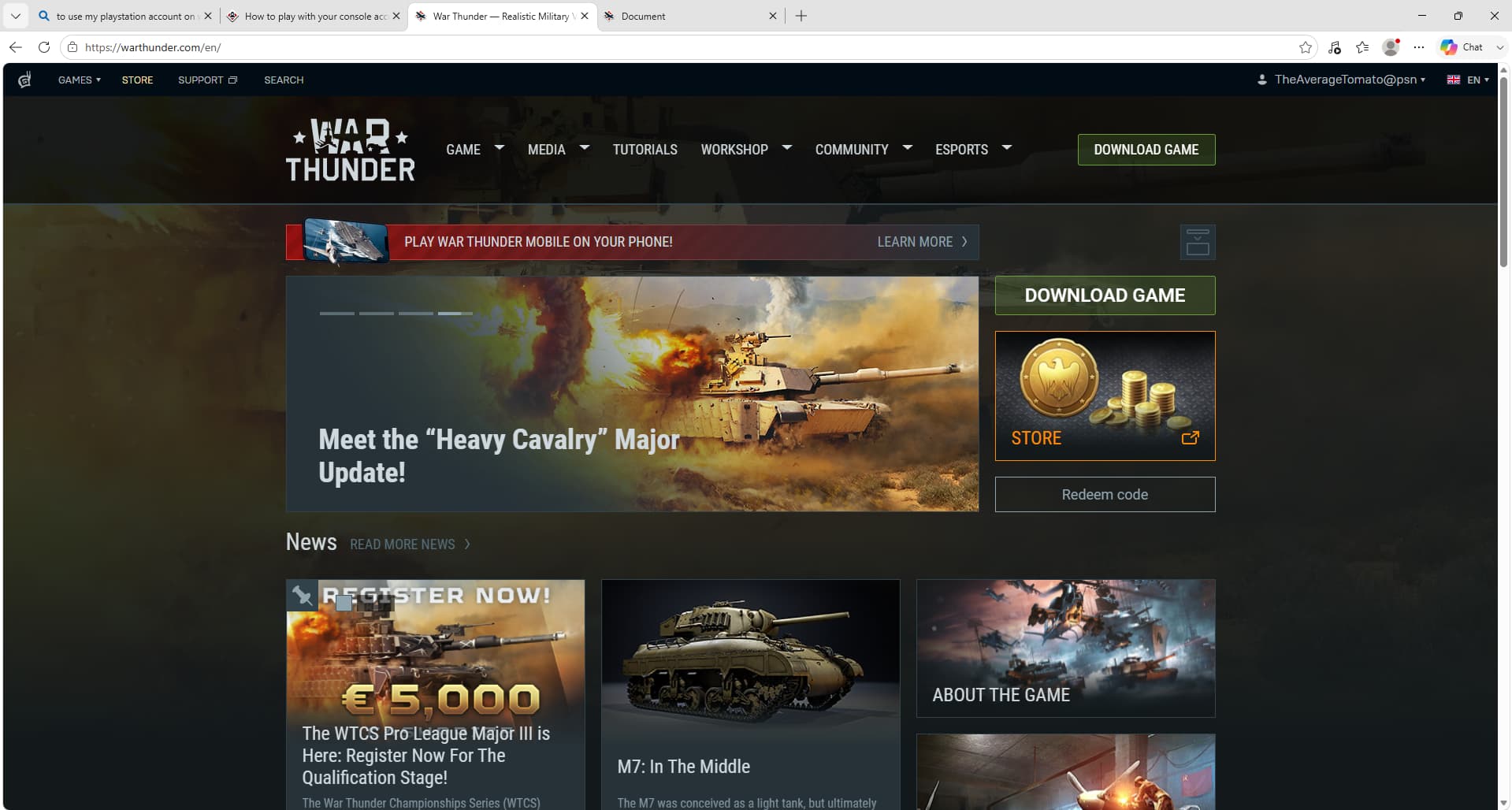
Pretty sure you’re ready to go, just use the email and password you use for the forums, in the client.
(That is if the username here is matching what you are using)
1 Like