Hello, this is a quick guide on how to avoid crashes in War Thunder. I made this post because this version introduces FSR 4, and many people will be upgrading their drivers.
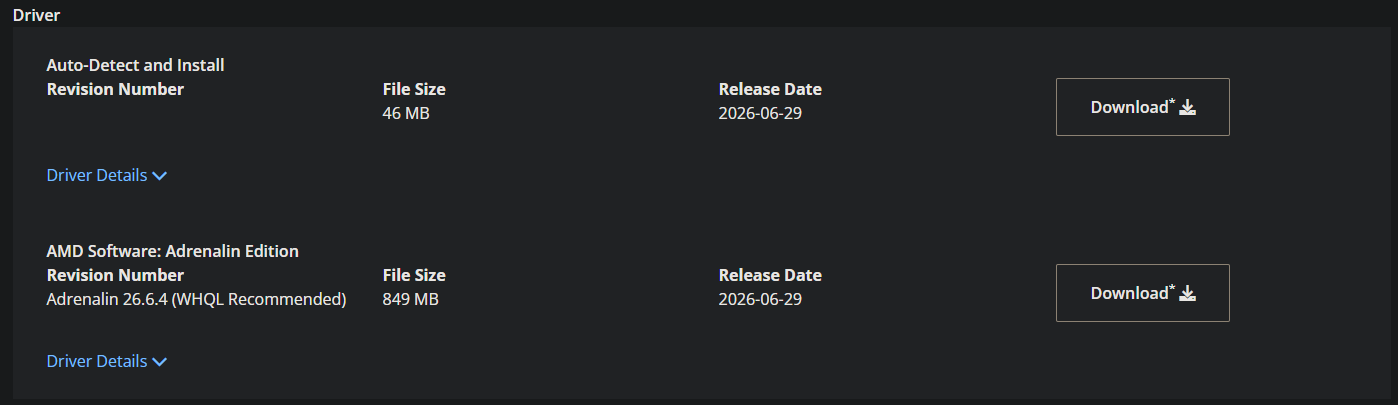
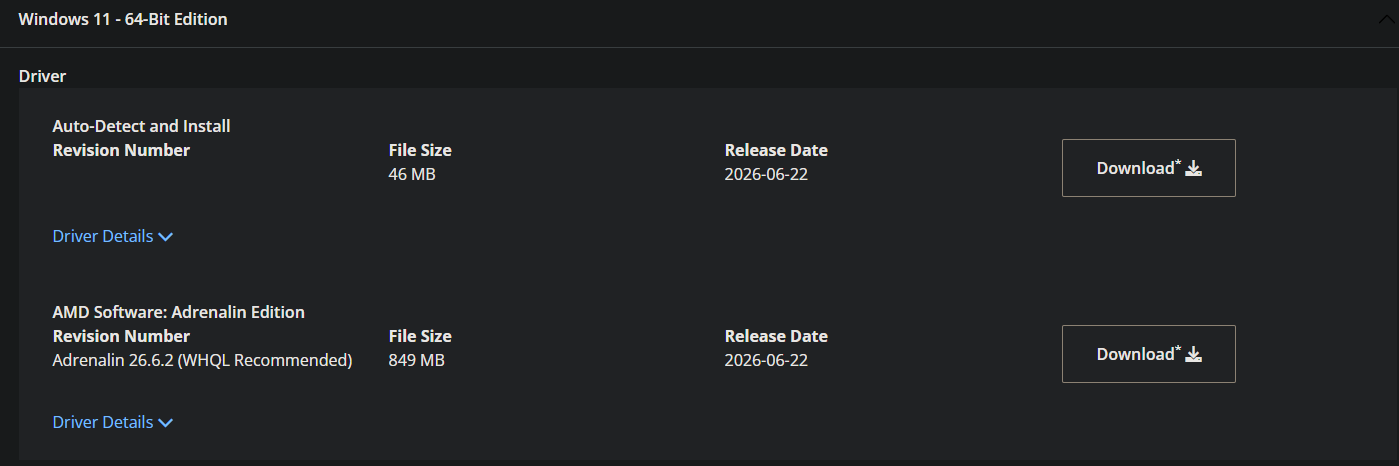
The first thing to do is perform a clean installation of your drivers. I suggest using AMD Cleanup Utility together with DDU. Download either the auto-installer or the full driver package. Make sure to download everything before starting (links at the end).
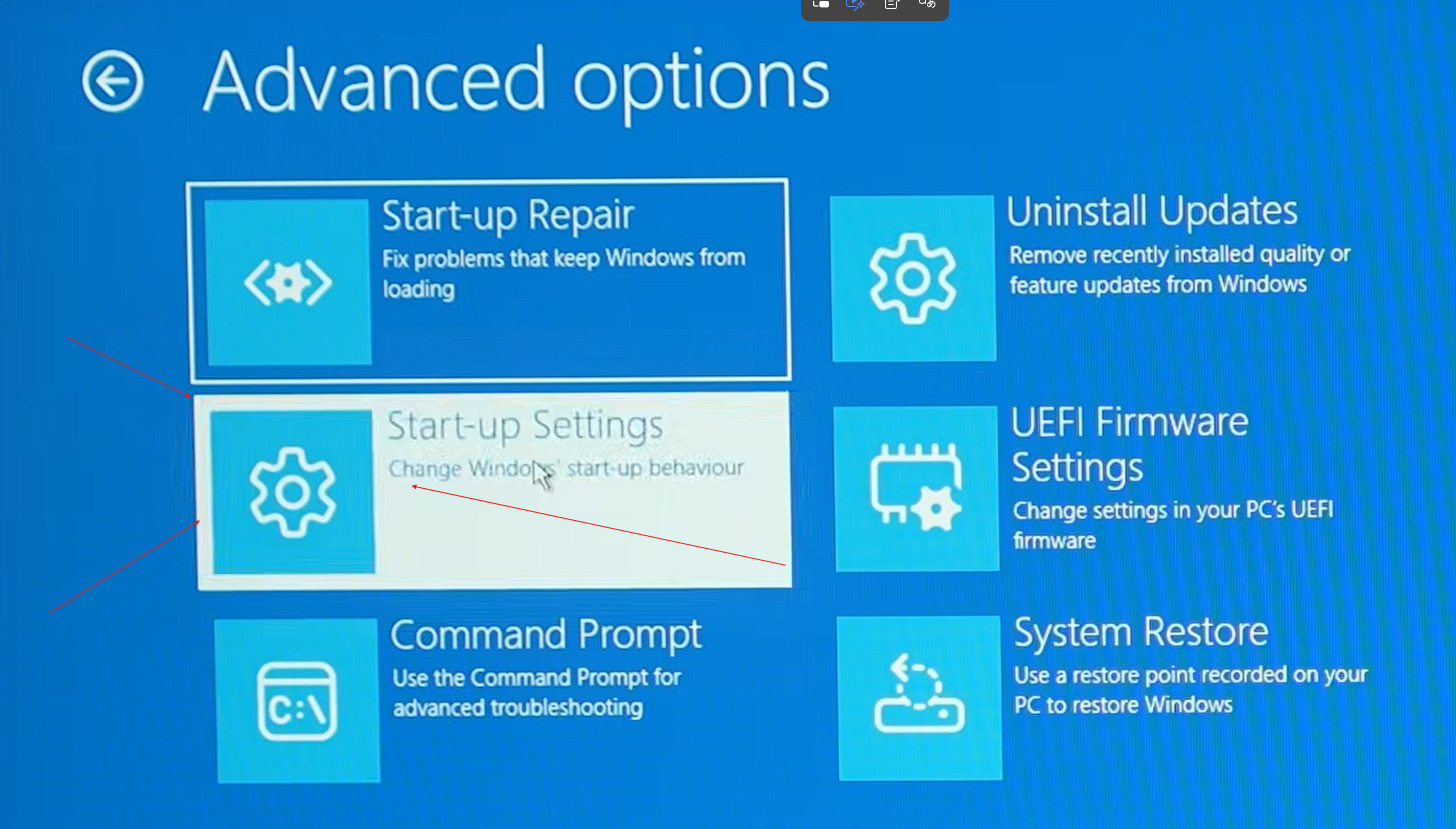
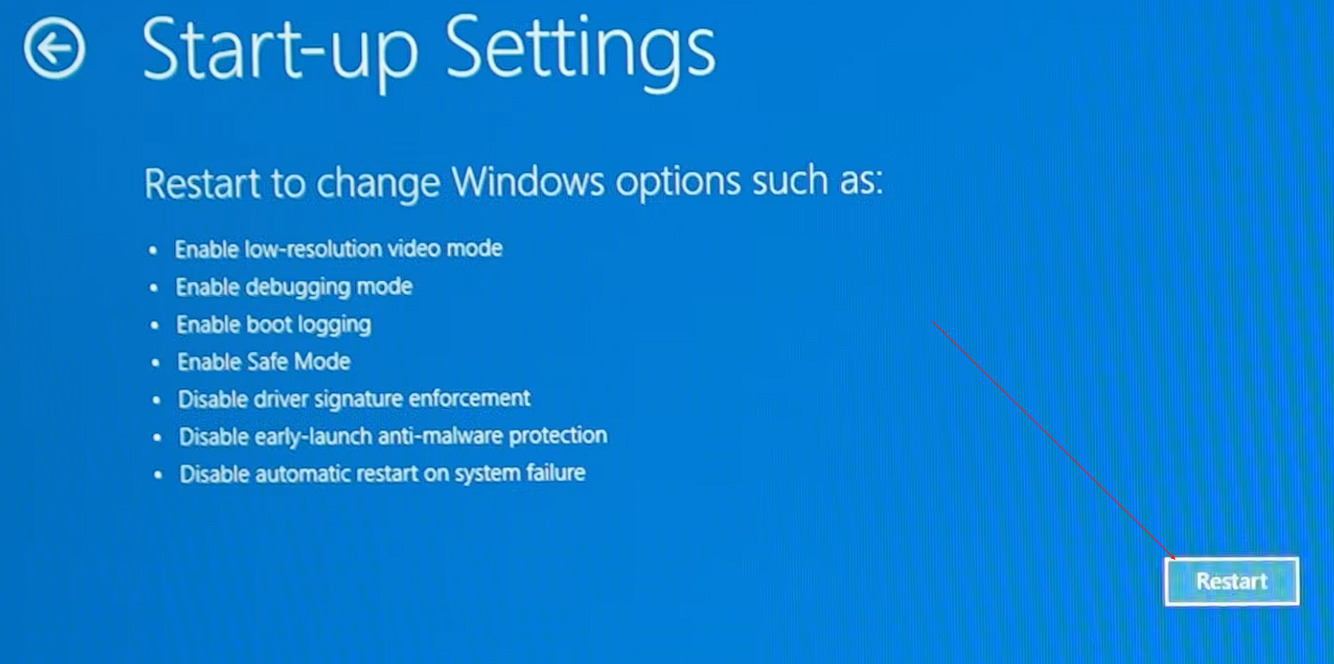
Then, the first step is to enable Safe Mode in Windows. To do this, hold Shift while restarting your computer. When this screen appears, click on “Troubleshoot,” then “Advanced options,” then “Startup Settings,” and restart your computer.


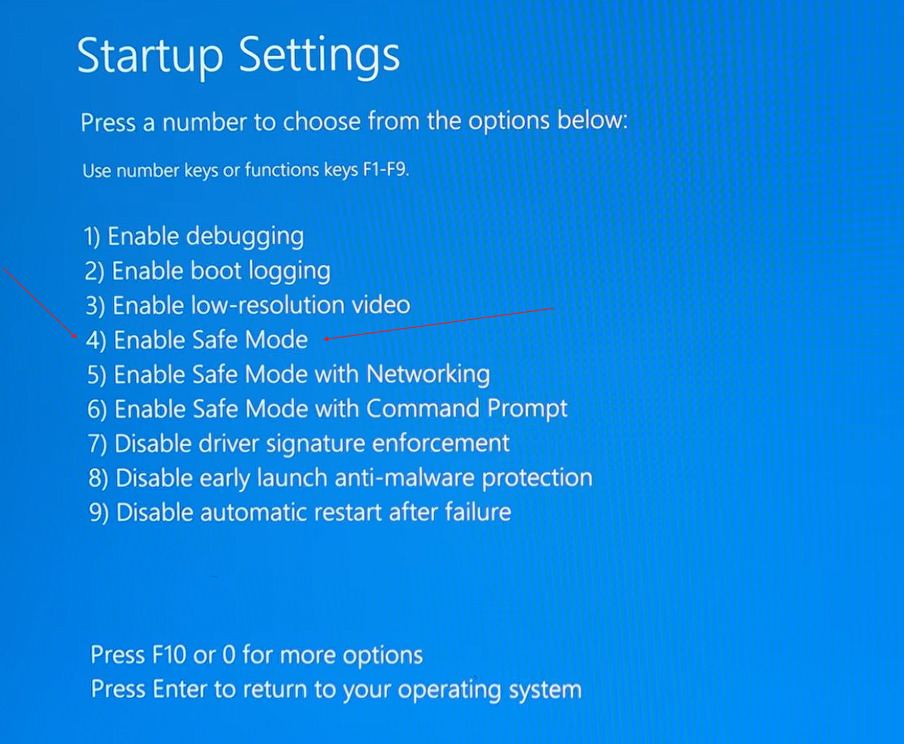
Once the startup menu appears, press 4 or F4 to enter Safe Mode.
ok once you are in safe mode you should see something like this
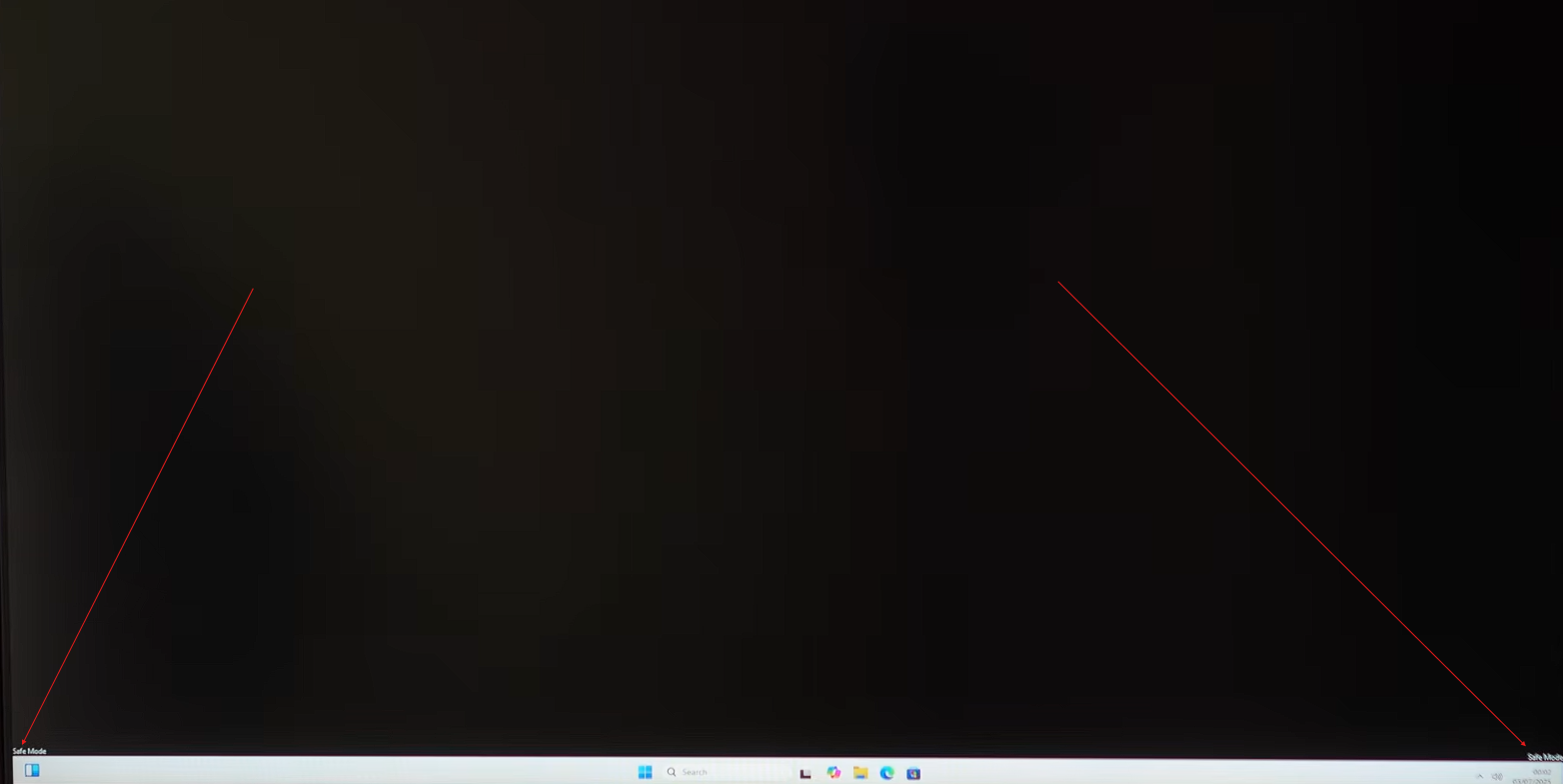
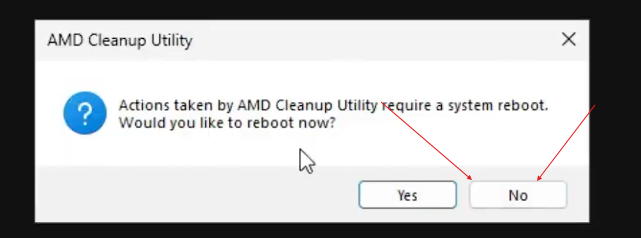
When you are in Safe Mode, you should see a basic desktop. First, run the AMD Cleanup Utility. When it asks to restart, click “No,” since we will restart later.
Next, open DDU. Set the device type to “GPU,” then select AMD. After that, click “Clean and restart.”
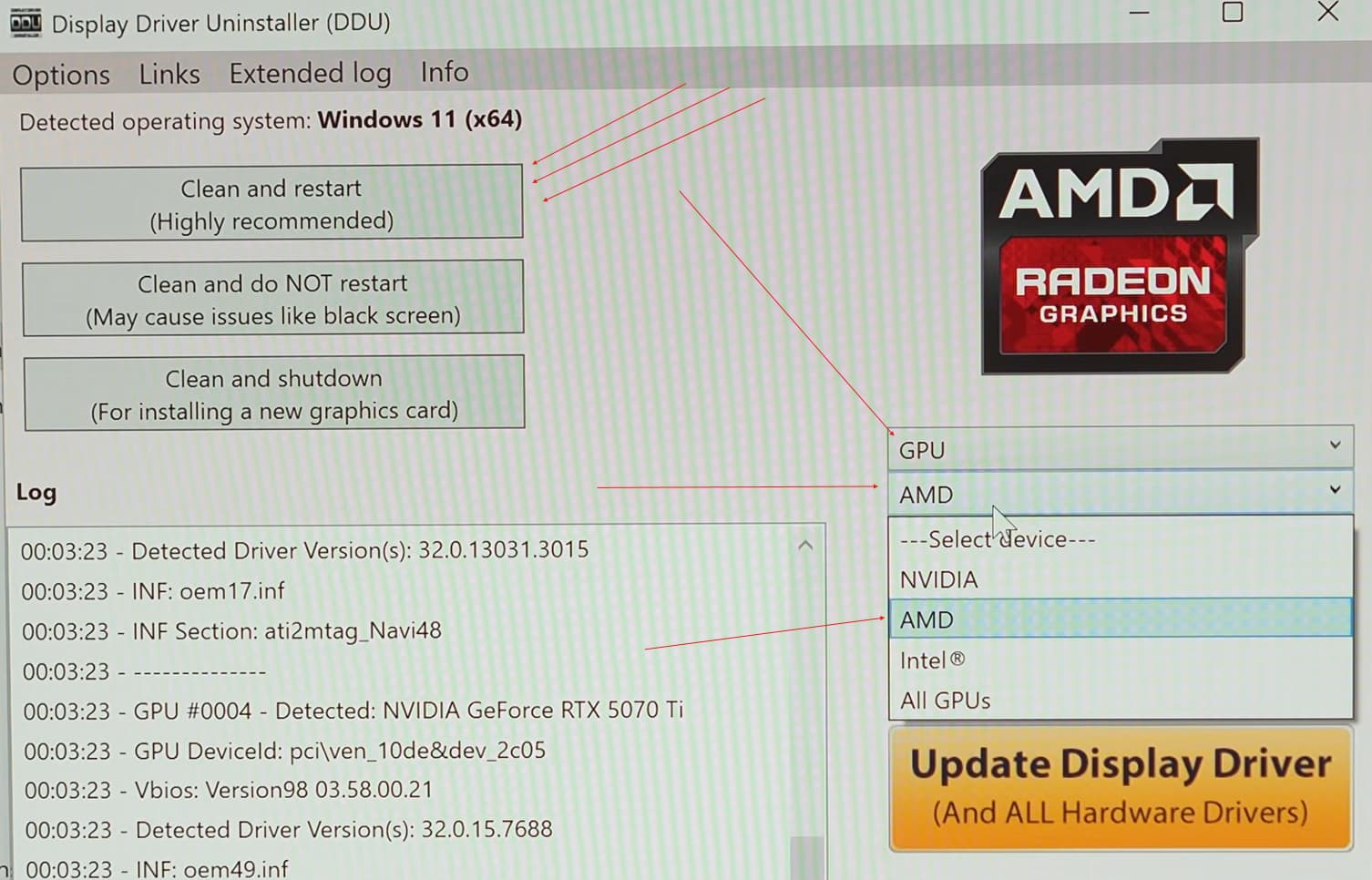
Once your system restarts, proceed to install the drivers. I recommend selecting the “Factory Reset” option during installation.
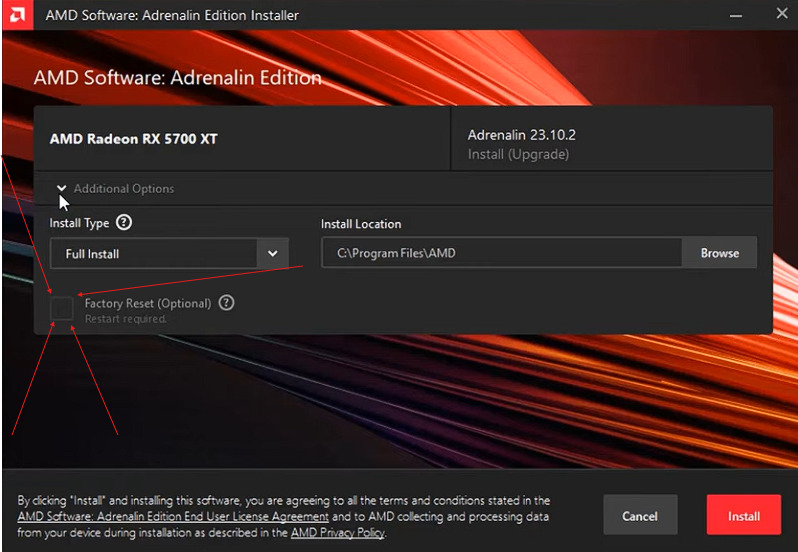
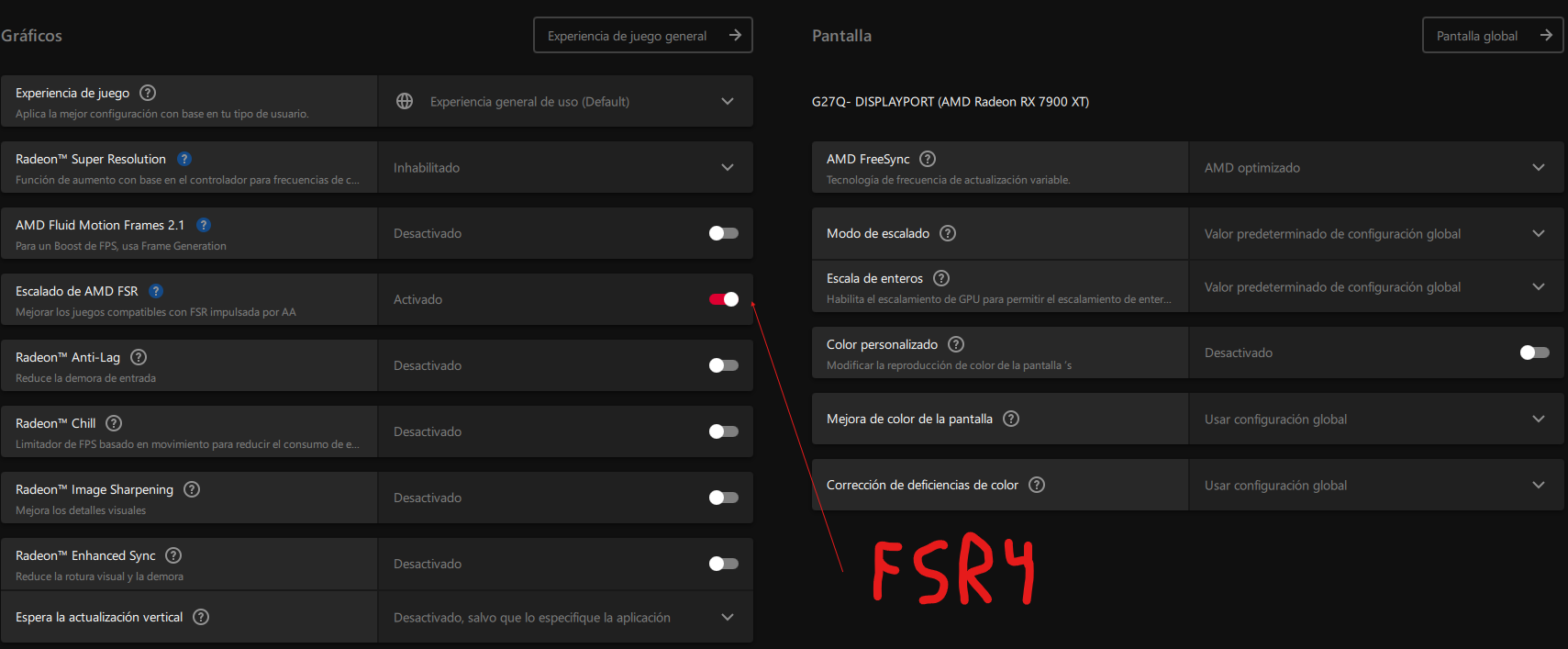
After that, everything should work properly. Remember to enable FSR 4 in the driver settings so it upgrades from FSR 3.1. to FSR 4

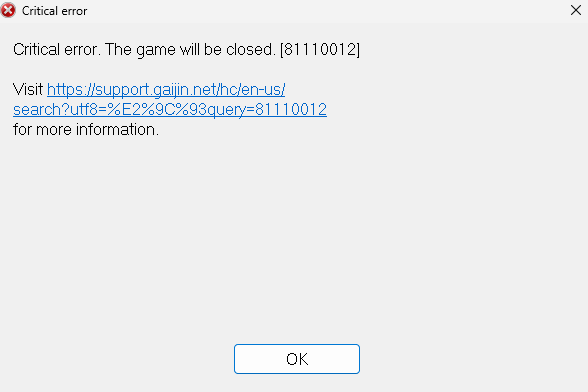
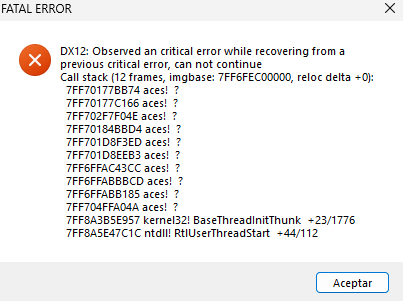
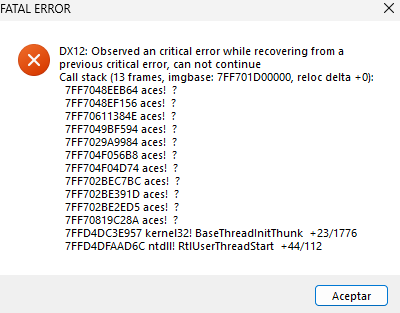
Btw i made this guide because I updated my drivers from version 26.6.1 to 26.6.2 using AMD Software. After restarting my computer and enabling FSR 4 in-game, the game crashed instantly, and I could not launch it afterward. If anyone encounters this issue, I hope this guide helps.
I also recommend not using SSAA or Virtual Super Resolution, as they can cause flickering and the performance loss is not worth it.
update*
So, a little update: since they added Nuclear Thunder, there were some crashes. The solution that worked for me was to enable full screen instead of borderless and reduce the ground quality to minimum. I’d love to do more testing, but the mode is currently out of the game, so once it comes back, I’ll test it more.
22/07/2026
UPDATE!!! so they enabled nuclear thunder again and my game crashed again after 3 matches for some reason this mode is cursed and i can’t play it, literally every other game mode runs fine. :(
Update!!! 24/07/2026
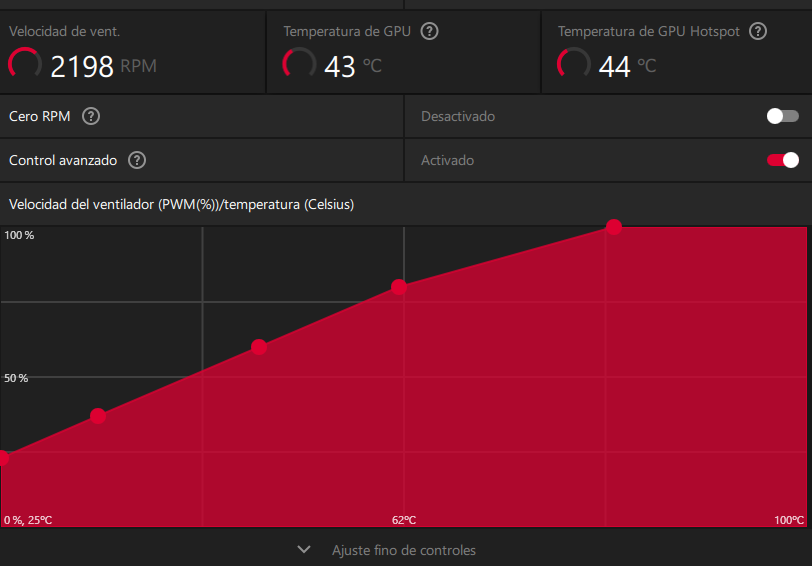
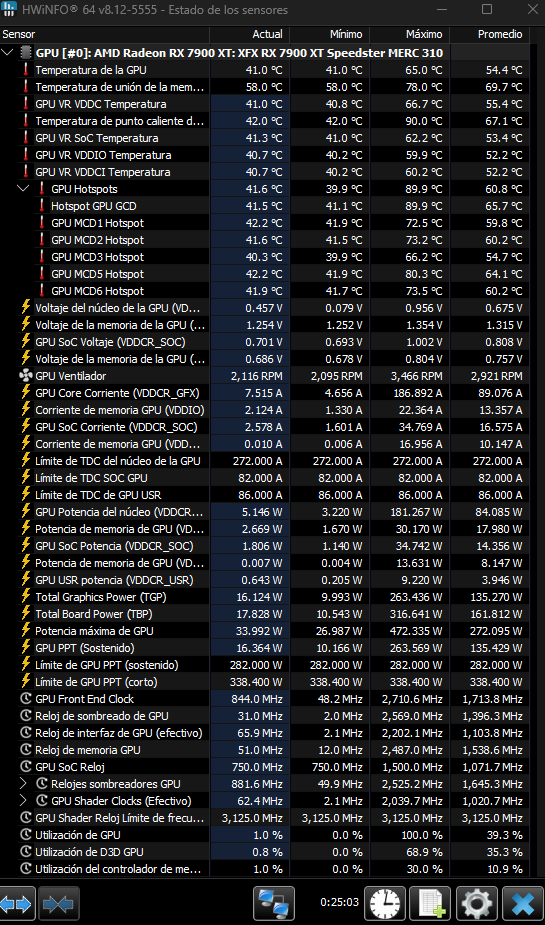
So, after doing more testing, I tried to see if the problem that caused the crashes was a memory leak issue using HWiNFO, and I found something interesting: my GPU hotspot was hitting 99 degrees Celsius. So, after doing some tuning in the Adrenalin app, I’ve come up with this fan curve for the GPU
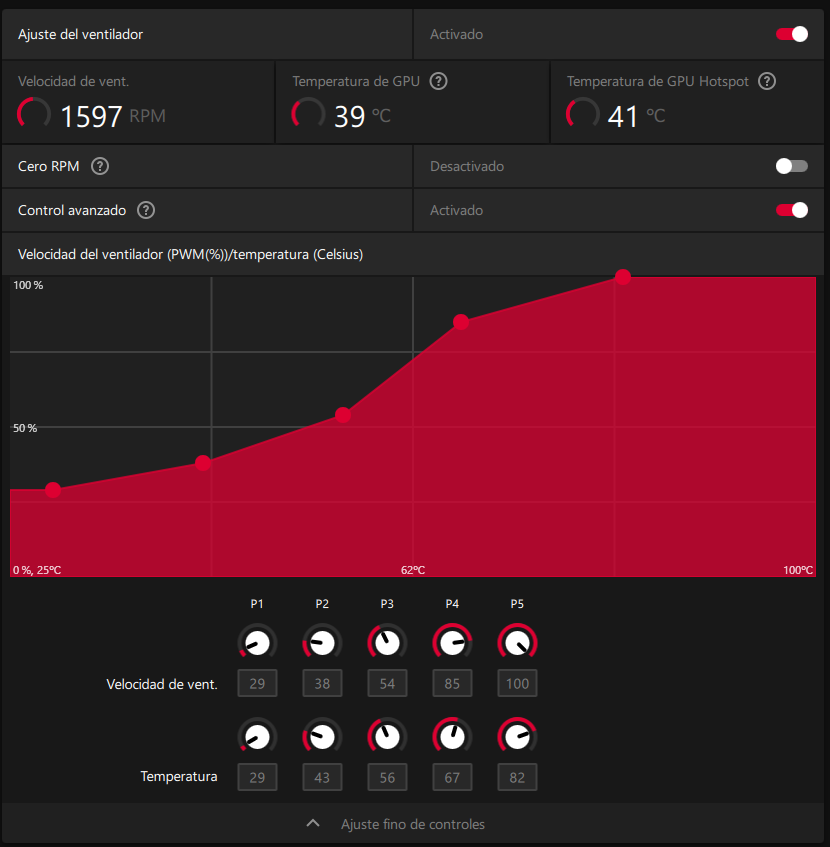
It turns out that the standard fan curve doesn’t work in the summer in my country (Spain). After testing this fan curve, I almost instantly lost all the stuttering and managed to get a 90-degree Celsius hotspot, which is much more normal.
Results of the fan curve after 1 match of nuclear thunder=
Update!!! 10/09/2026
So, on August 28, Gaijin made an announcement about an issue affecting the Radeon 9070 and 9070 XT when using the latest drivers with DX12. They recommend rolling back to an earlier driver or using DX11 instead. If you want to roll back your drivers but don’t know where to download older versions, here is a video showing where to find them:
Personally, I’ve stayed with version 26.6.4 because it has been the most stable driver for me while still allowing me to use FSR 4. If it works for you, I suggest not downloading any newer drivers until you need one for a new game or feature. With AMD if it isn’t broken, don’t fix it.
.
.
Drivers = Drivers and Support for Processors and Graphics
Cleanup Utility= AMD Cleanup Utility
DDU= Display Driver Uninstaller (DDU) download version 18.1.5.4
HWINFO= Free Download HWiNFO Sofware | Installer & Portable for Windows, DOS